


TABLE OF CONTENTS
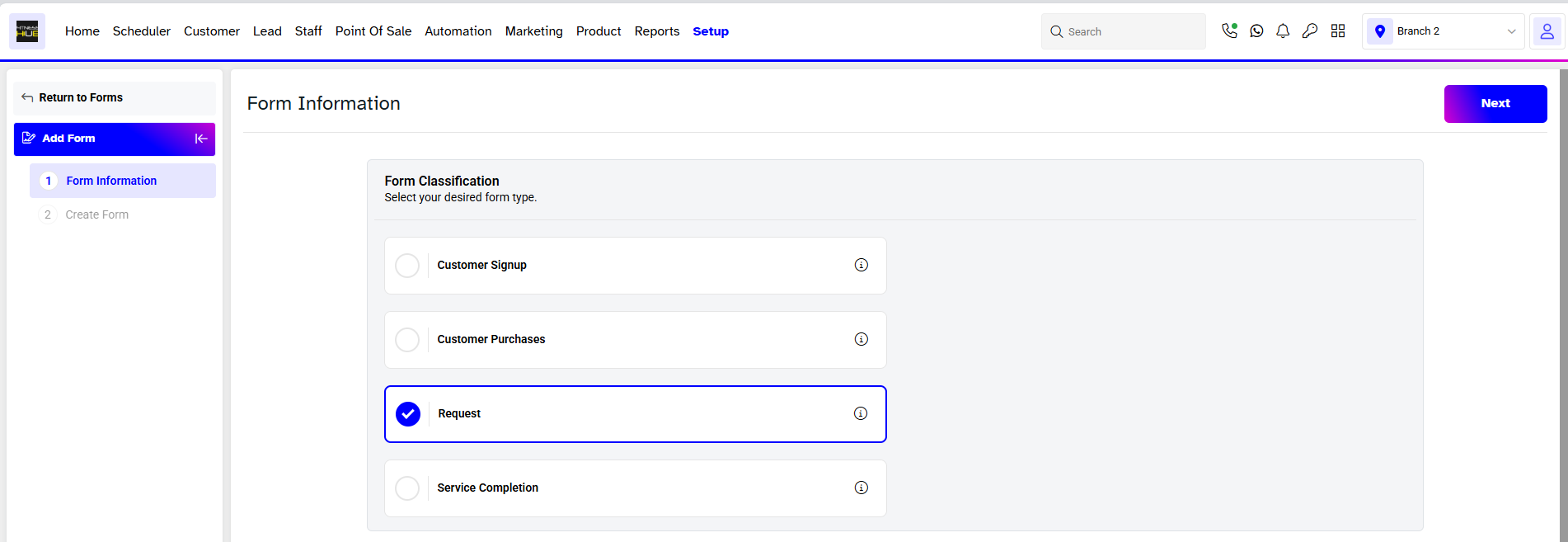
To add a Request Form in Core, follow the below steps.
How To Add A Require Upon Request Form To A Member In Core
Require Upon Request Form can only be added Manually to a Member in Core.
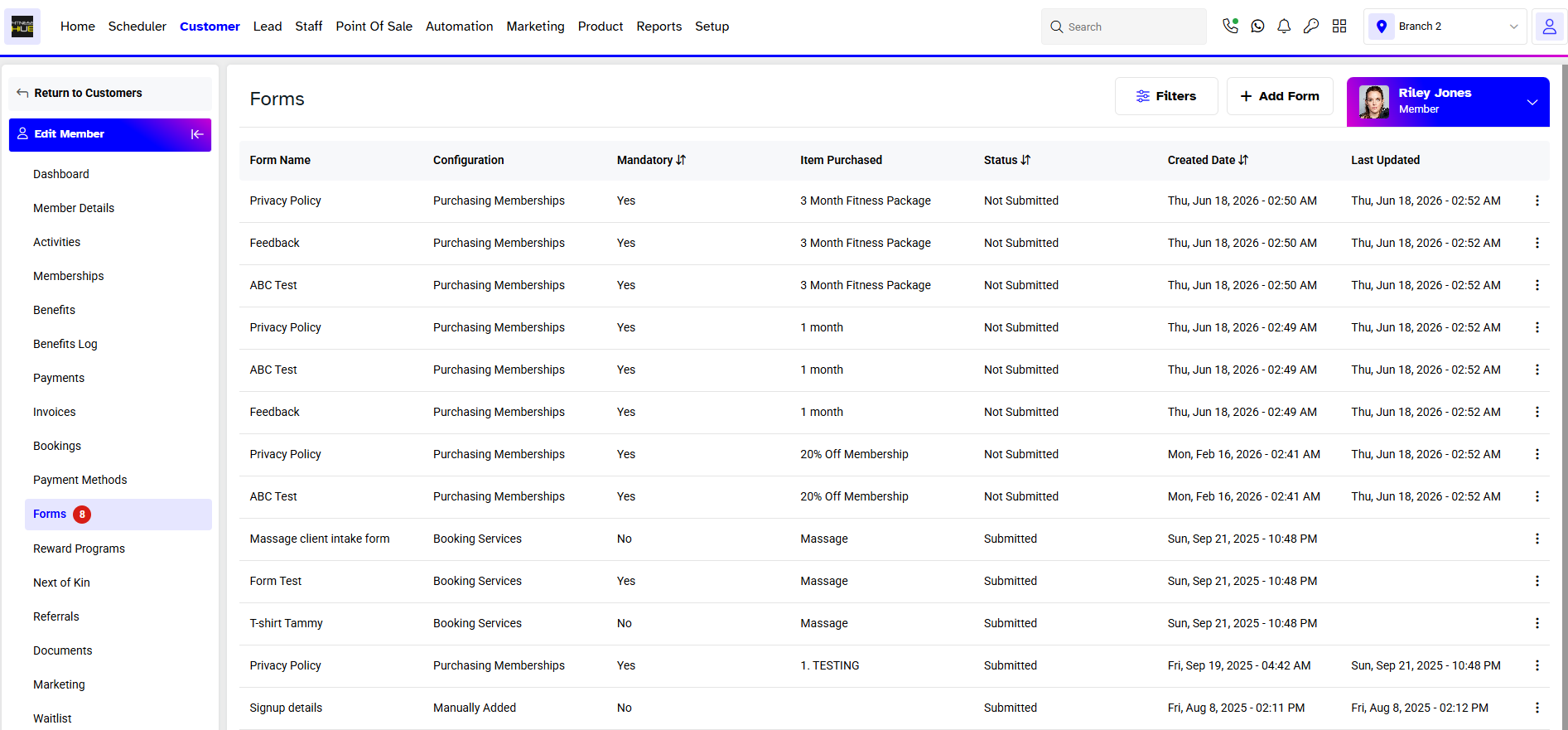
Go to the Customer Module and click on a Member.
In the Member Details Screen, navigate to the Forms Tab.
Now, click on Add Form Button.
In Add Form Box, select the Request Form. Once done, click on the Save Button.
The Form will be added to the Member.




