TABLE OF CONTENTS
To book an Event from the Customer App, follow the below steps.
How to Book an Event From the Customer App
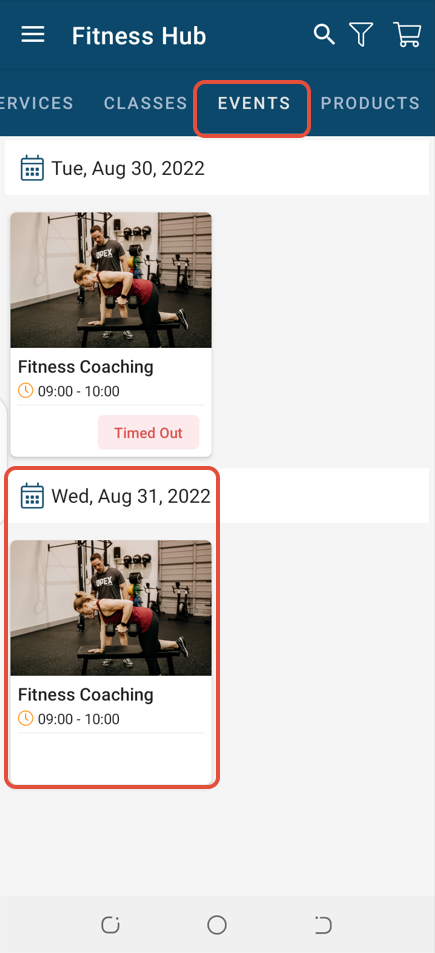
Go to the Events Tab and click on an Event.
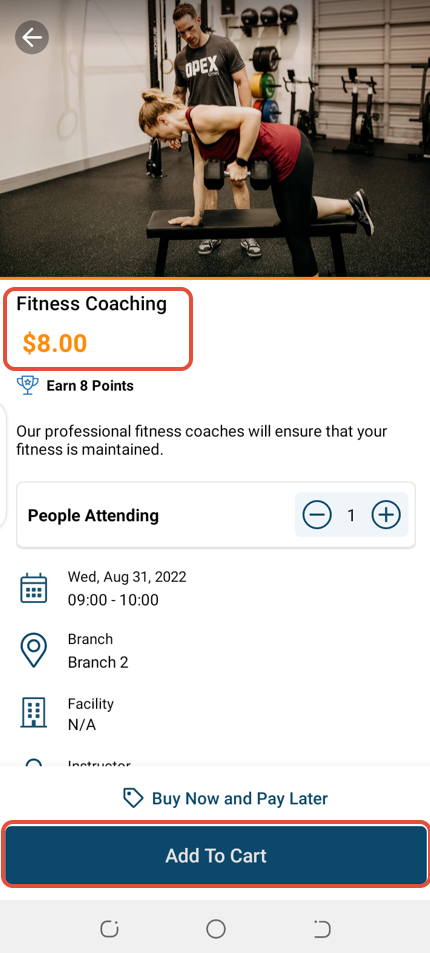
In the Event Details Screen, click on Add To Cart Button.
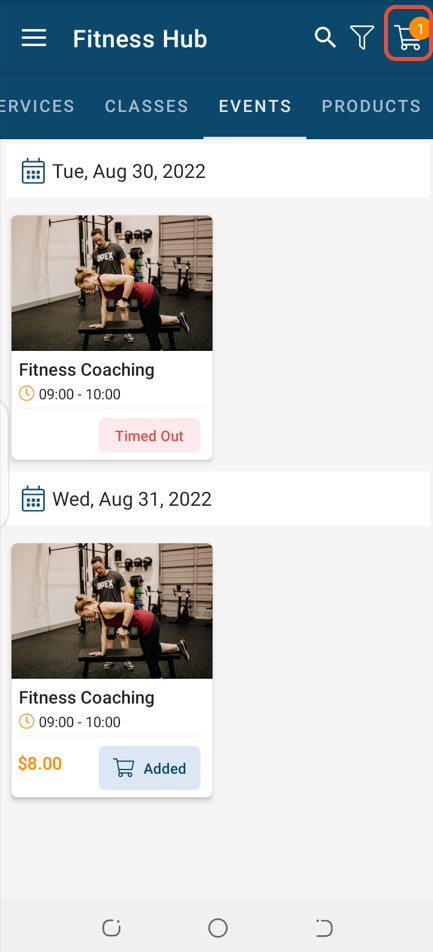
Access Checkout by clicking on the Cart Icon.
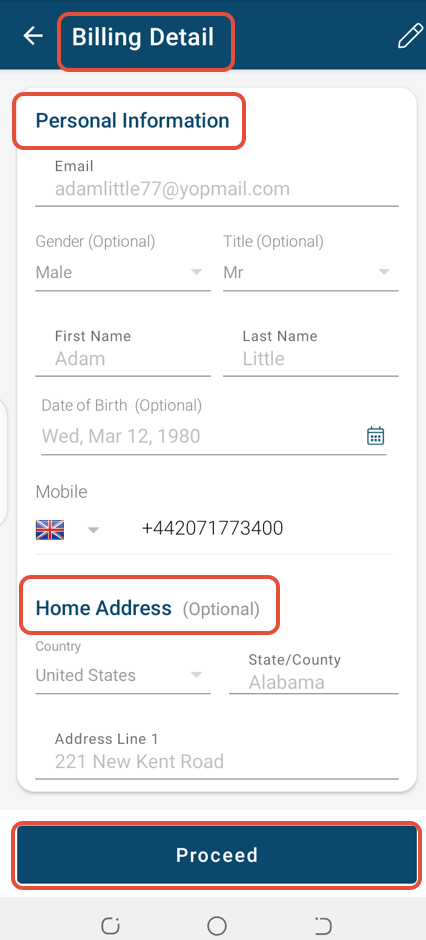
In Billing Detail Screen, check Personal Information. Click on the Proceed Button to move to the next screen.
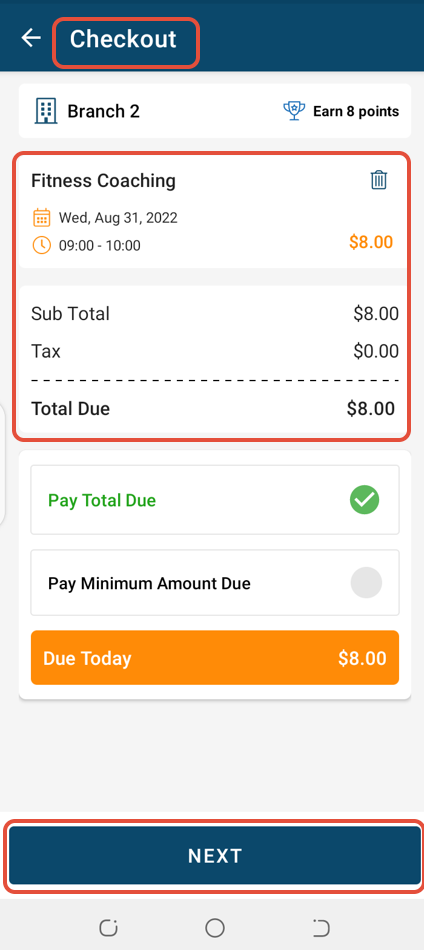
Once in Checkout, confirm the Event details and click on the Next Button.
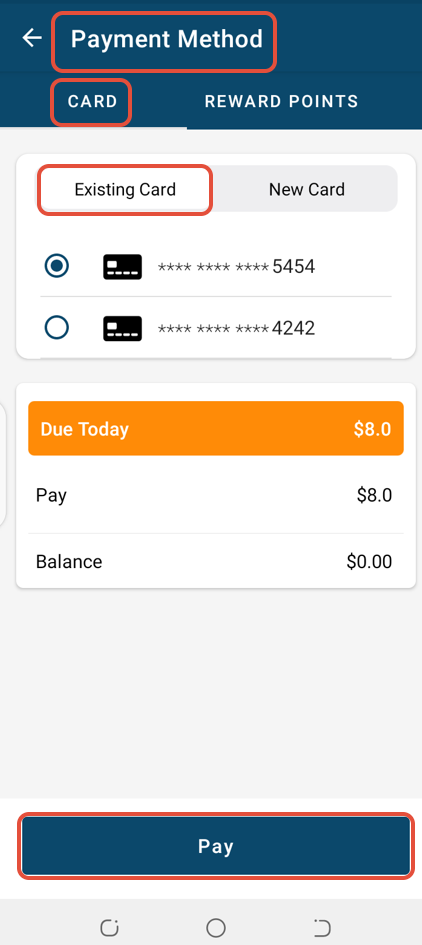
Whilst in the Payment Method Screen, select a Payment Method and click on Pay.
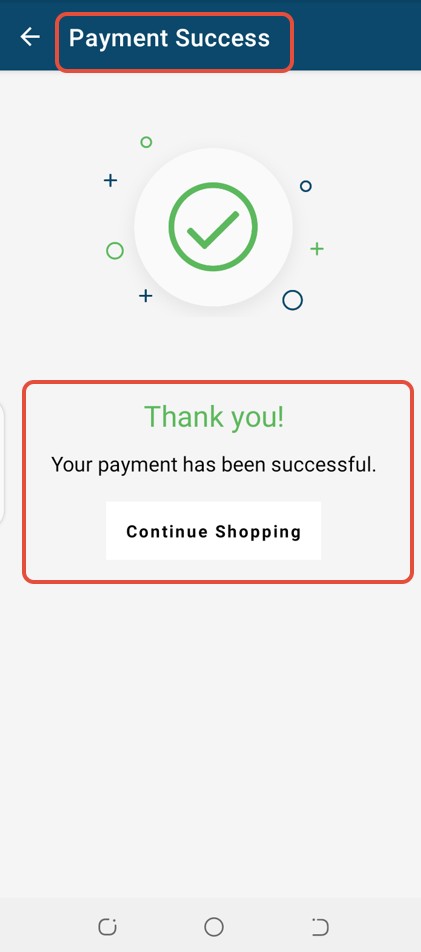
The Event will be booked successfully.