TABLE OF CONTENTS
To book an Event for Family and Friends, follow the below steps.
How To Book An Event For Family And Friends From The Widget
Go to the Event Tab.
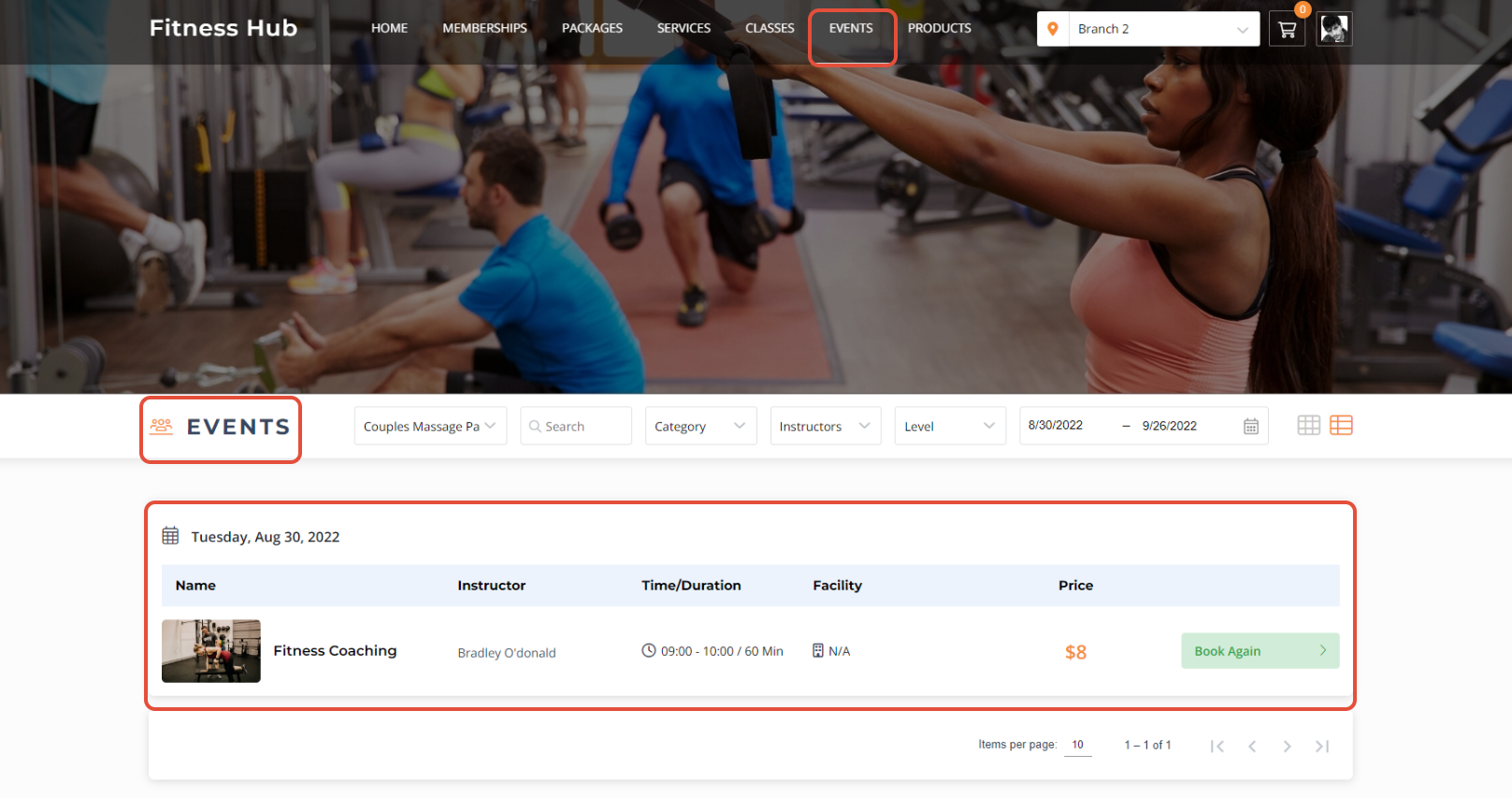
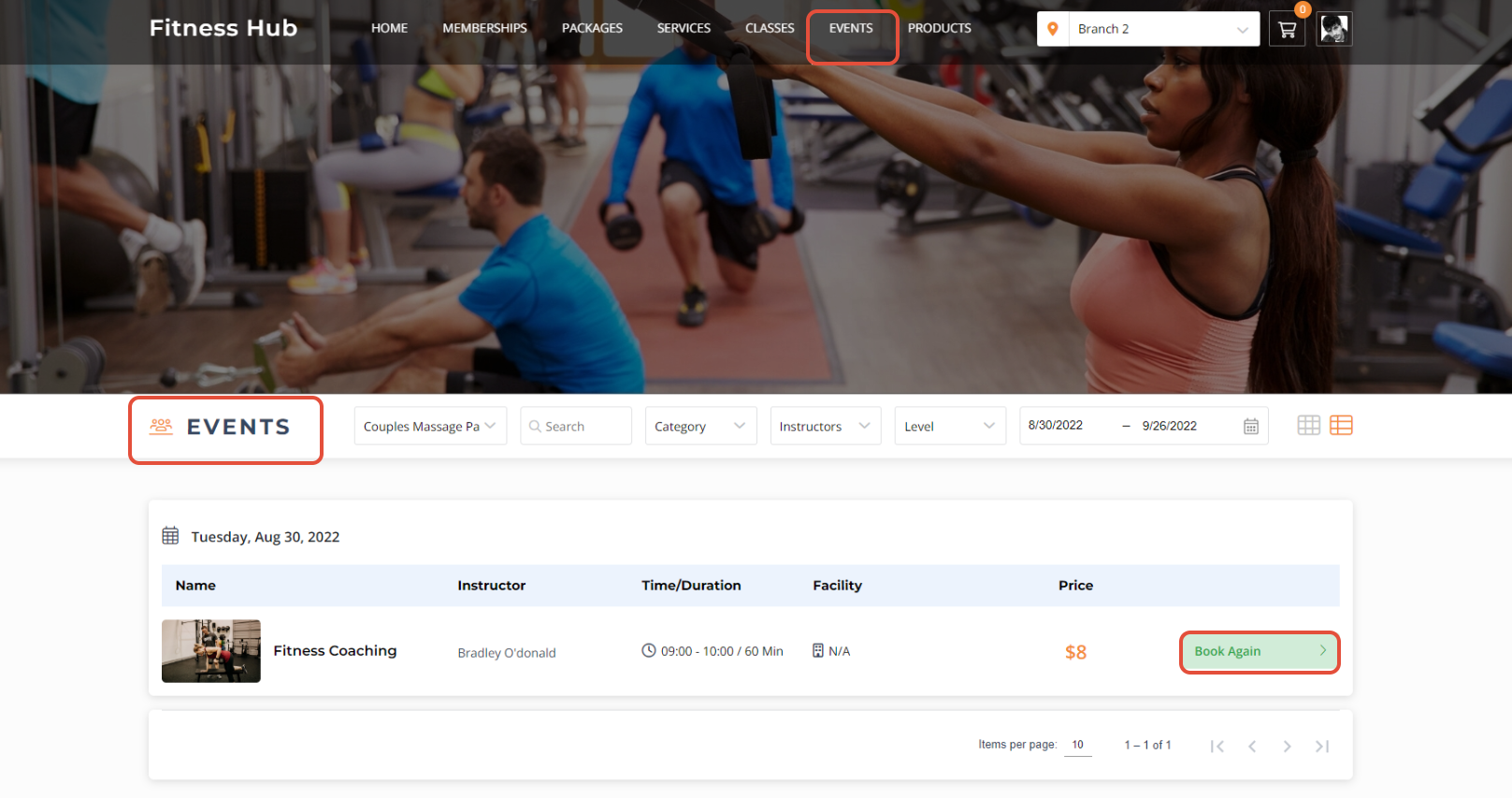
Click on the Book Again Button.
Increase the value for People Attending.
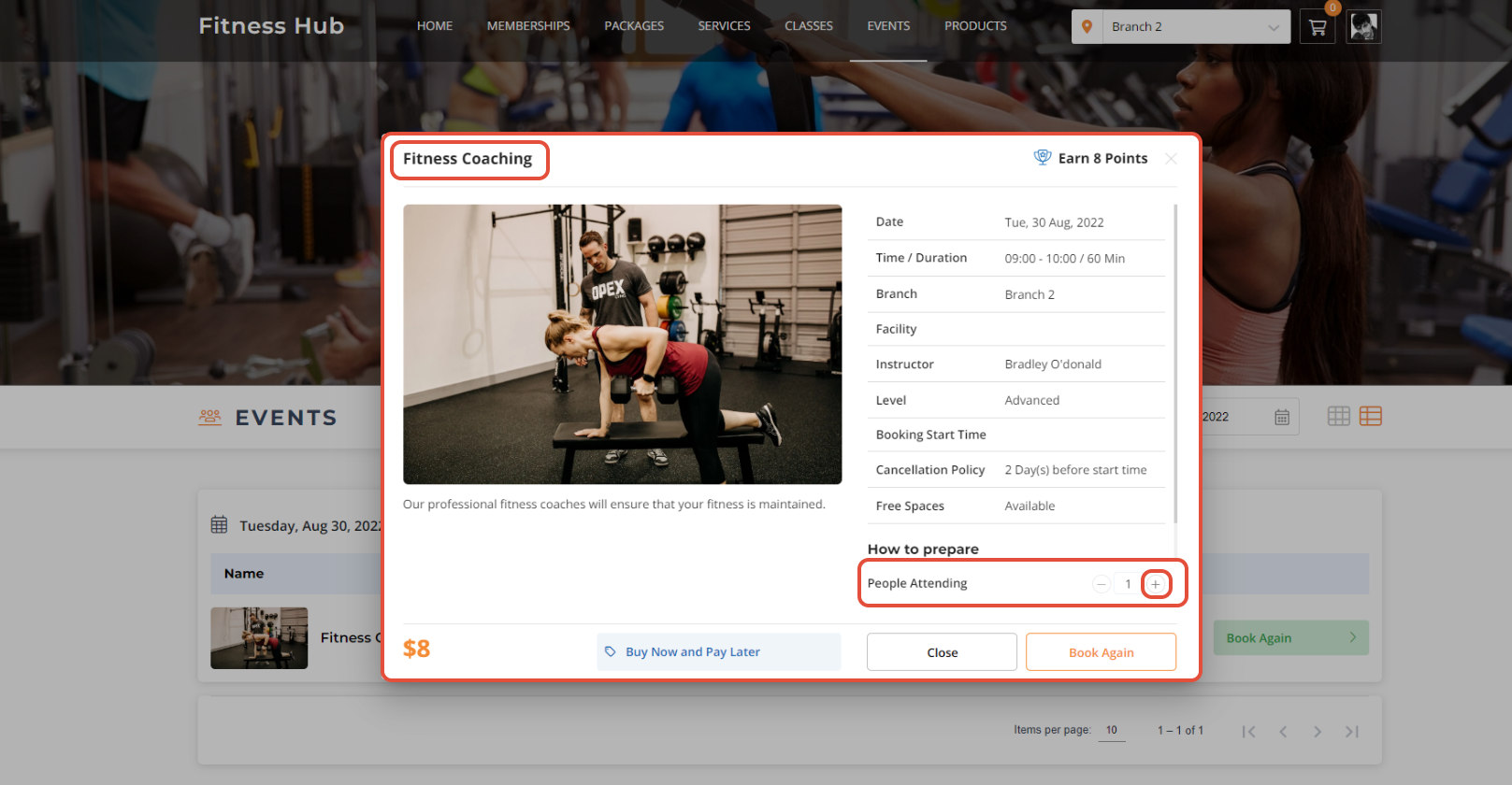
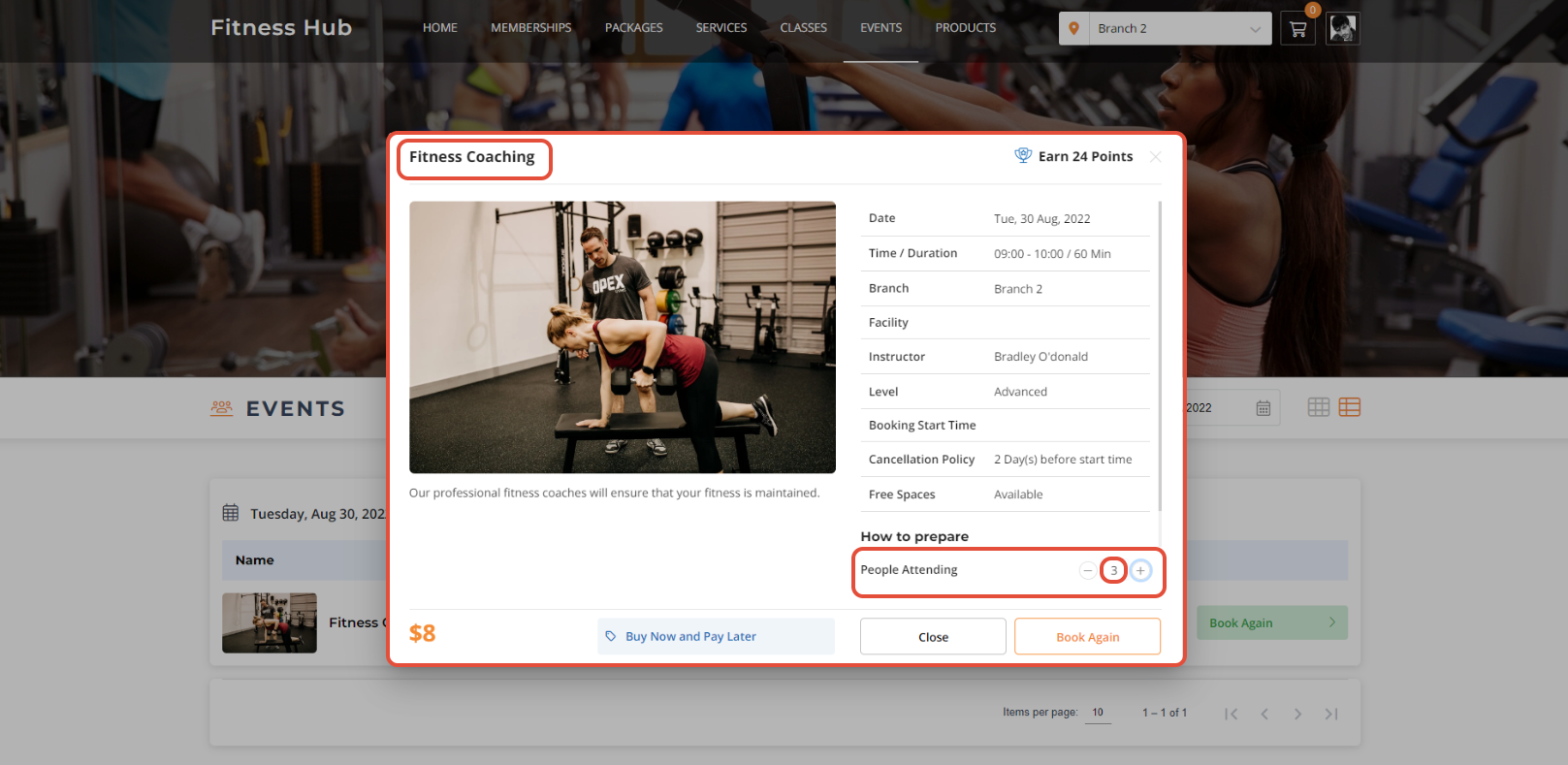
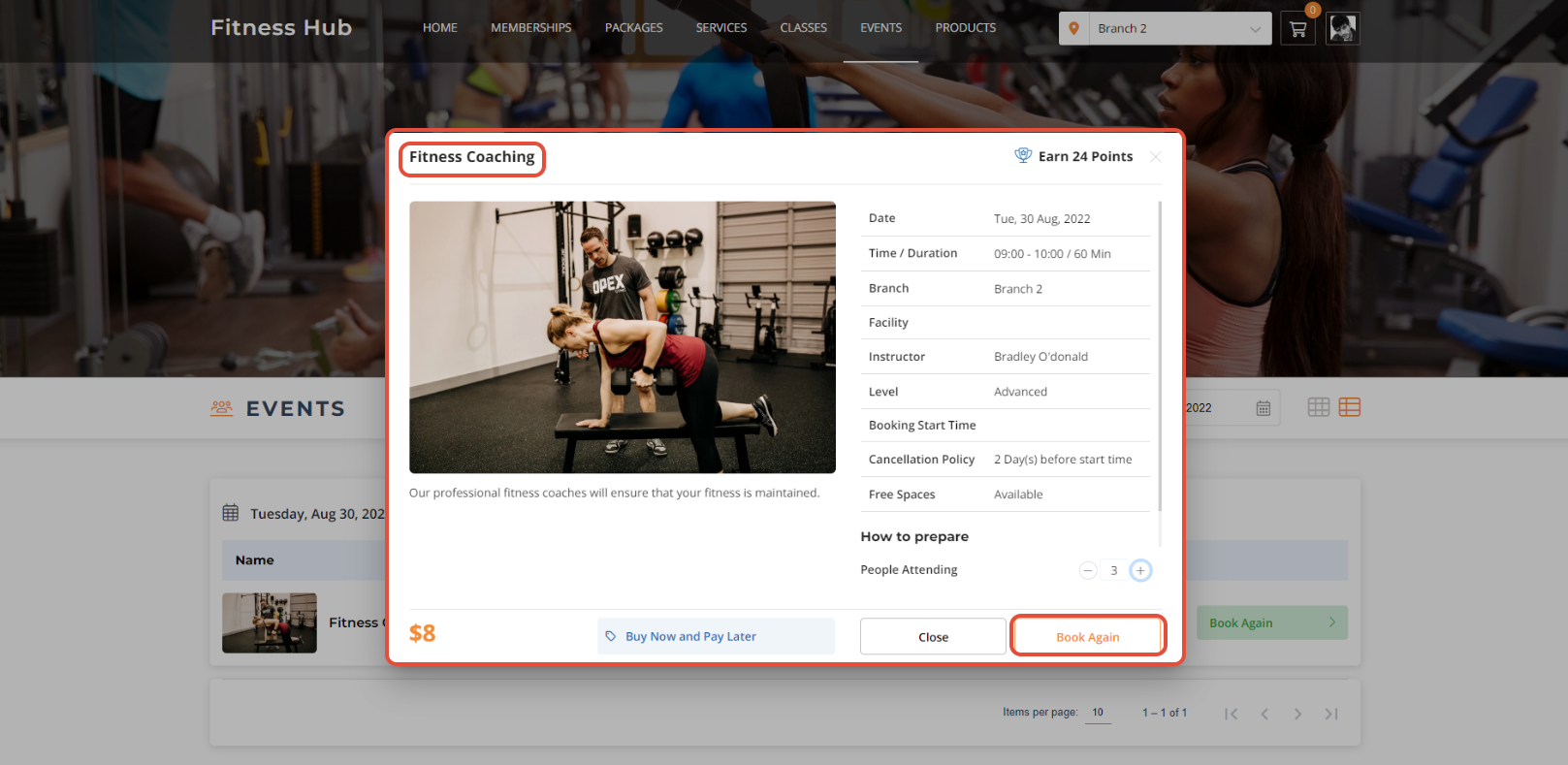
Once done, click on the Book Again Button.
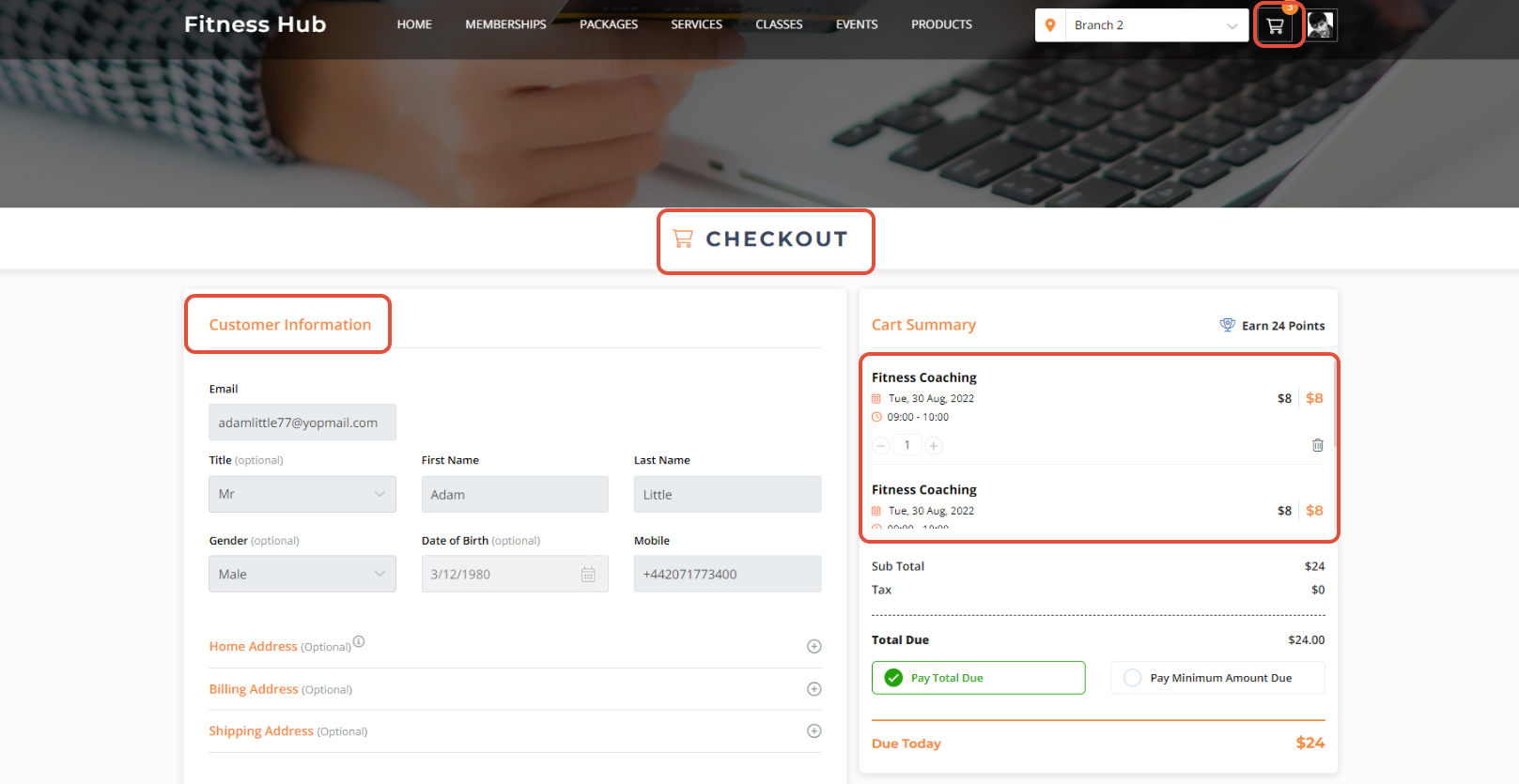
Go to Checkout and check the Customer Information.
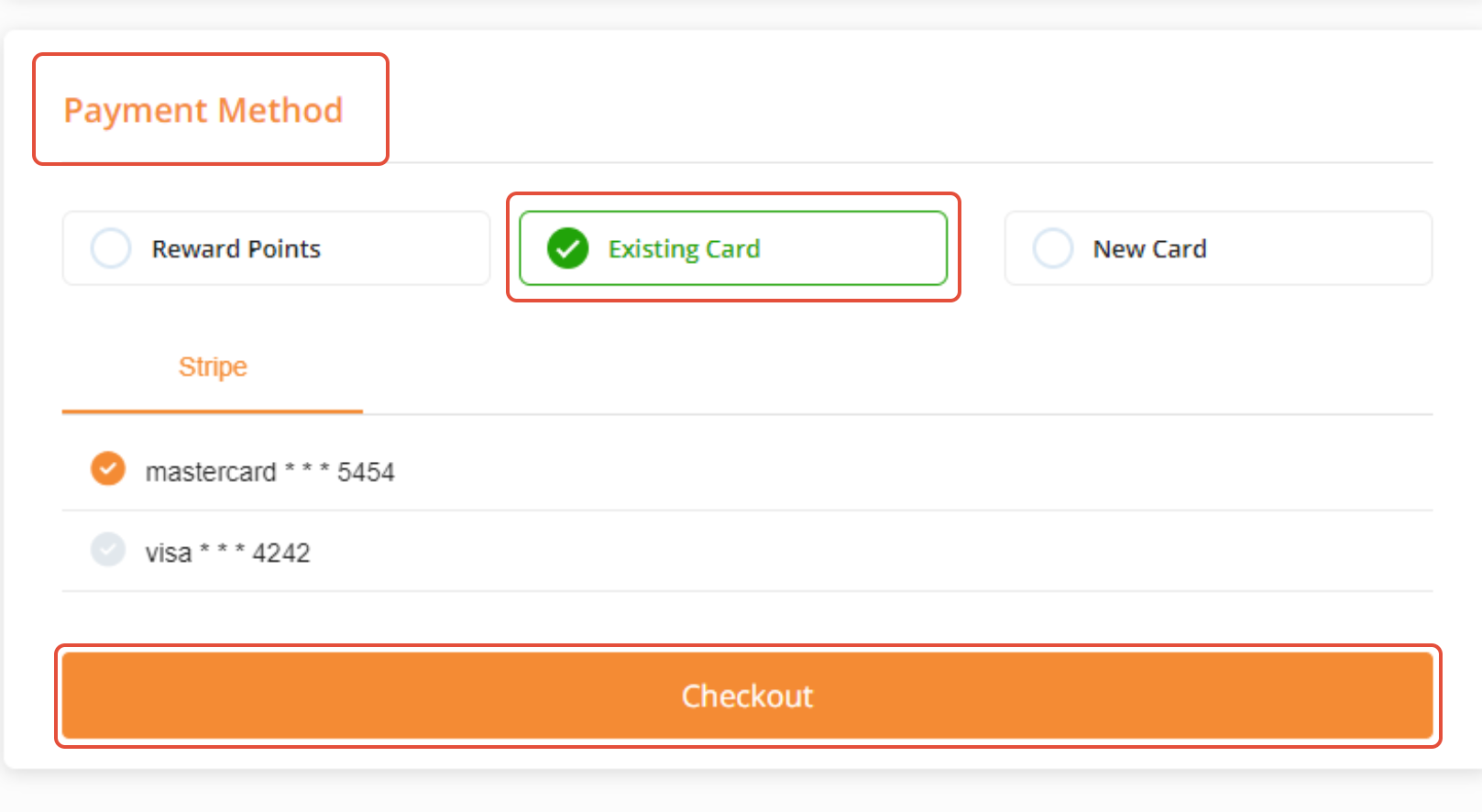
Select a Payment Method and then click on Checkout Button to confirm the purchase.
The Event will be booked successfully.