TABLE OF CONTENTS
To Schedule an Event in Core, follow the below steps.
How To Schedule An Event In Core
An Event has the same functionalities as the Class and is represented like a Class in Core. However, it is shown as Event on the Widget and Customer App.
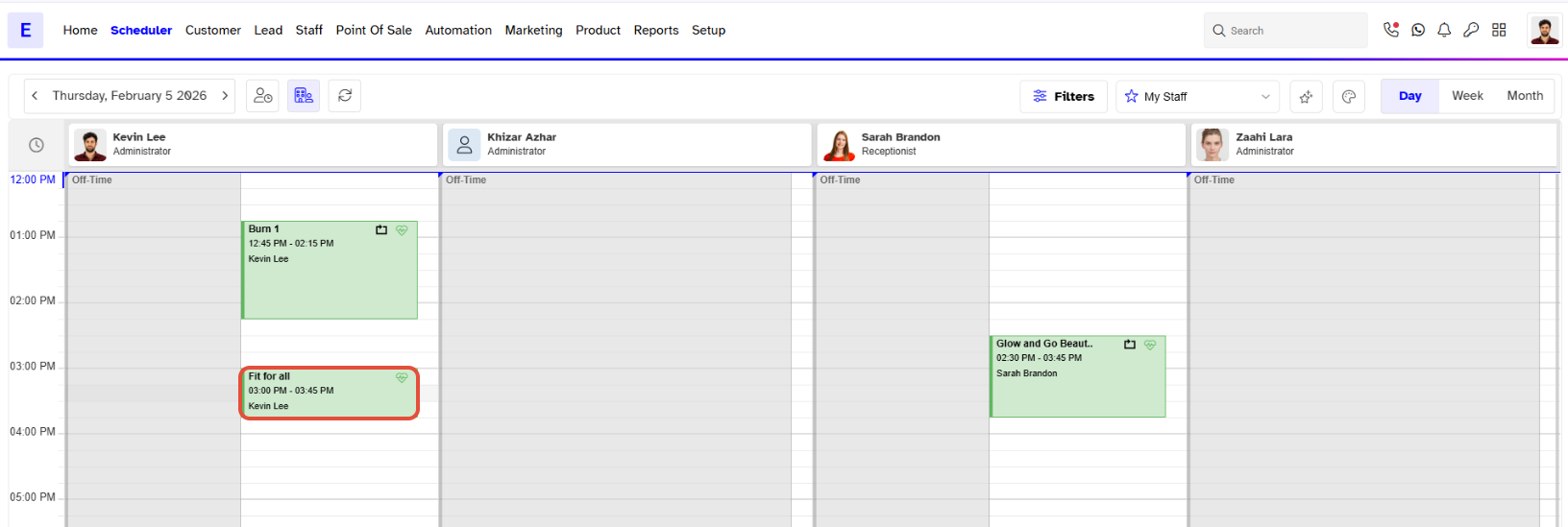
Go to Scheduler.
Click on a Time Slot against a Staff Member.
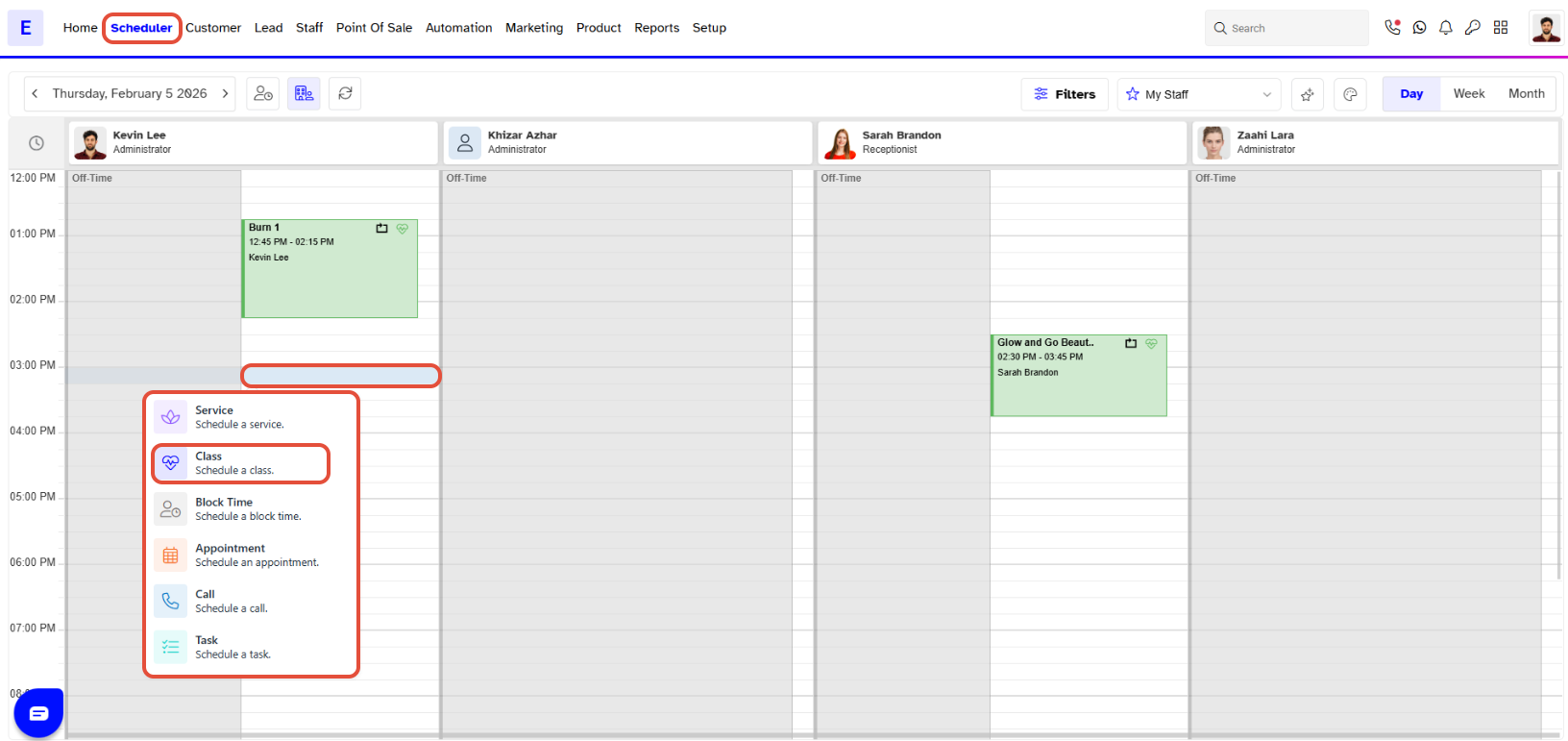
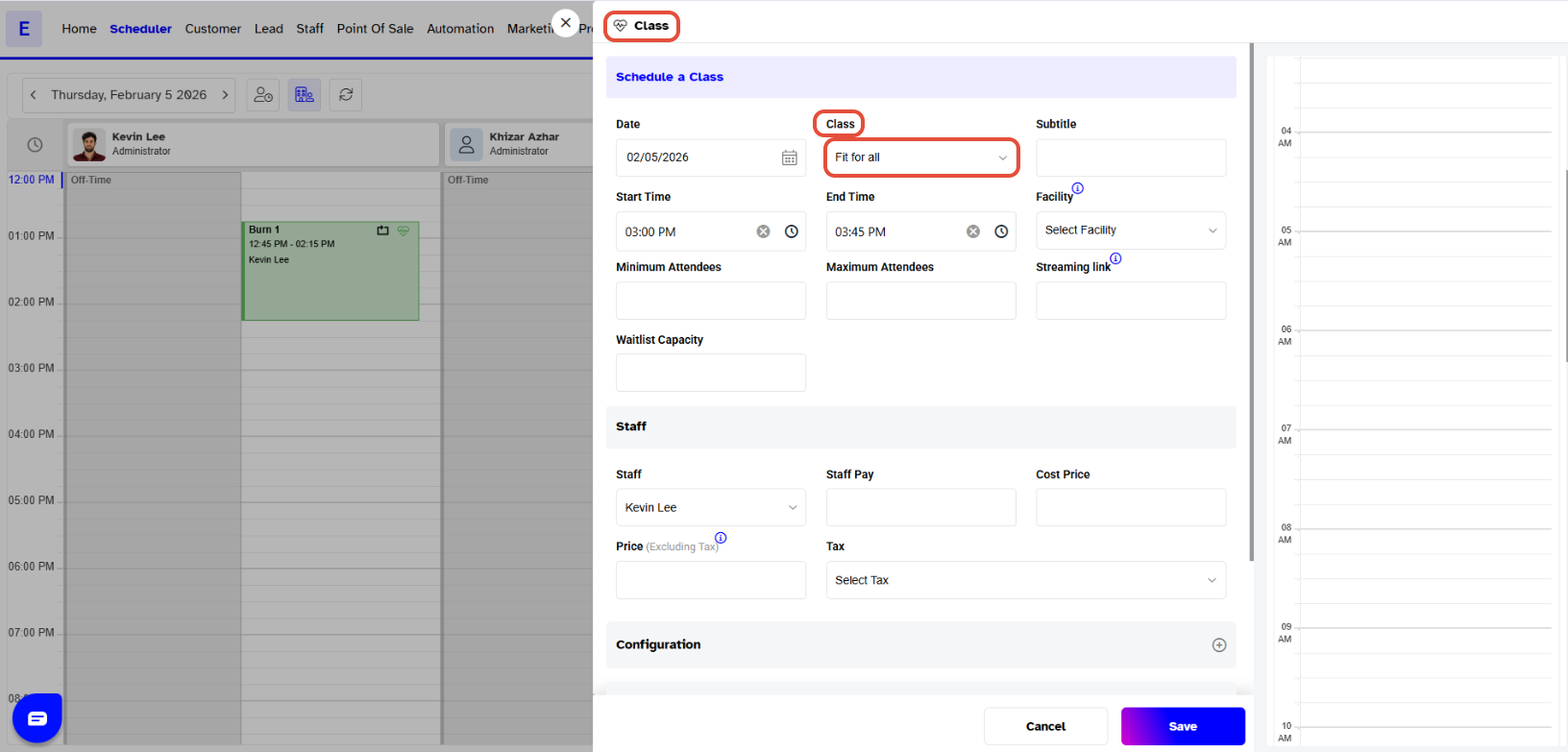
Select the Class that has been set to Show Online As Event from the Class dropdown.
Now fill in the relative details for the Event.
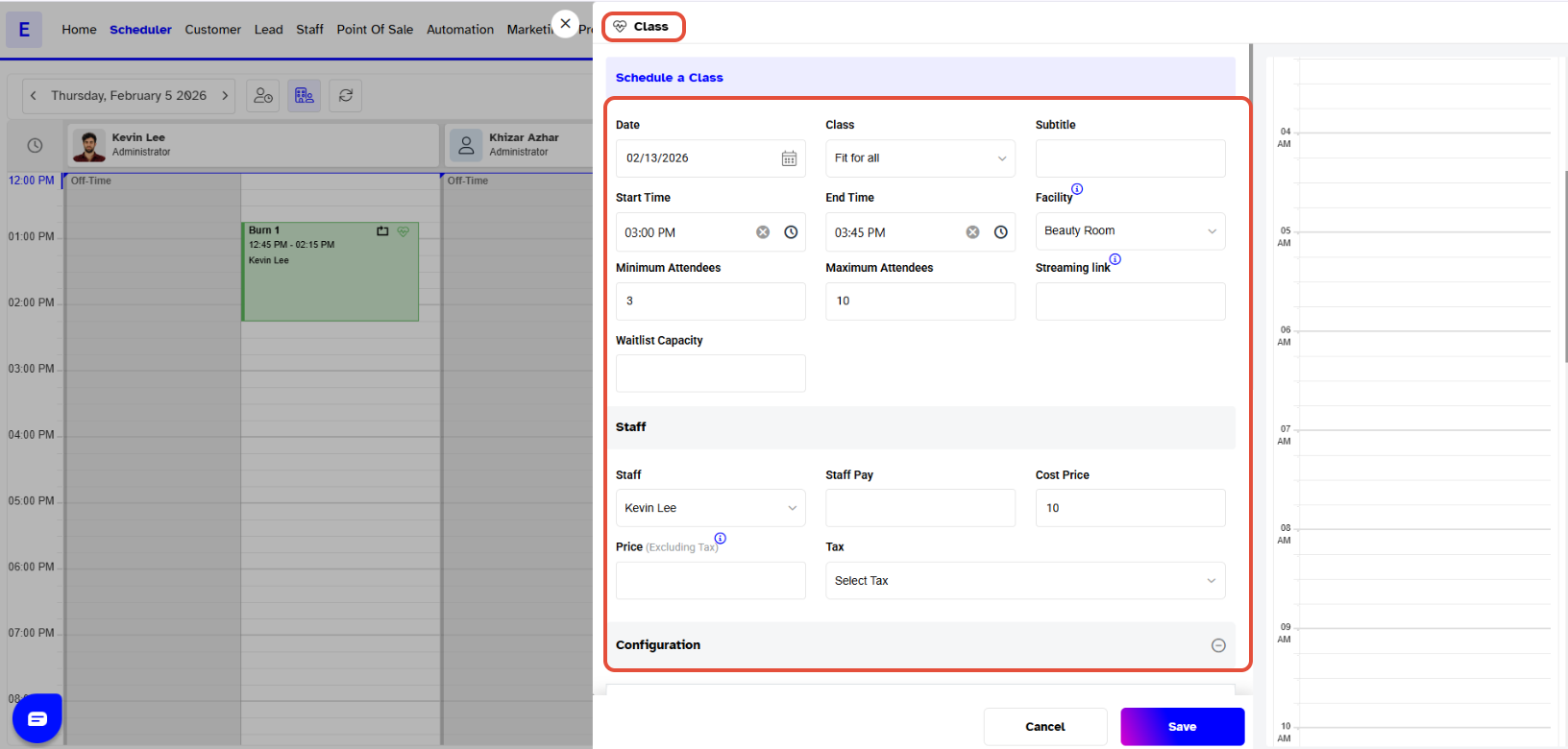
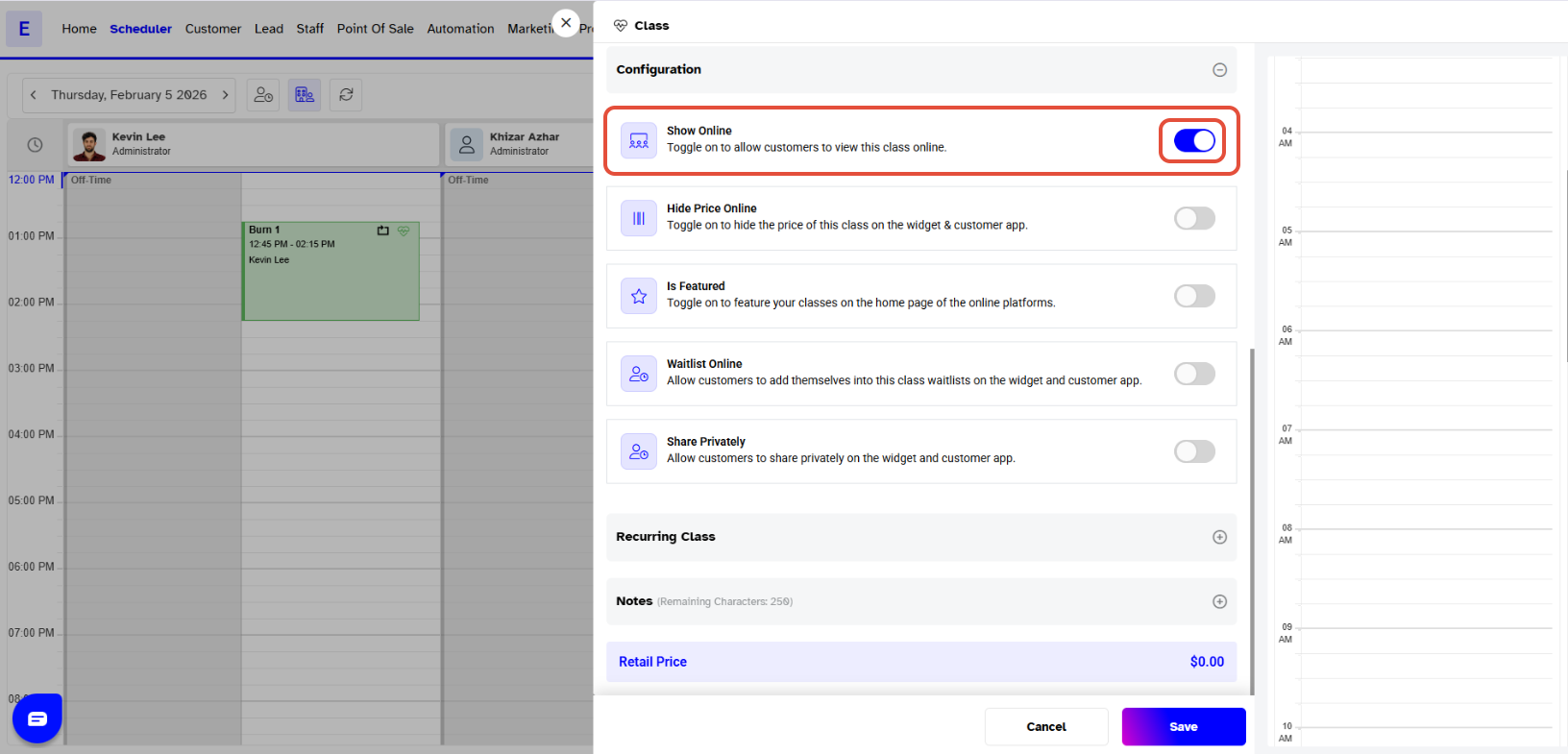
Once done with adding information, click on the Save Button.
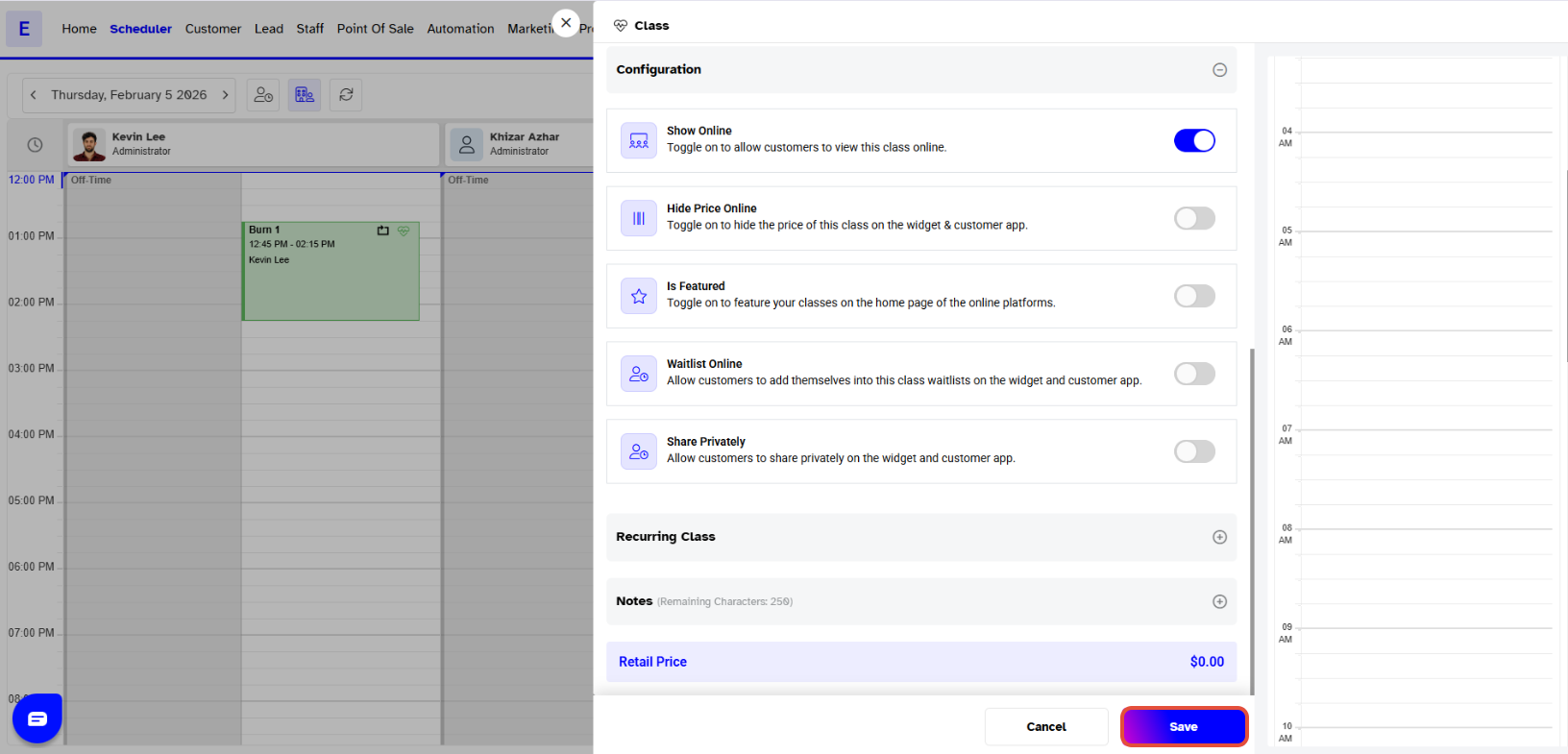
The Event will be scheduled successfully.