TABLE OF CONTENTS
Overview
This guide explains how to delete a Contact List in Core.Step 1: Navigate to Contact Lists
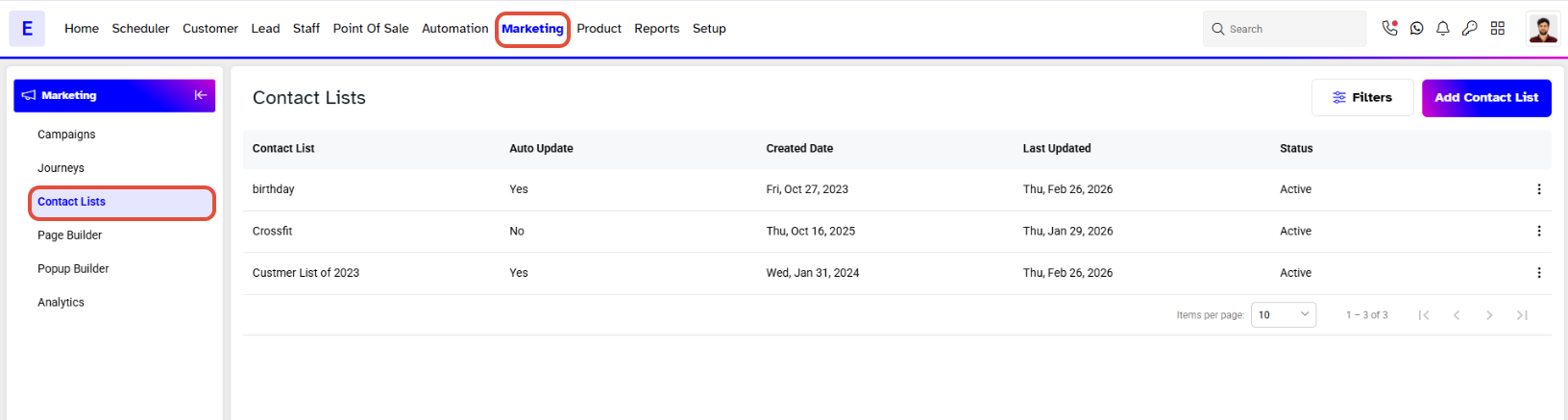
- Go to the Marketing Module.
- Click on the Contact List Button.
Step 2: Delete a Contact List
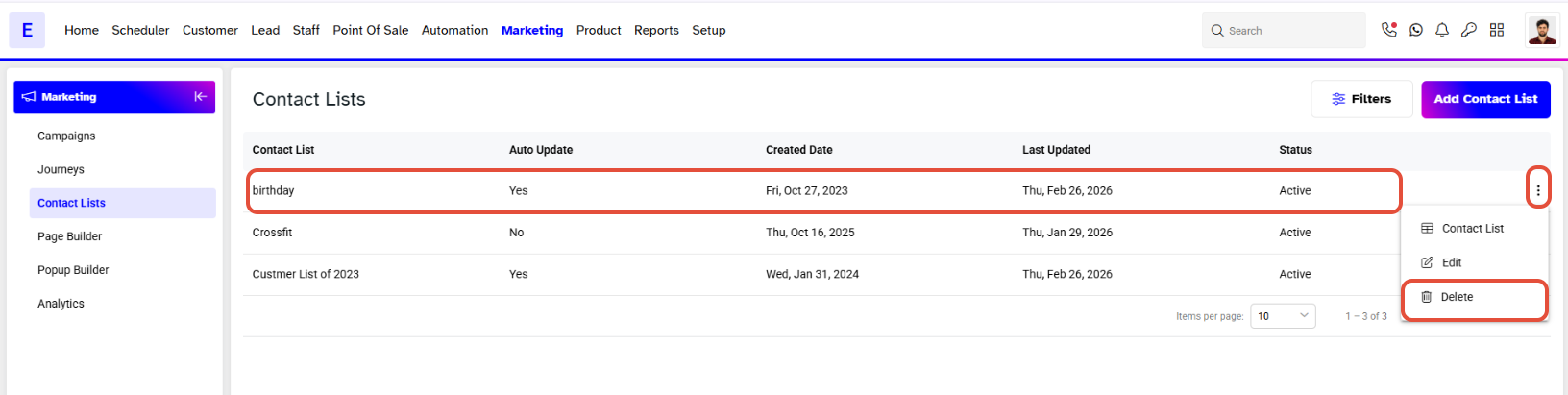
- Click on the Delete Icon under the Actions against a Contact List.
Step 3: Confirm Deletion
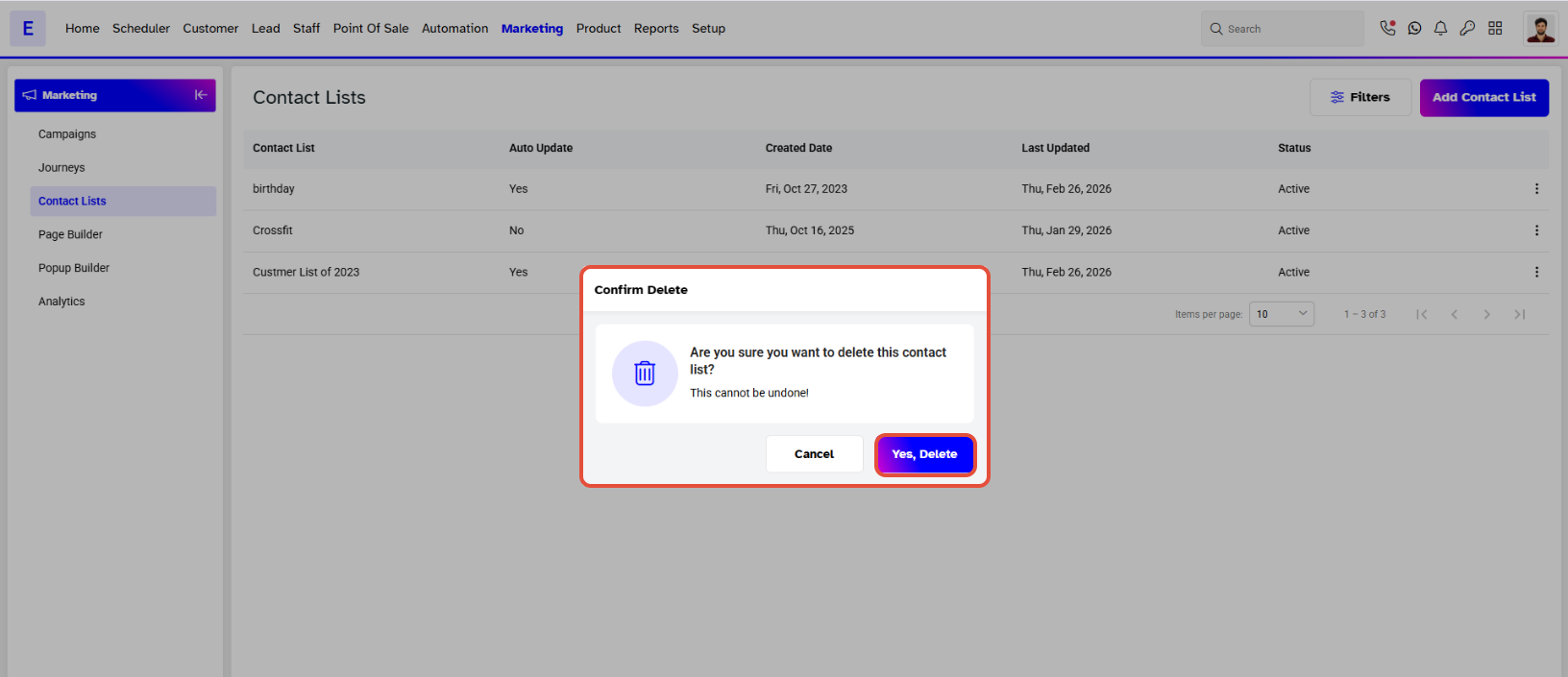
- Click on the Yes, Delete Button from the Popup Box.
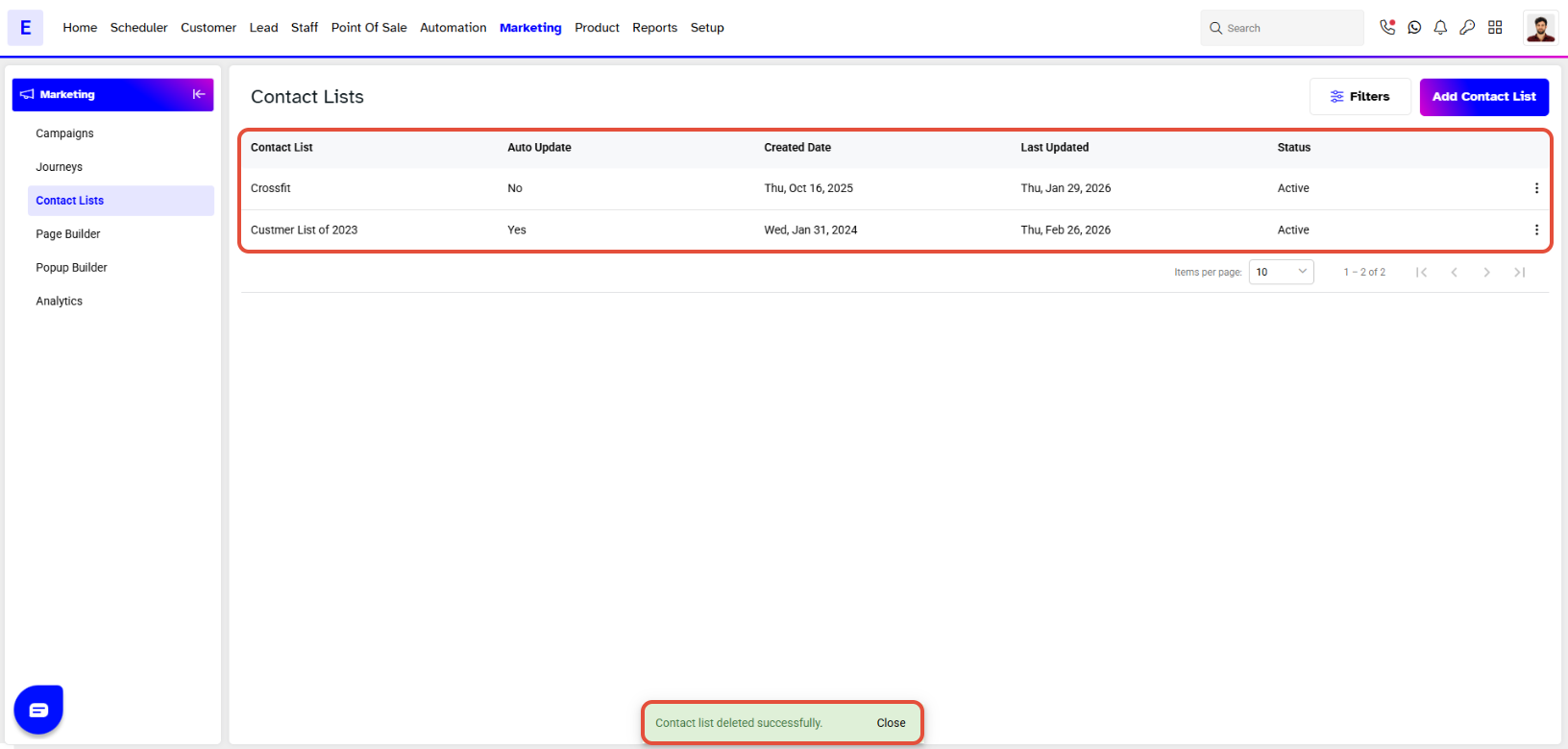
- The Contact List will be deleted successfully.