TABLE OF CONTENTS
To Join a Package from the Widget, follow the steps below:
How To Join a Package From the Widget
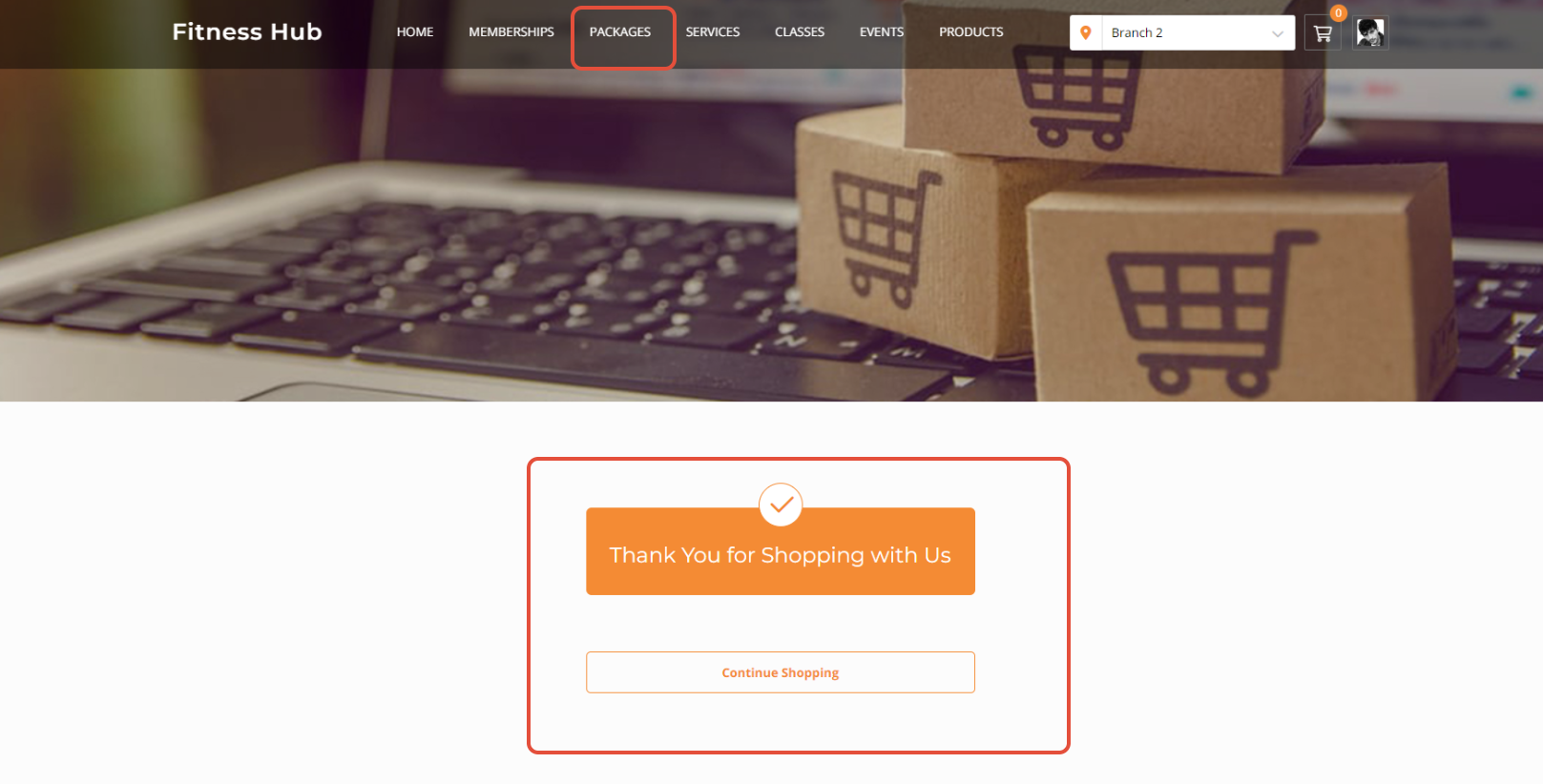
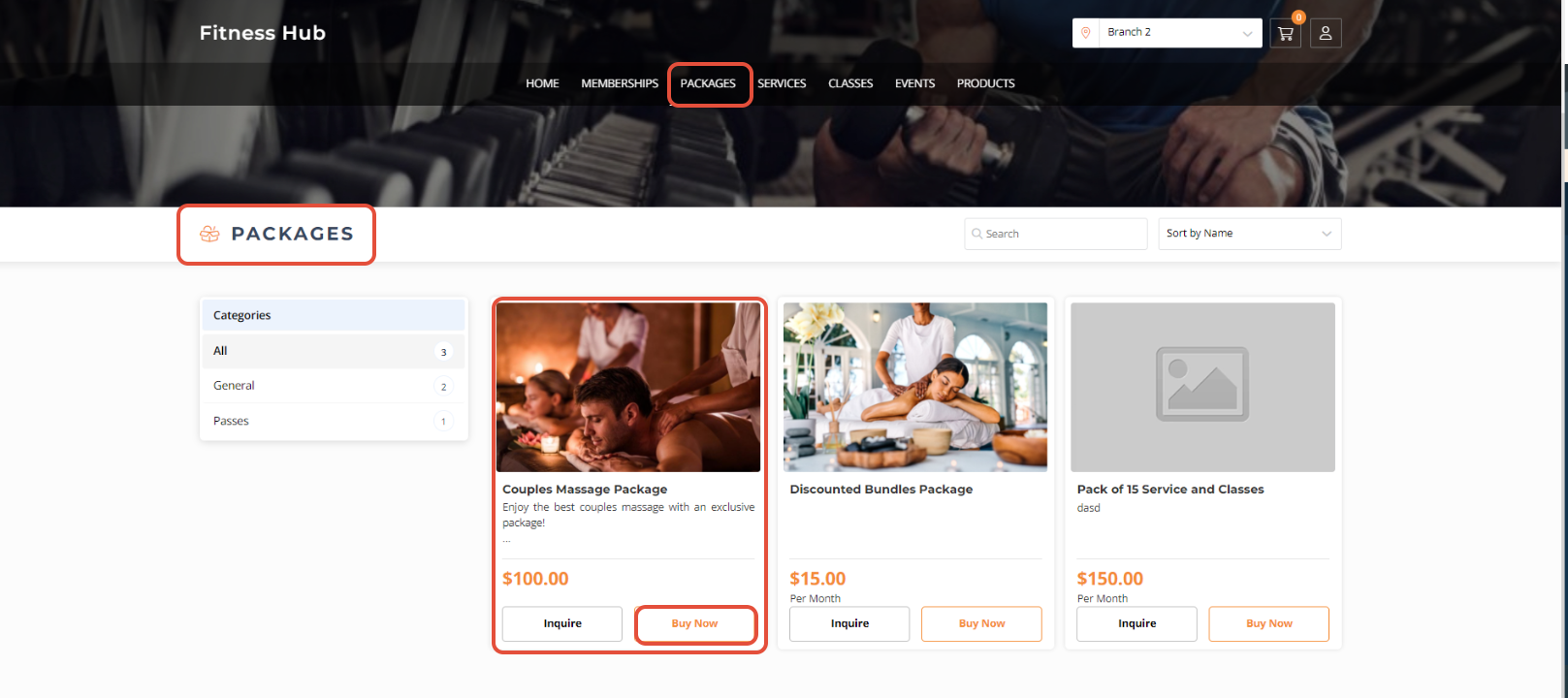
Go to the Widget and select Packages.

Click on the Buy Now Button against the Package.
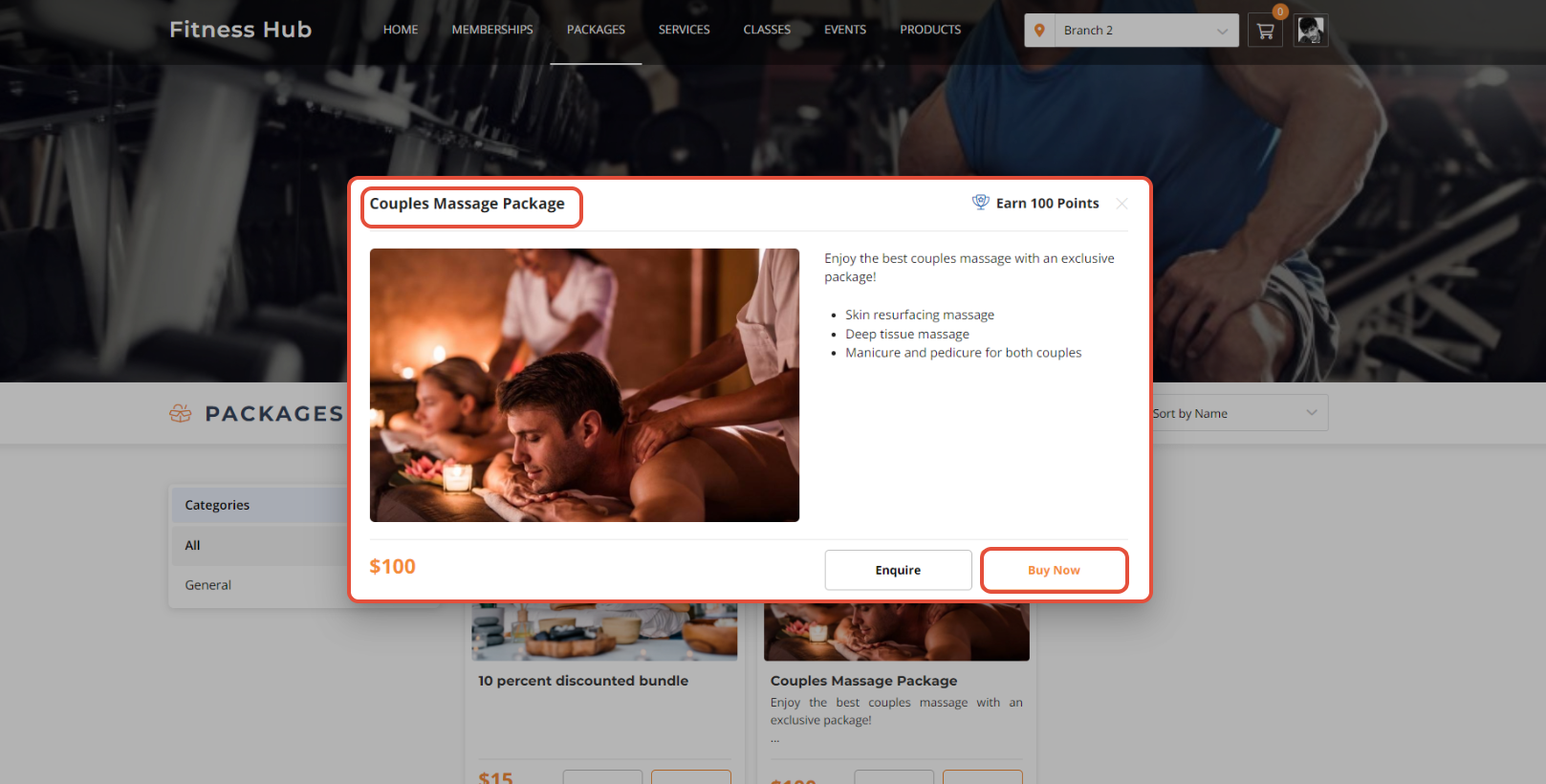
Now, the Package Details Popup will open. Click on the Buy Now Button.
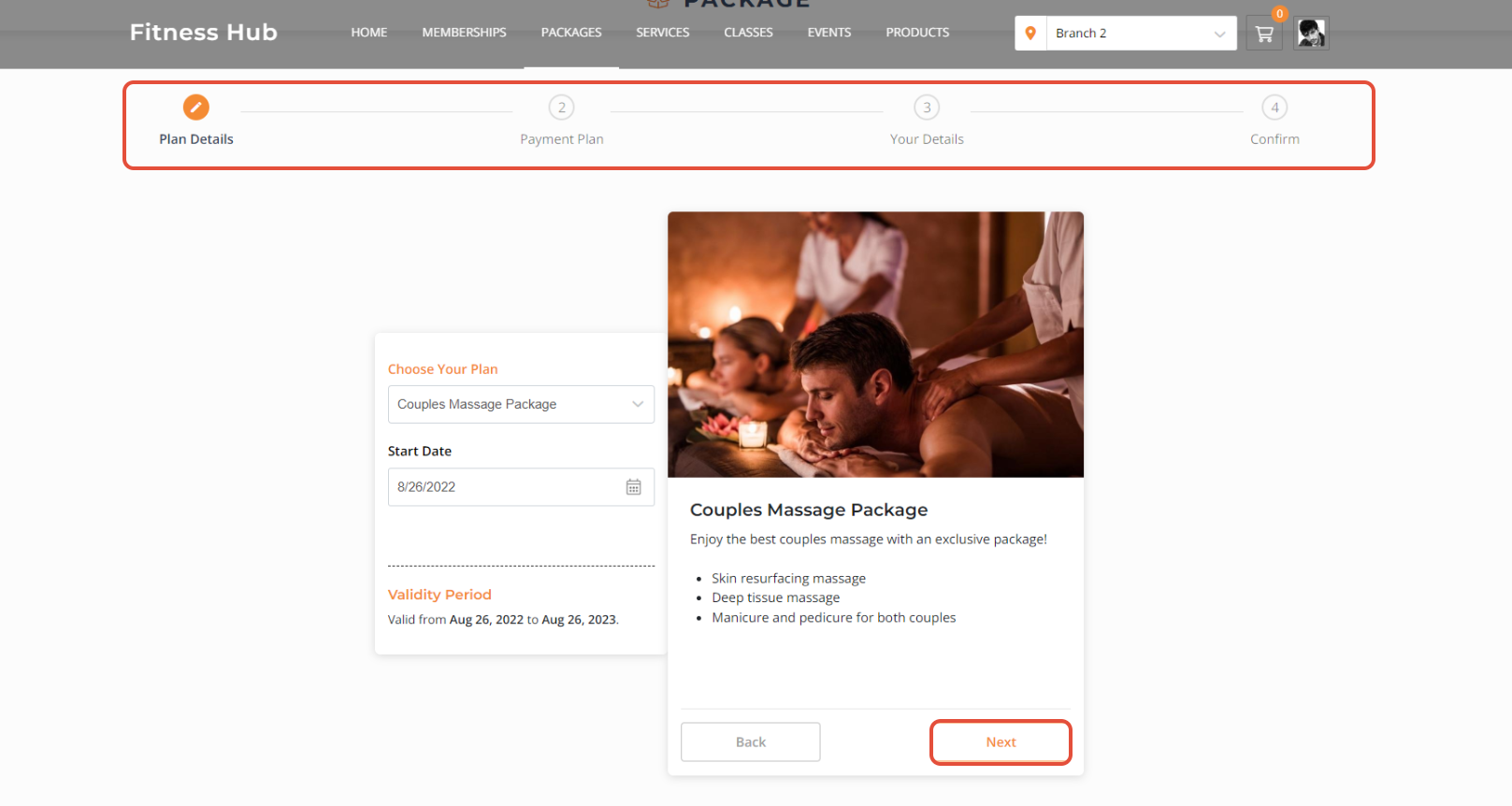
Click on the Next Button to Proceed to the next steps.
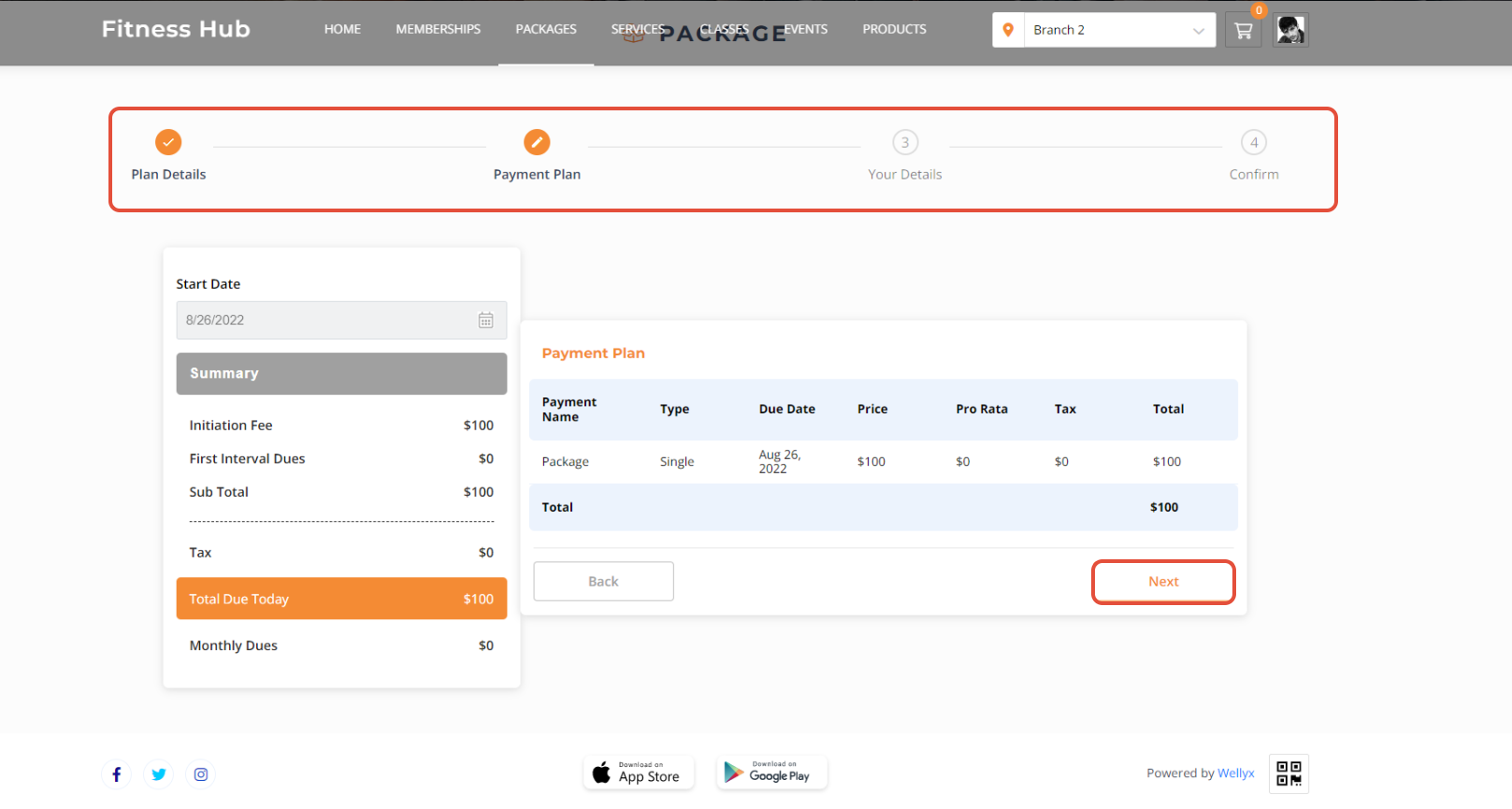
Go through the Payment Plan against the Package and click on Next.
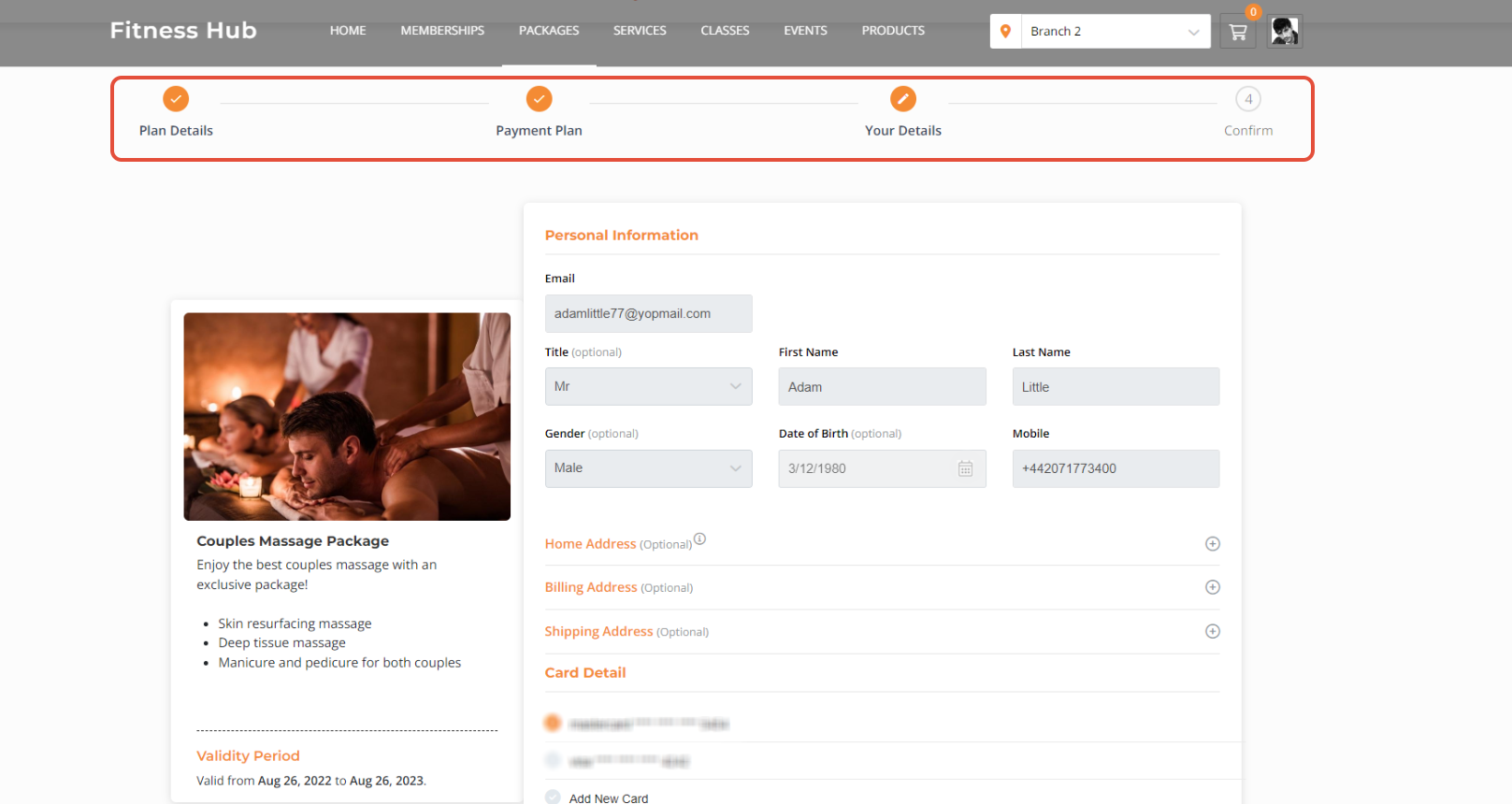
Now, add in all Details.
Once done with all the Information, click on Confirm.
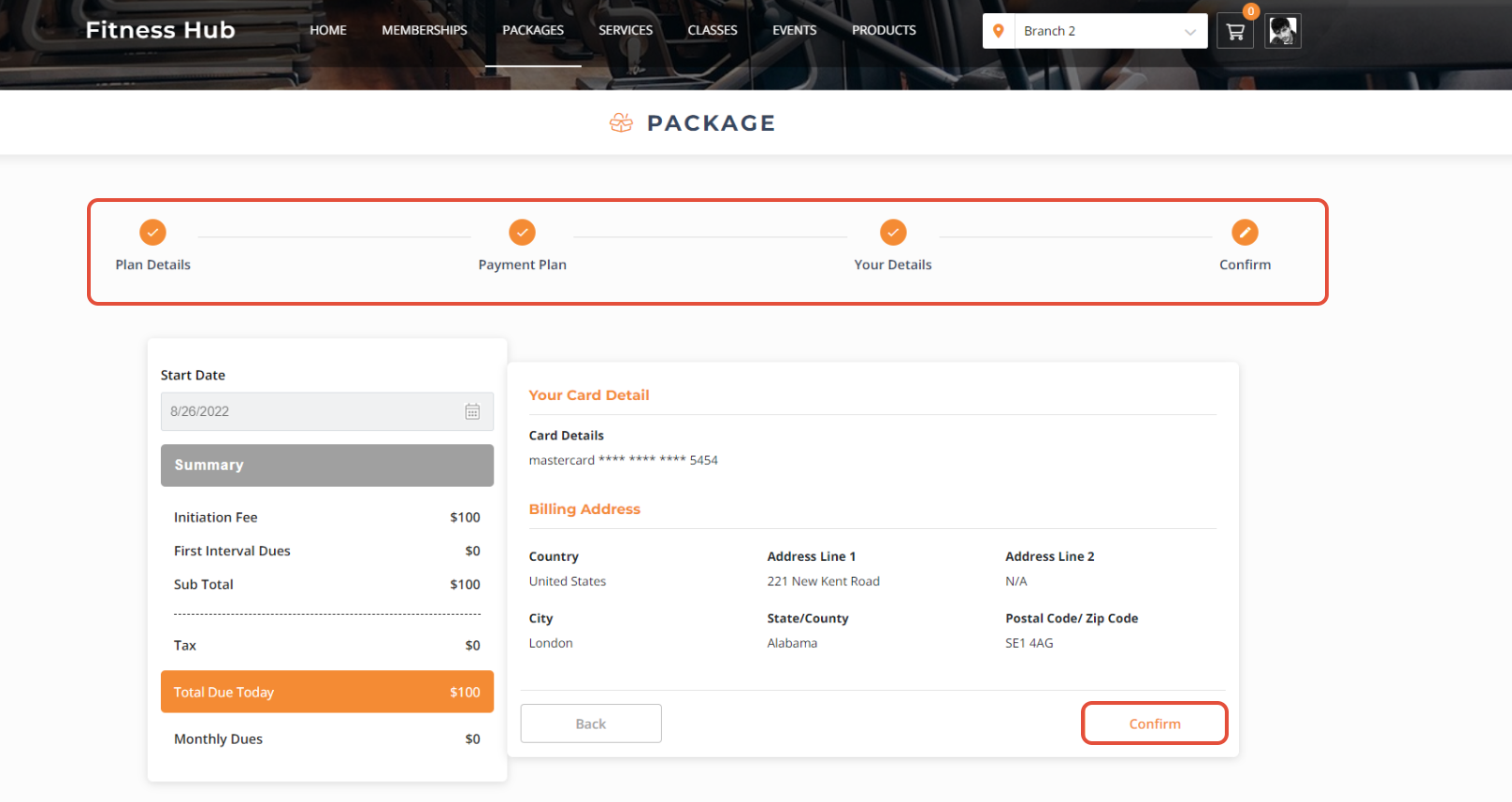
Now the Package has been Purchased.