
TABLE OF CONTENTS
Overview
This guide explains how to edit a Package in Core. It covers navigating to Memberships, selecting the package, updating its information, and saving the changes.
Step 1: Navigate to Memberships
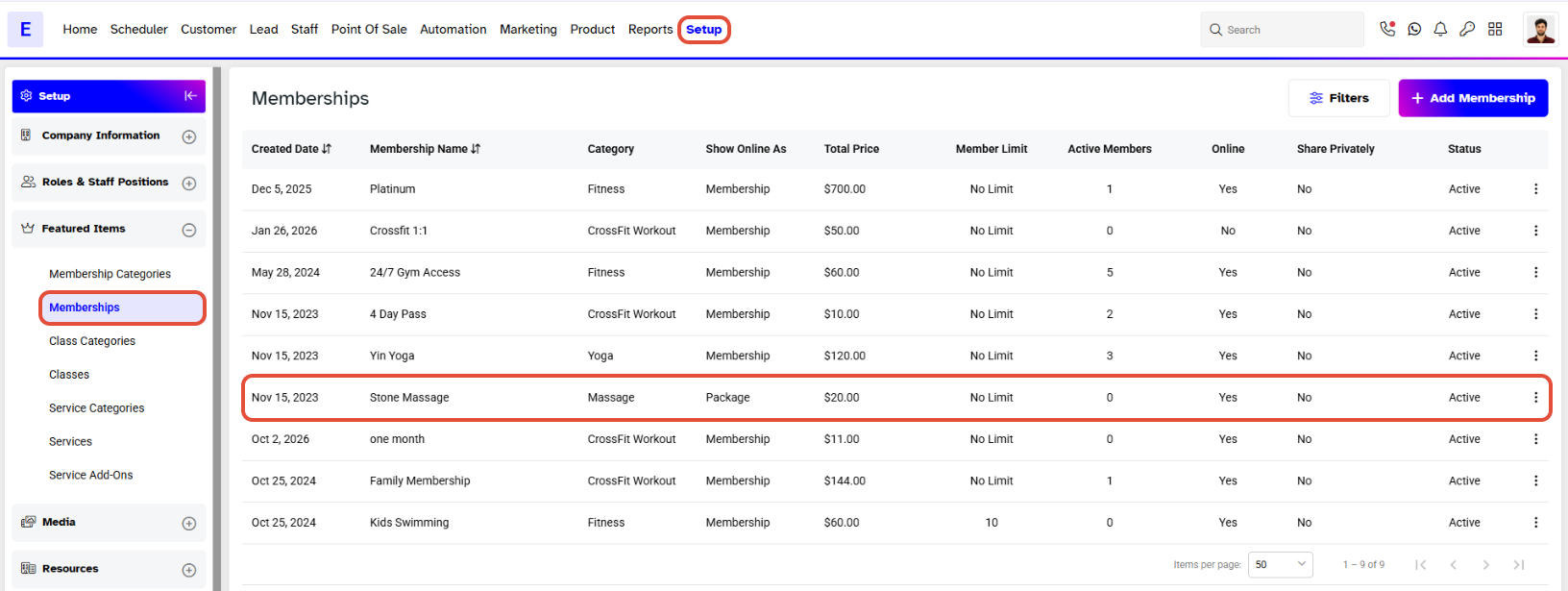
Go to the Setup Module in Core.
Click on Memberships.
Select Memberships from the Dropdown Menu.
Step 2: Edit Package Information
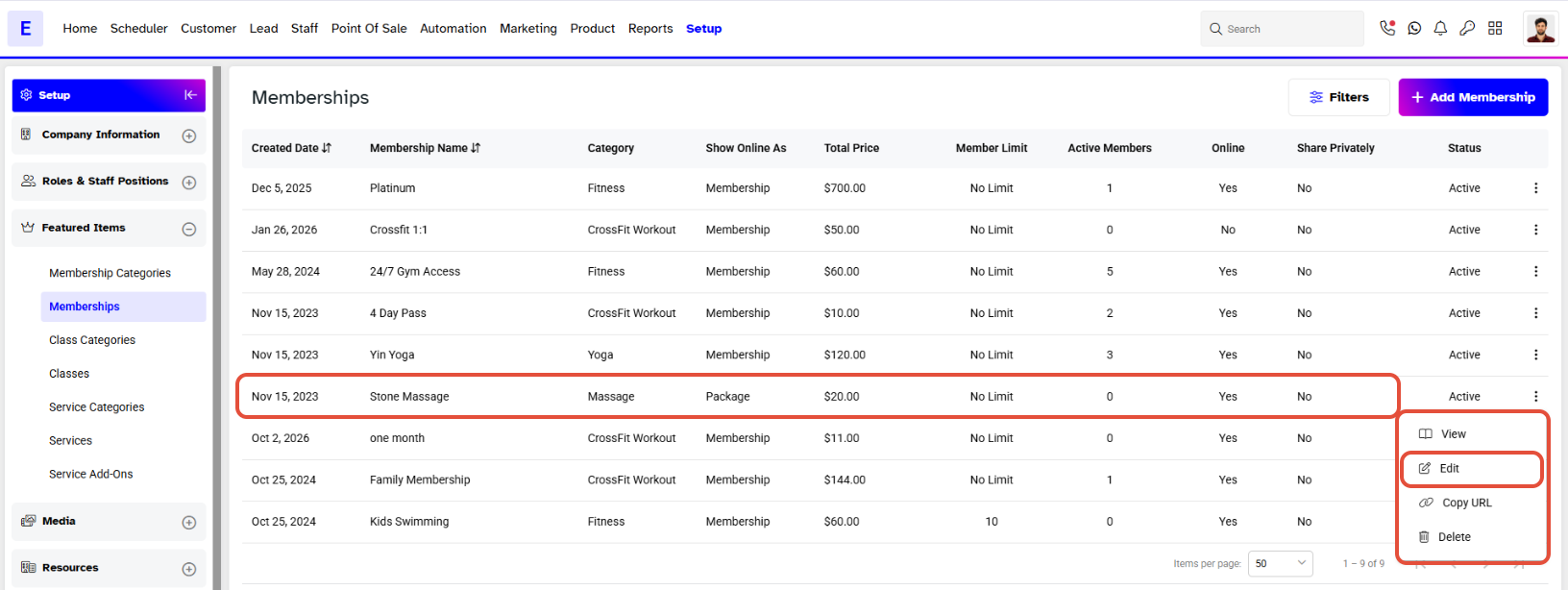
- Click on the Edit Icon against the package you want to update.
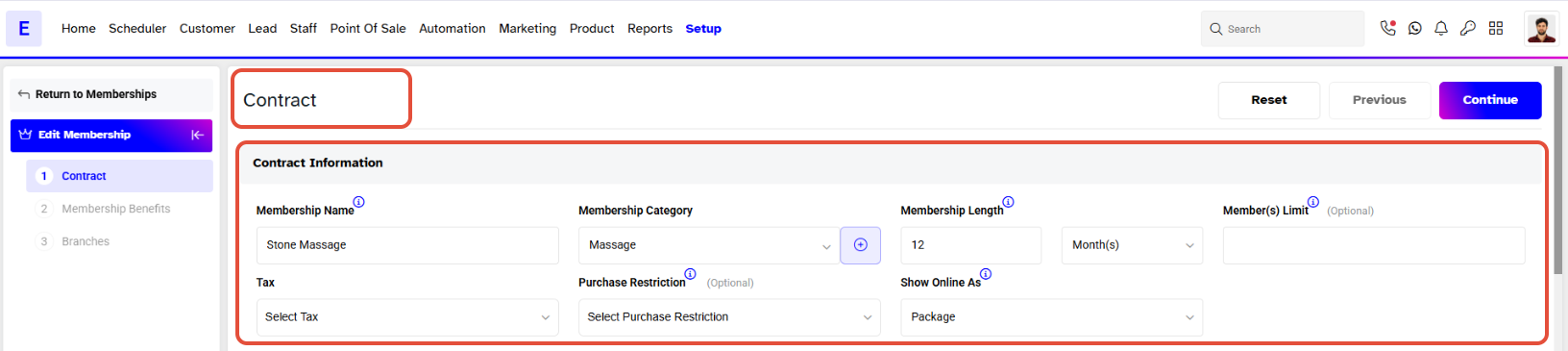
- Edit the required Information for the package.
Step 3: Save the Changes
Once the information has been edited, click on the Continue Button.
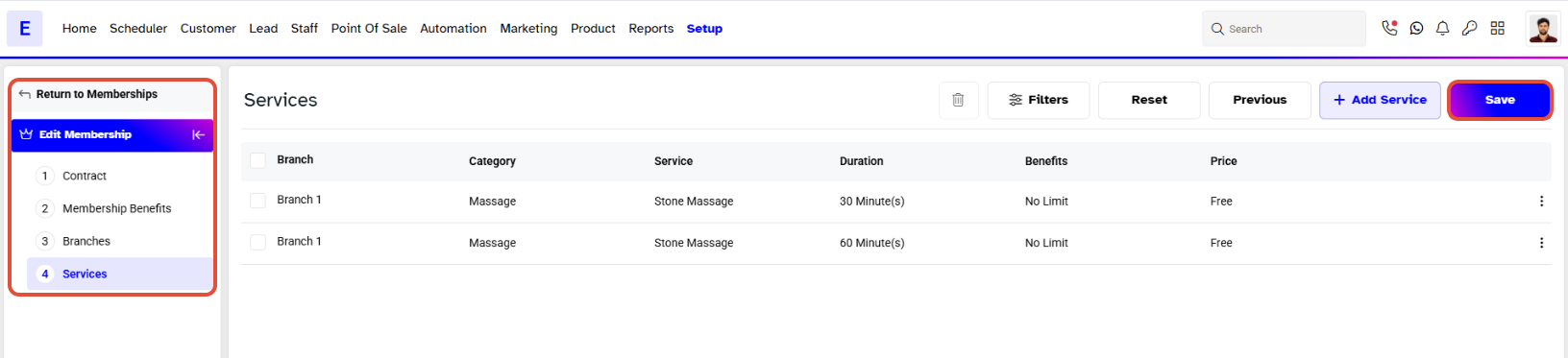
Click on Save to save the changes.