


TABLE OF CONTENTS
To change the Landing Page for Customers on the Widget and Customer App, follow the below steps.
How To Change Your Landing Page Option In Core
Go to the Setup Module.
In Setup, click on the Configurations Tab.
Navigate to the Widget Tab in Configurations.
Whilst in Widget Tab, click on the Landing Page Dropdown. Select a new Landing Page from the list.
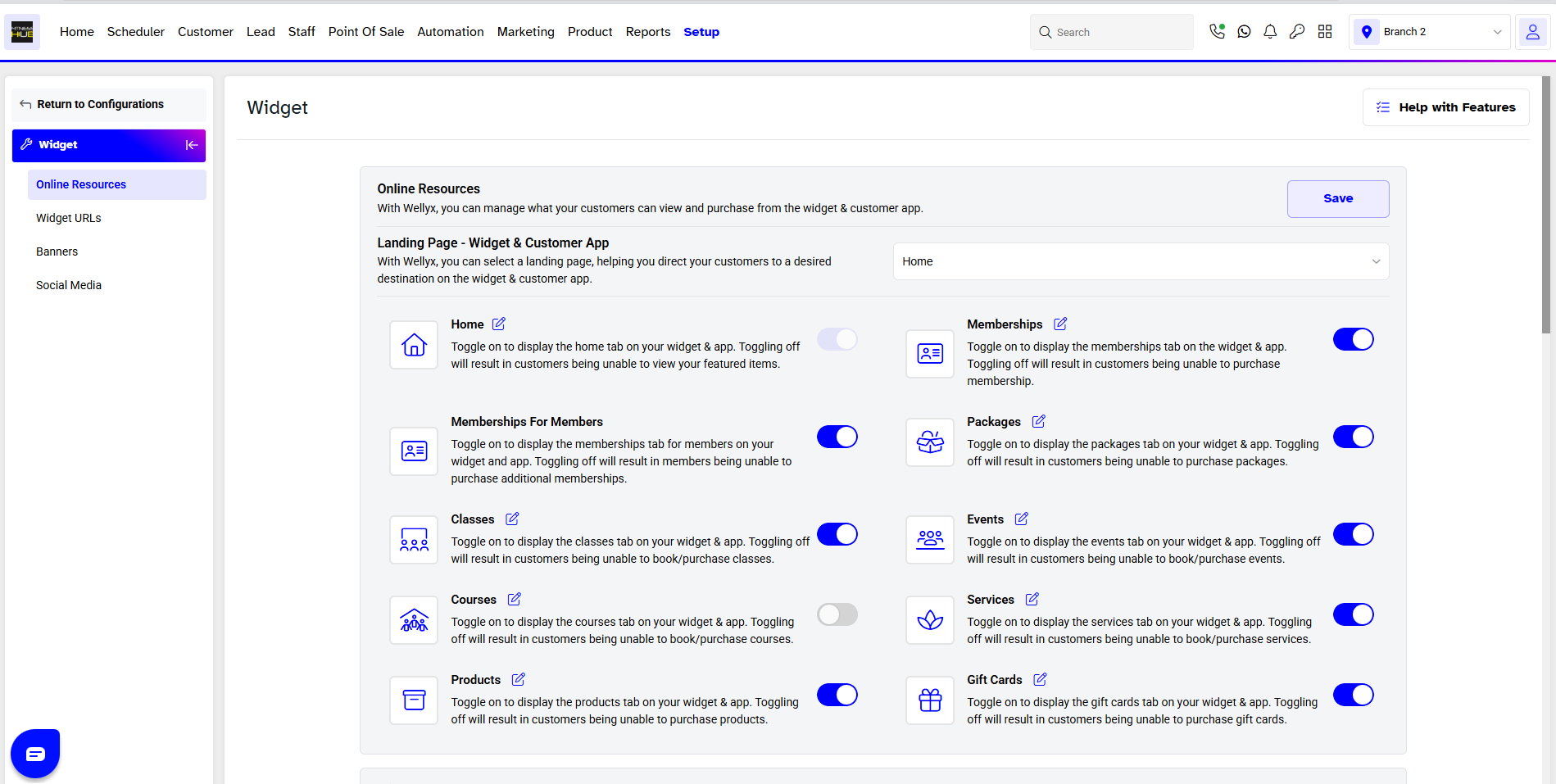
Once done with the change, click on the Save Button to confirm it.
Customers will be directed to the default Landing Page set in Core whenever they open the Widget and Customer App.




