TABLE OF CONTENTS
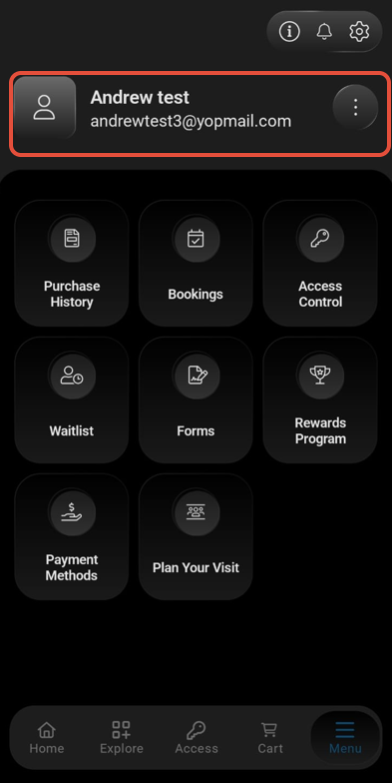
To Switch the Primary Customer Profile To the Secondary Customer Profile on the Customer App, follow the steps below:
How To Switch Between Primary And Secondary Customer Profiles On The Customer App
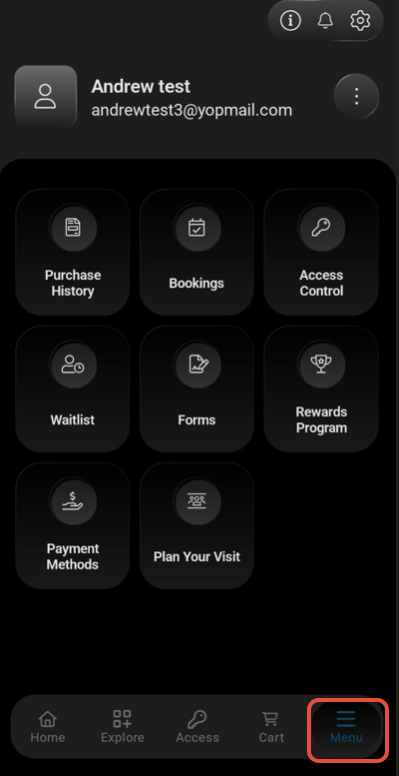
Click on the Three Lines at the bottom Right Side.
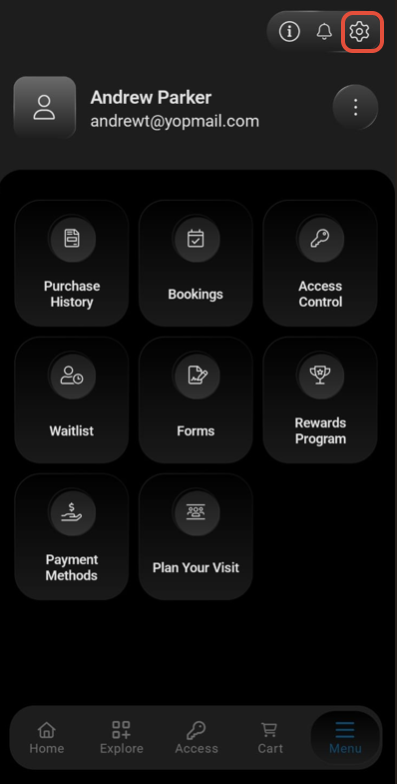
Click on the Settings Icon
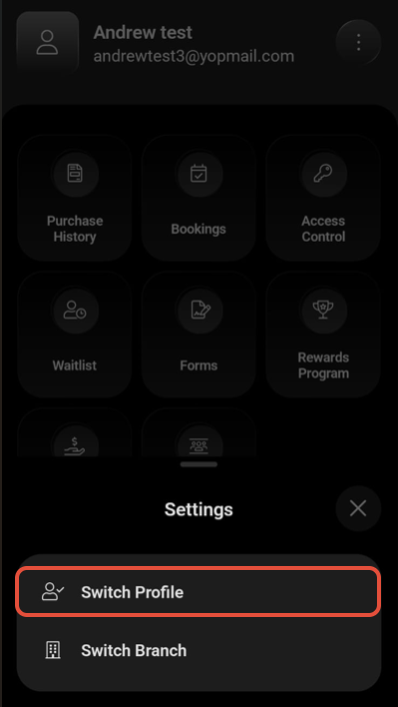
Click on the Switch Profile Option under the Settings.
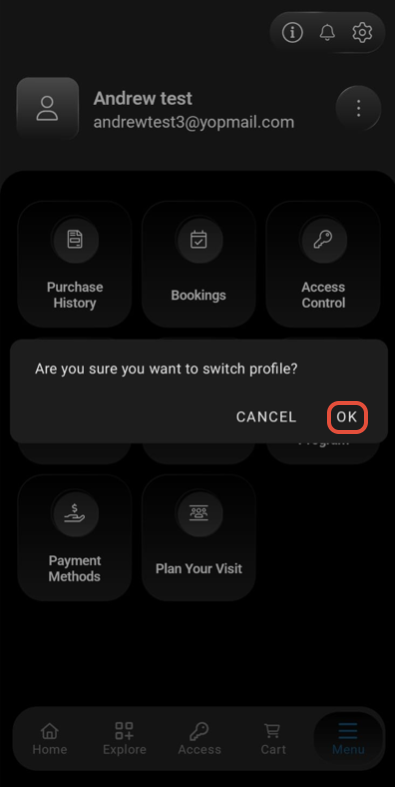
Click on the OK Button to confirm the Switch Profile.
Now, choose the Secondary Profile and click on the Switch Button.
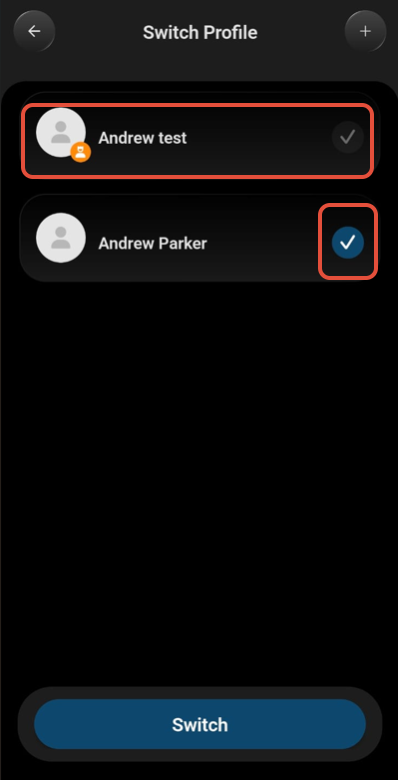
The Customer's Primary to Secondary Profile will Switch successfully.