TABLE OF CONTENTS
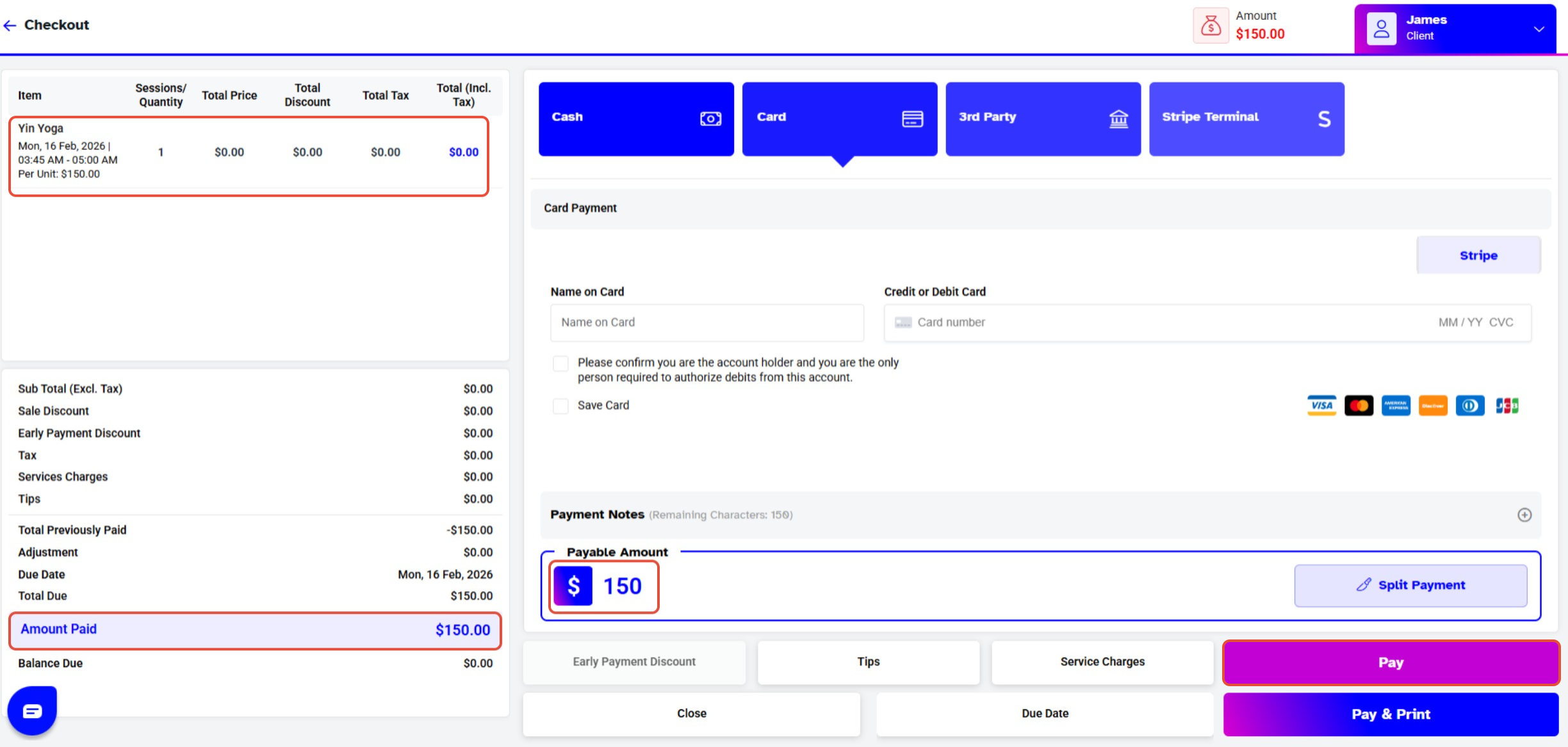
To Process a Partially Paid Invoice in POS, follow the steps below:
Process a Partially Paid Invoice in Point of Sale
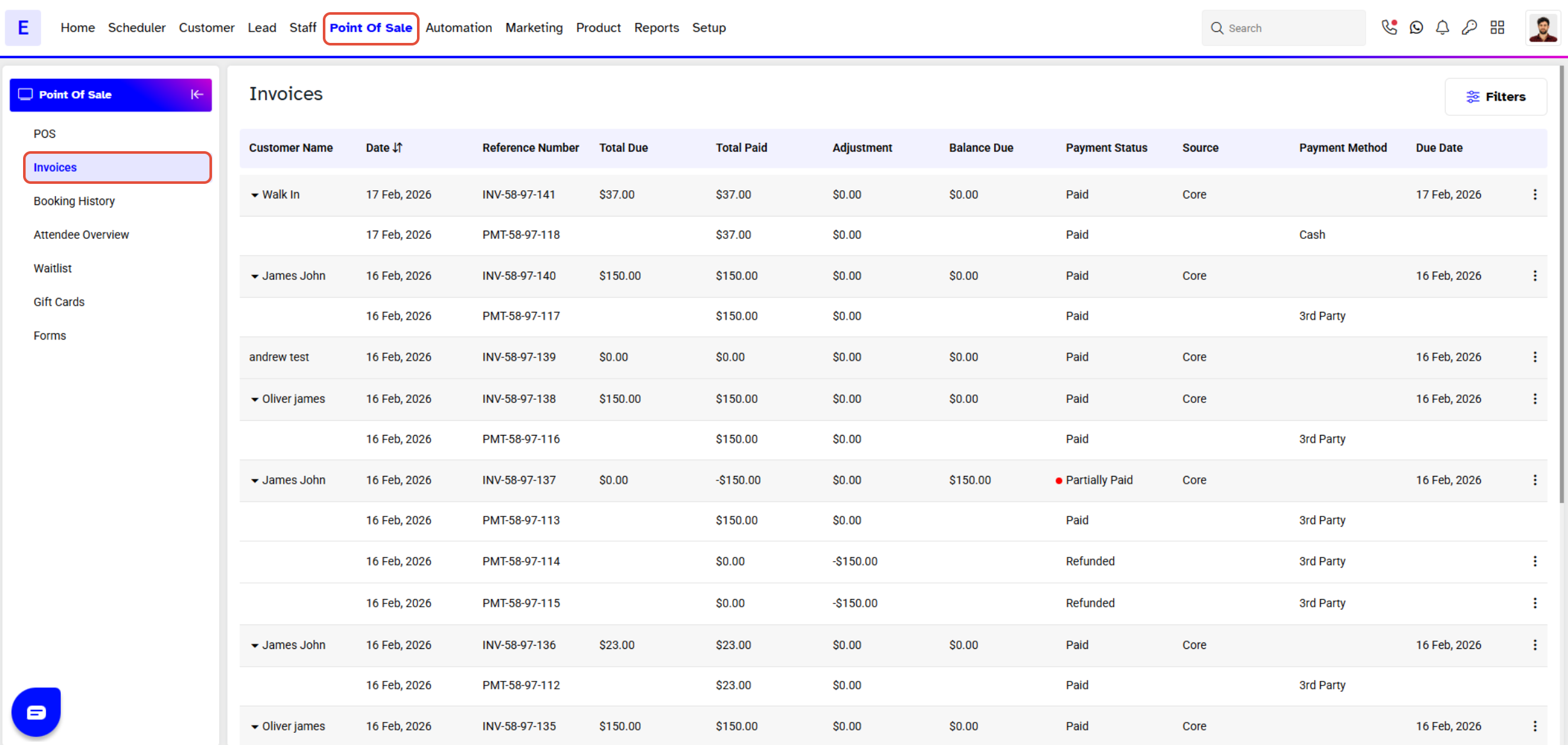
Go to the Point of Sale Module in Core and click on Invoices.
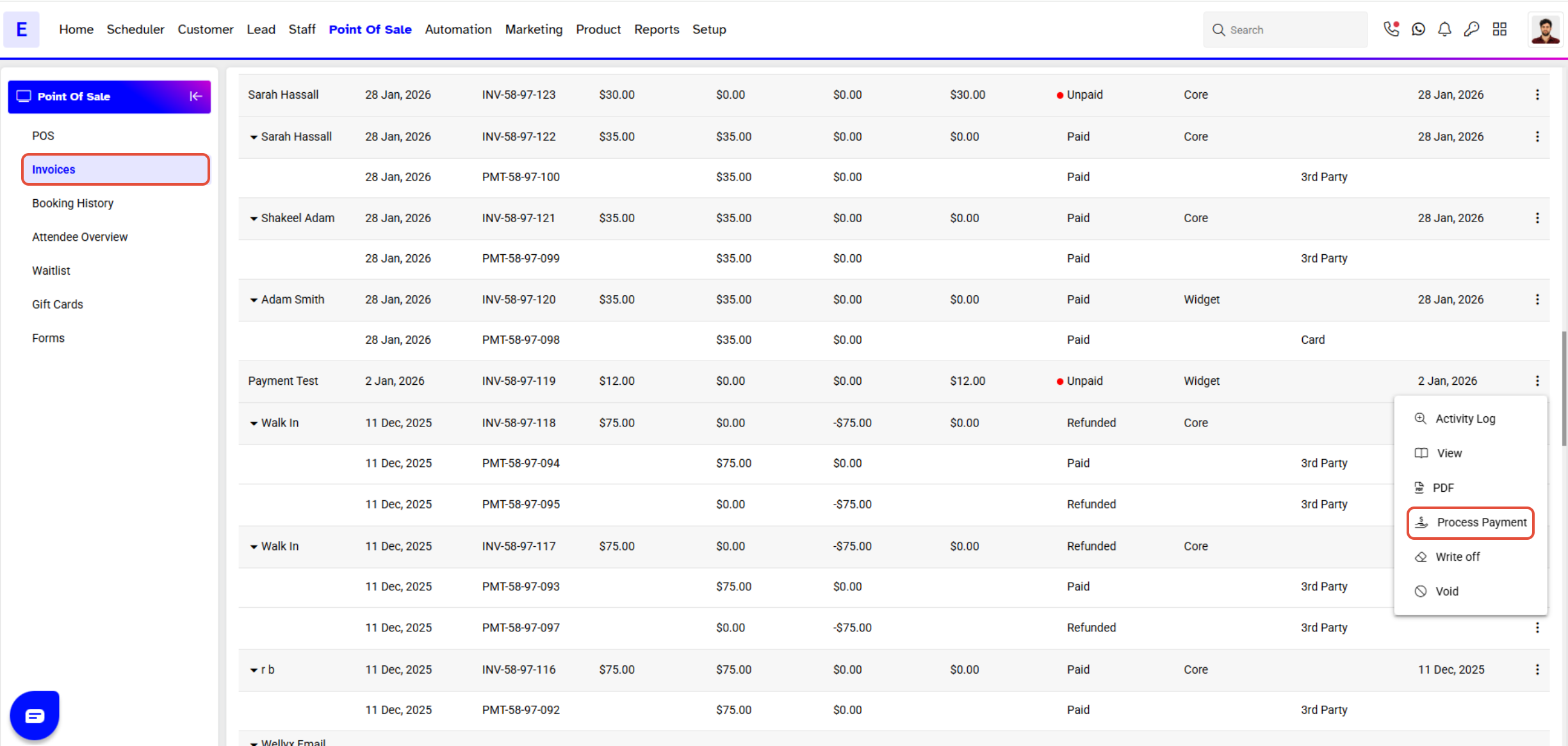
Click on the Process Icon.
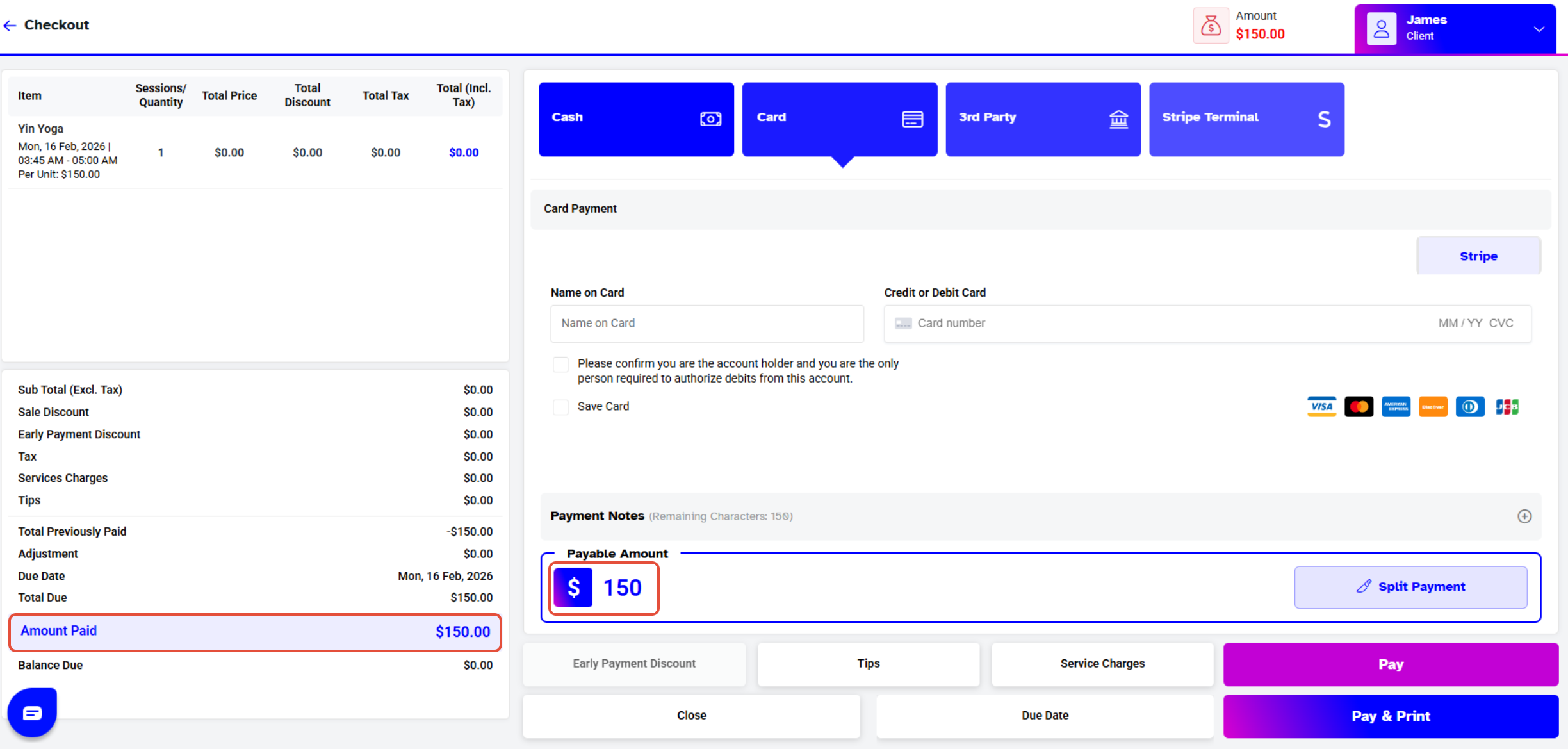
Add in the Amount.
Click on the Pay Button to Process the Invoice.