TABLE OF CONTENTS
To Buy Now and Pay Later in Point of Sale, follow the steps below:
Buy Now and Pay Later for Services in Core
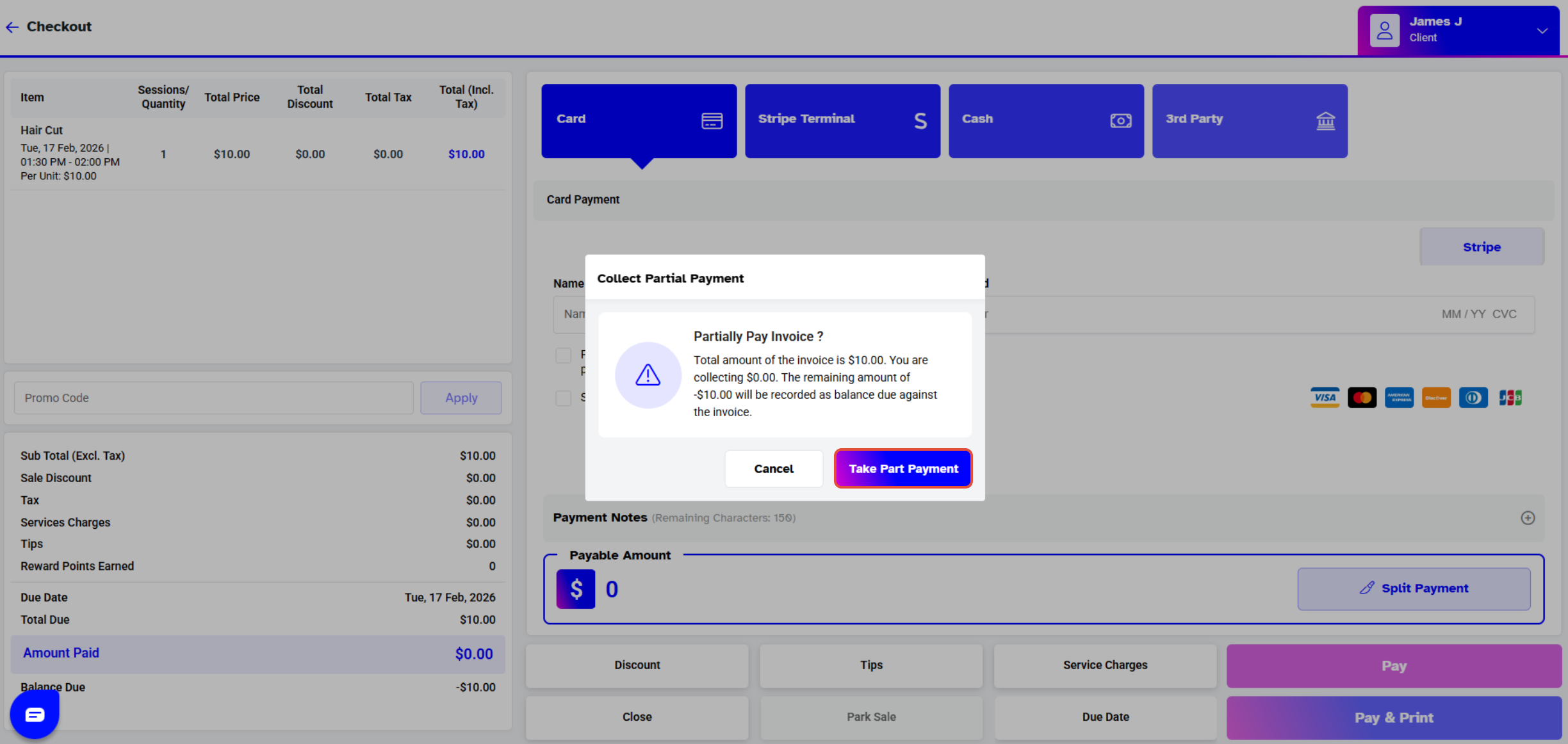
Go to the Point of Sale Module and click on Services.
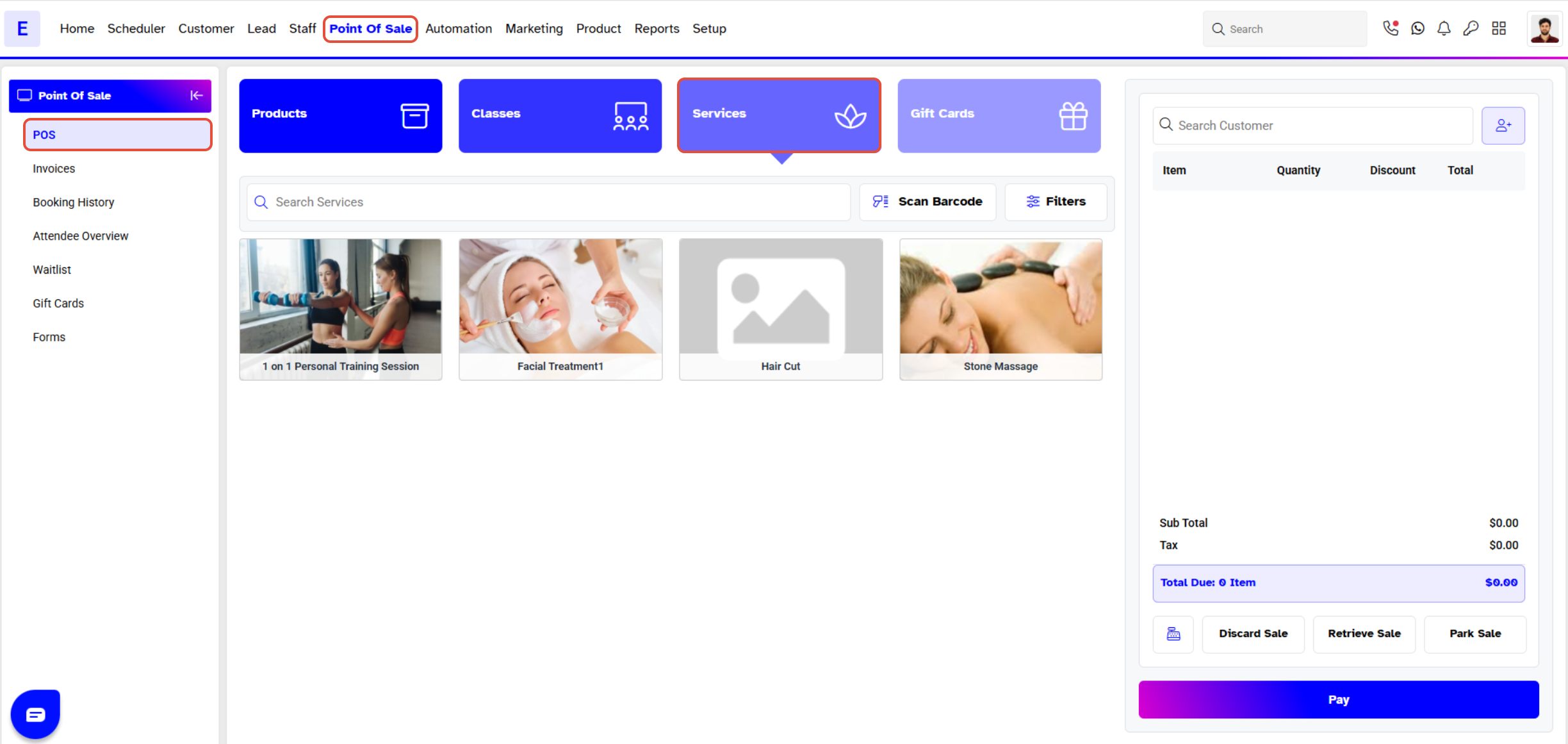
Add the Customer and Services into the Cart and click on the Pay Button.
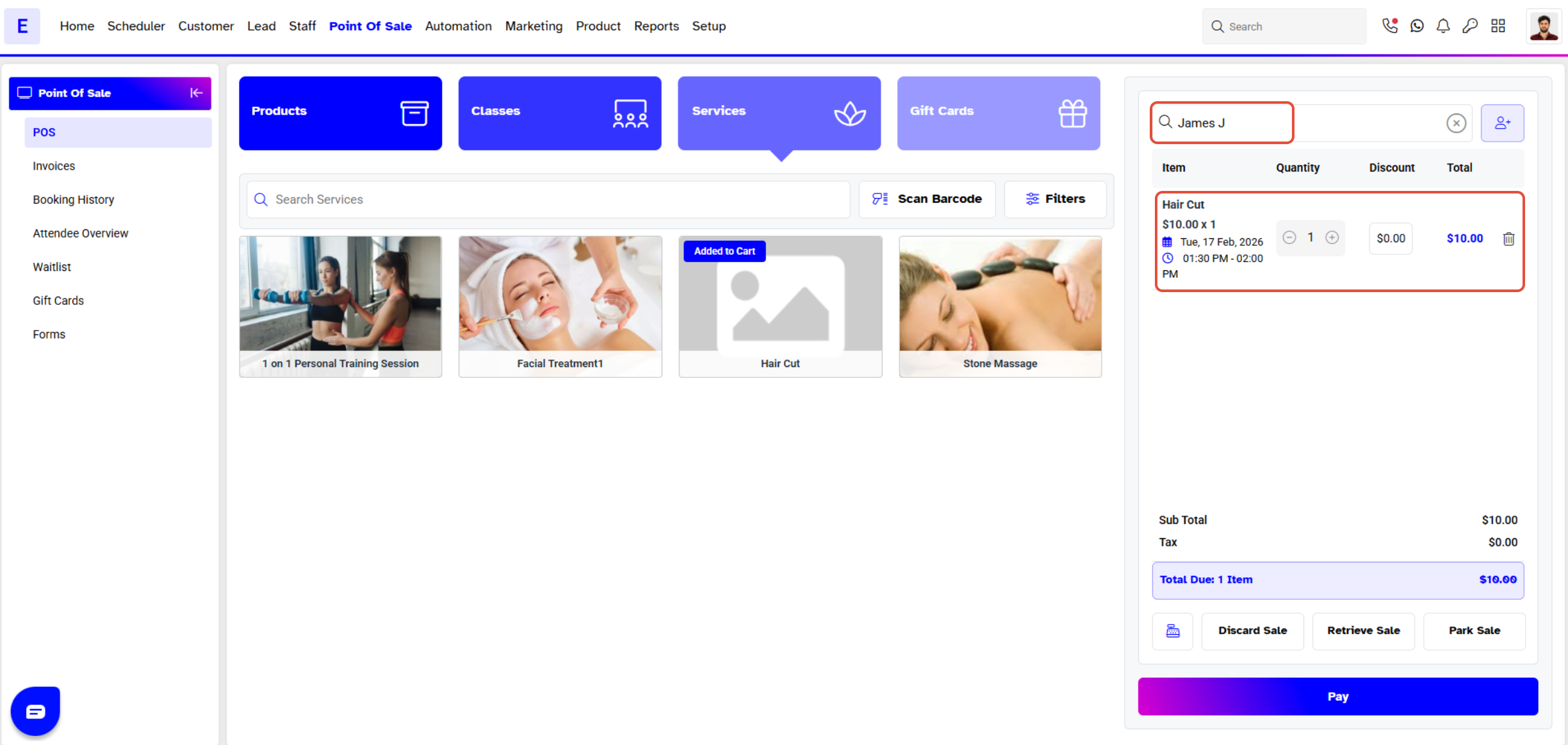
Click on the Pay Button to take Partial Payment on 0.
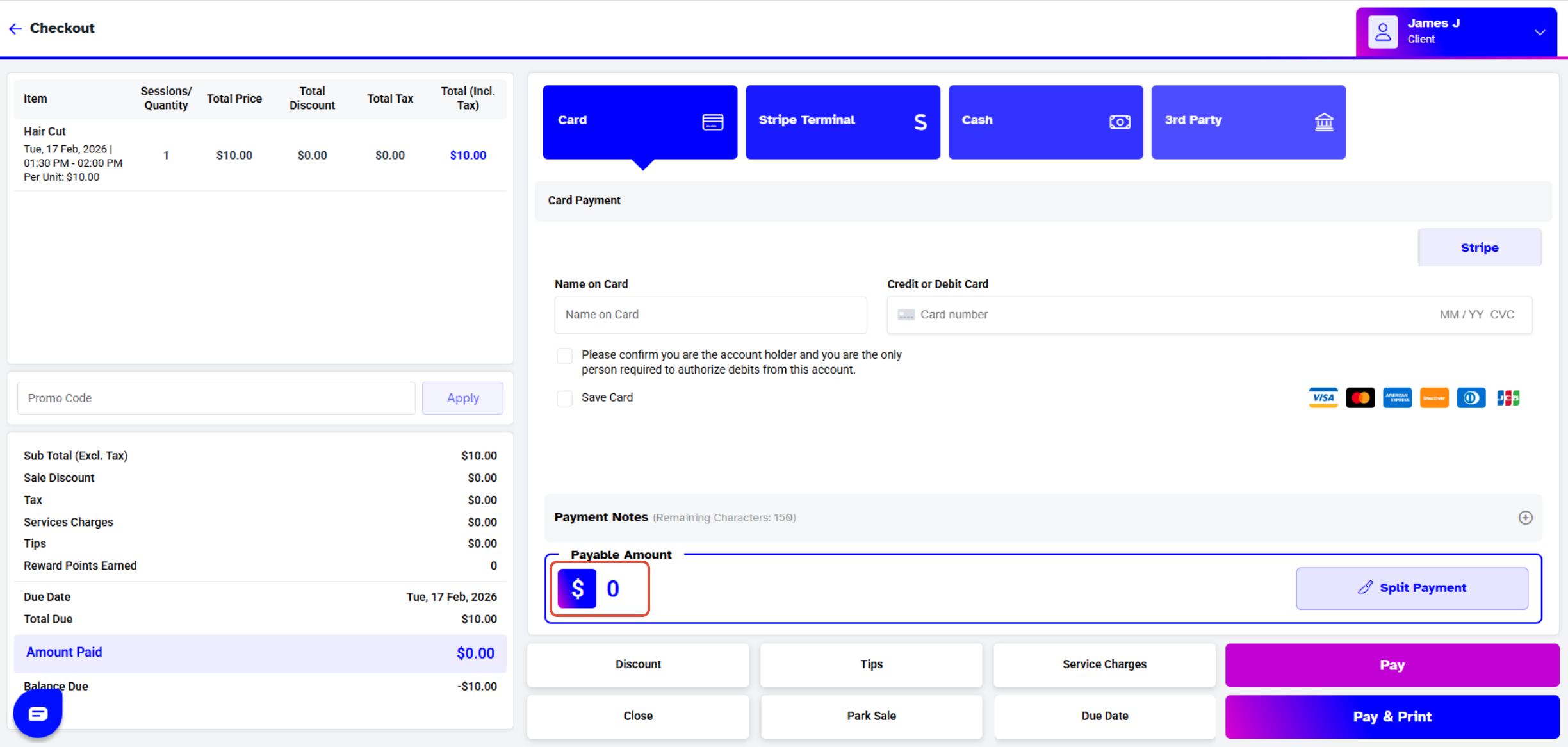
Now Select the Take Partial Payment Button to Confirm.