


To delete a scheduled Customer Call, merchants have to go to the Customer Module. Click on the name of the Customer for whom you wish to delete a scheduled Call.
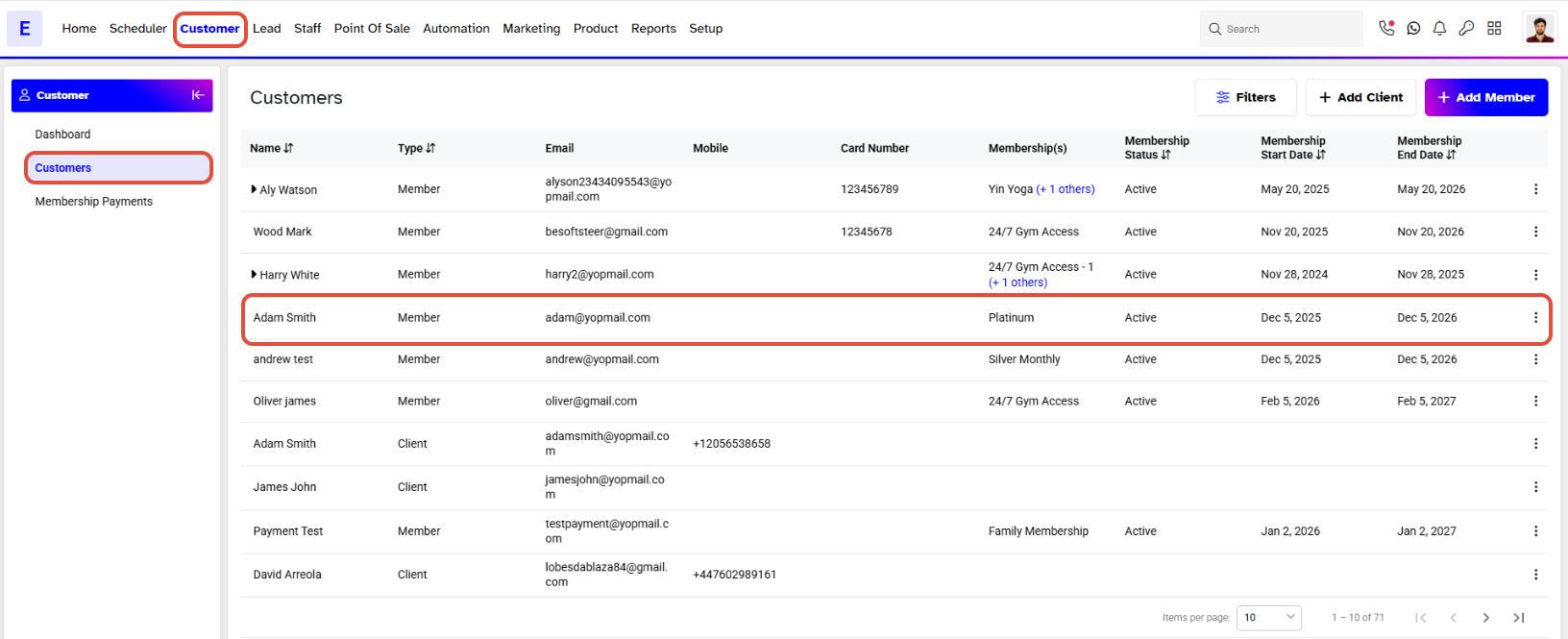
By default you will land on the Client/Member Detail Segment page. (The name of the Segment page depends upon the status of the customer i.e., client or member).
Click on Activities Tab.
Click on Calls, when you click on Calls, it will display the calls that have been scheduled.
Click on the Bin Icon on the bottom right of the call you want to delete.
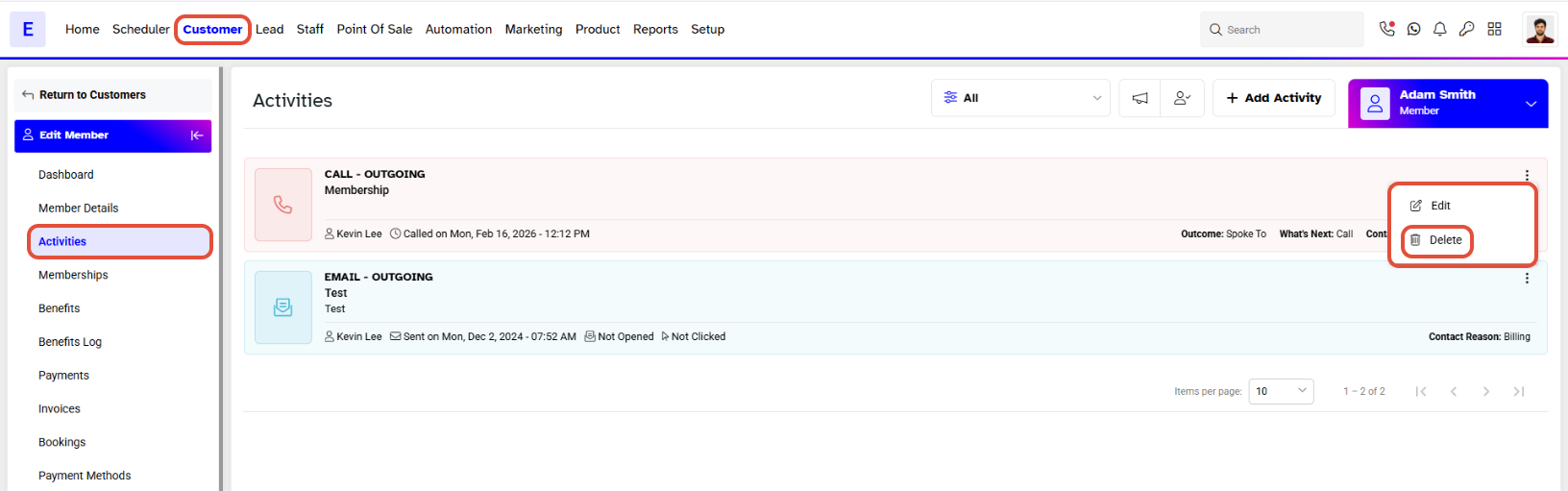
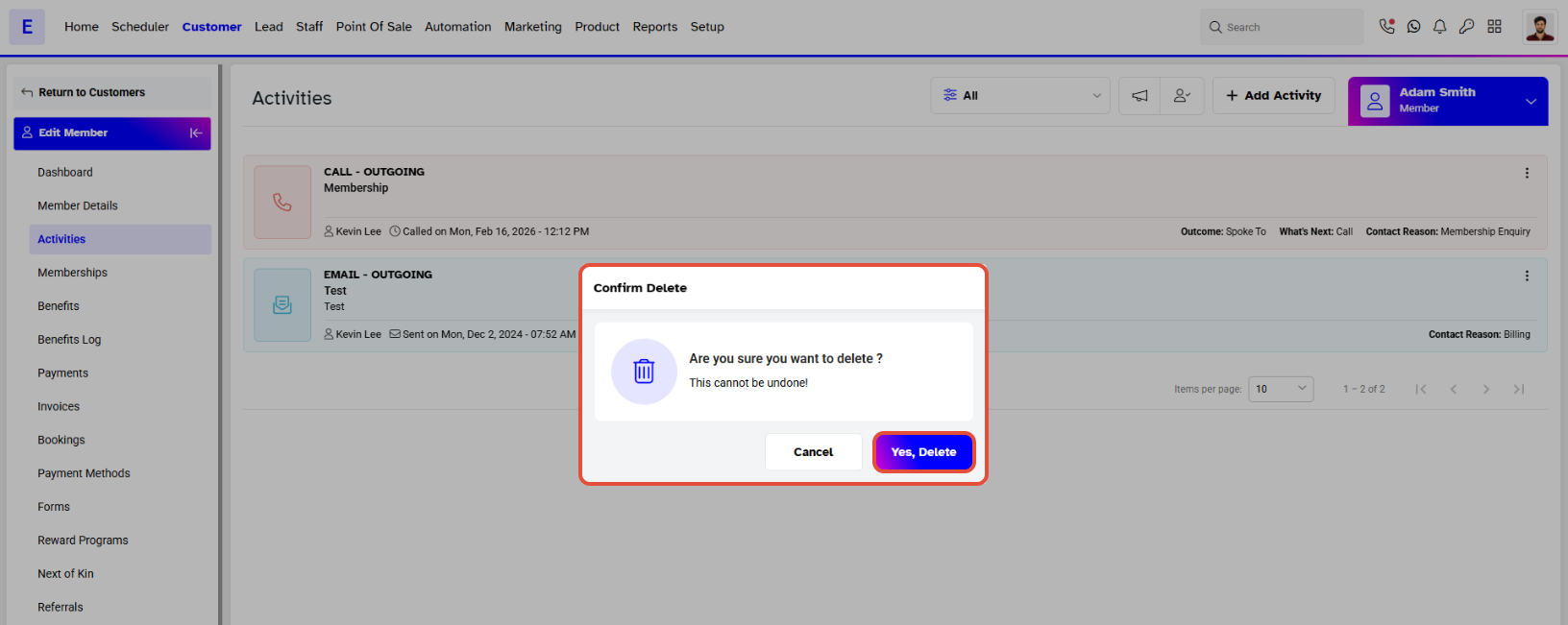
When you click on the Bin icon, a Confirmation window will pop up.
Click on Yes, Delete to delete the scheduled call.
An Activity Deleted Successfully message will appear at the bottom right of the Activities page confirming that the scheduled call has been deleted.
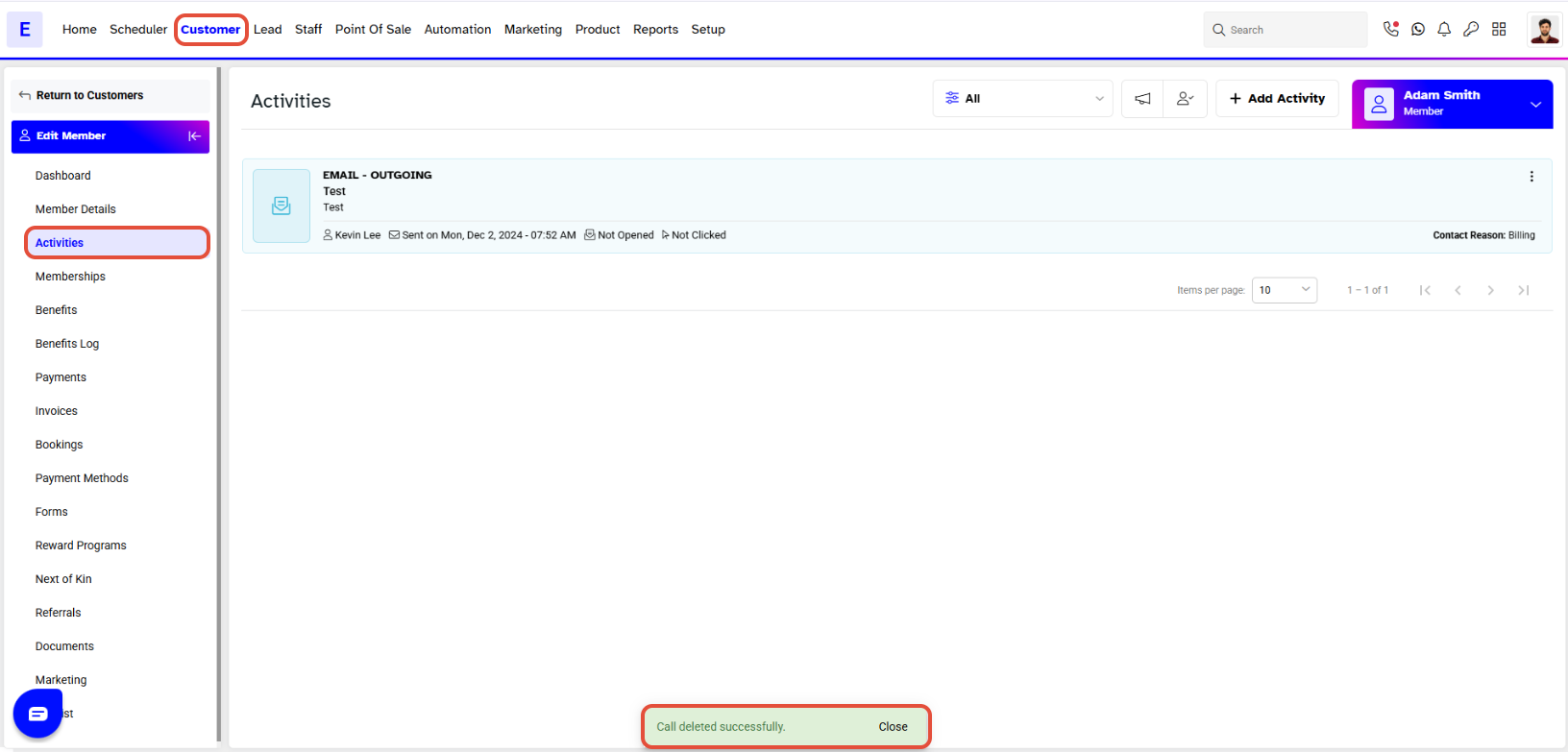
The deleted call will no longer show in Activities.




