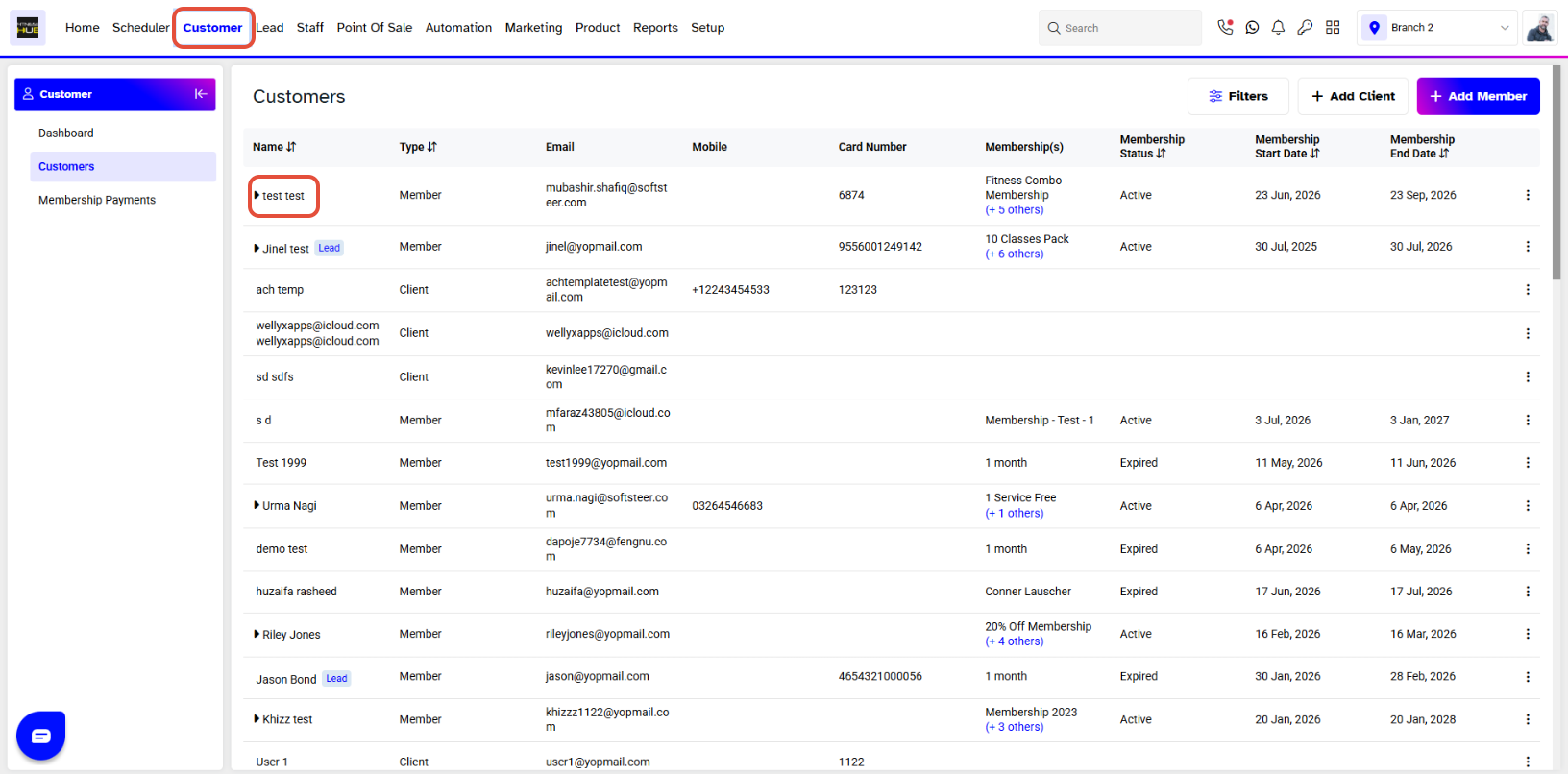
To schedule a Customer Call later, merchants have to go to the Customer Module. Click on the name of the Customer for whom you wish to schedule a Call.
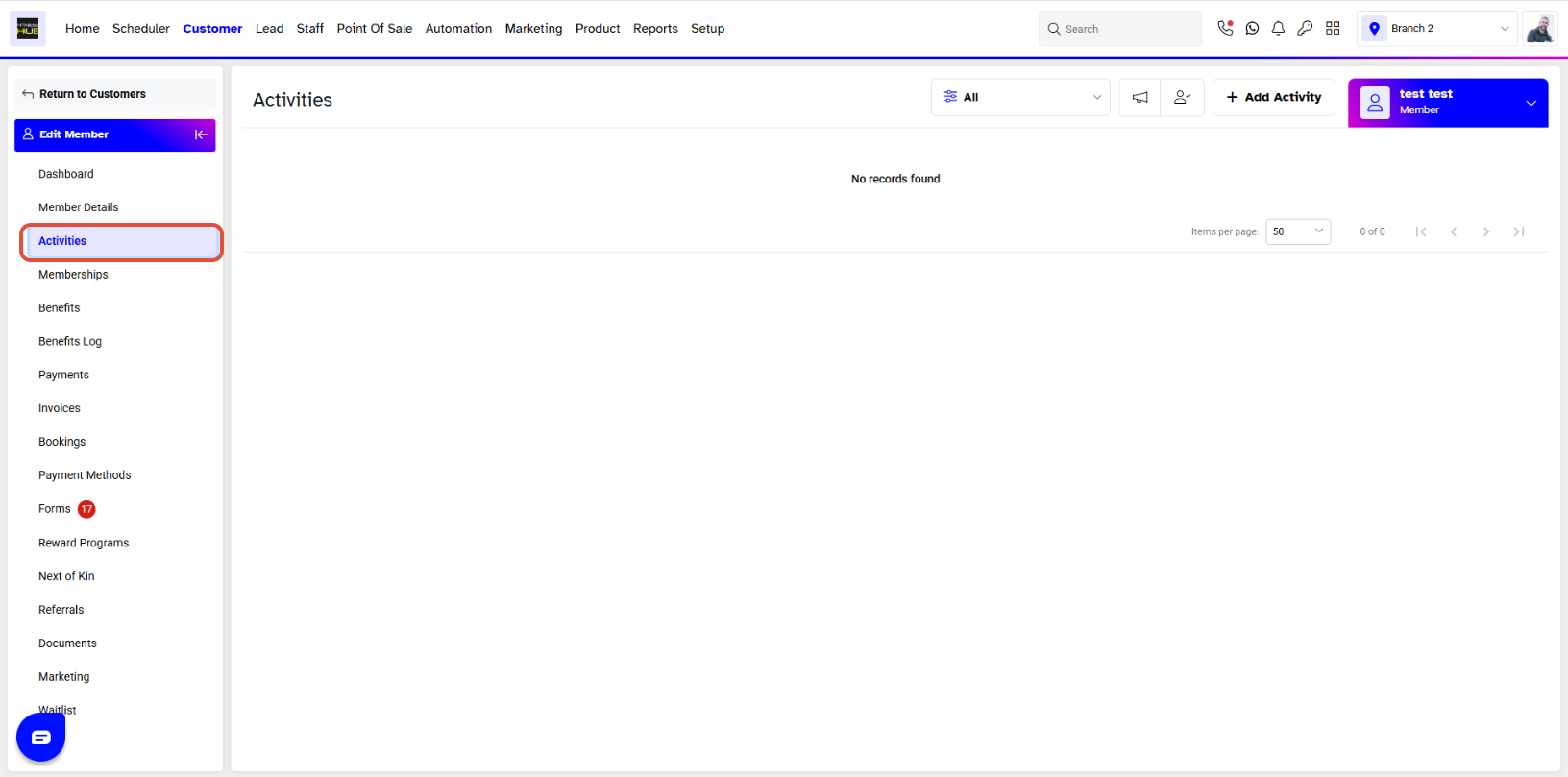
Click on the Activities tab and click Add Activity.
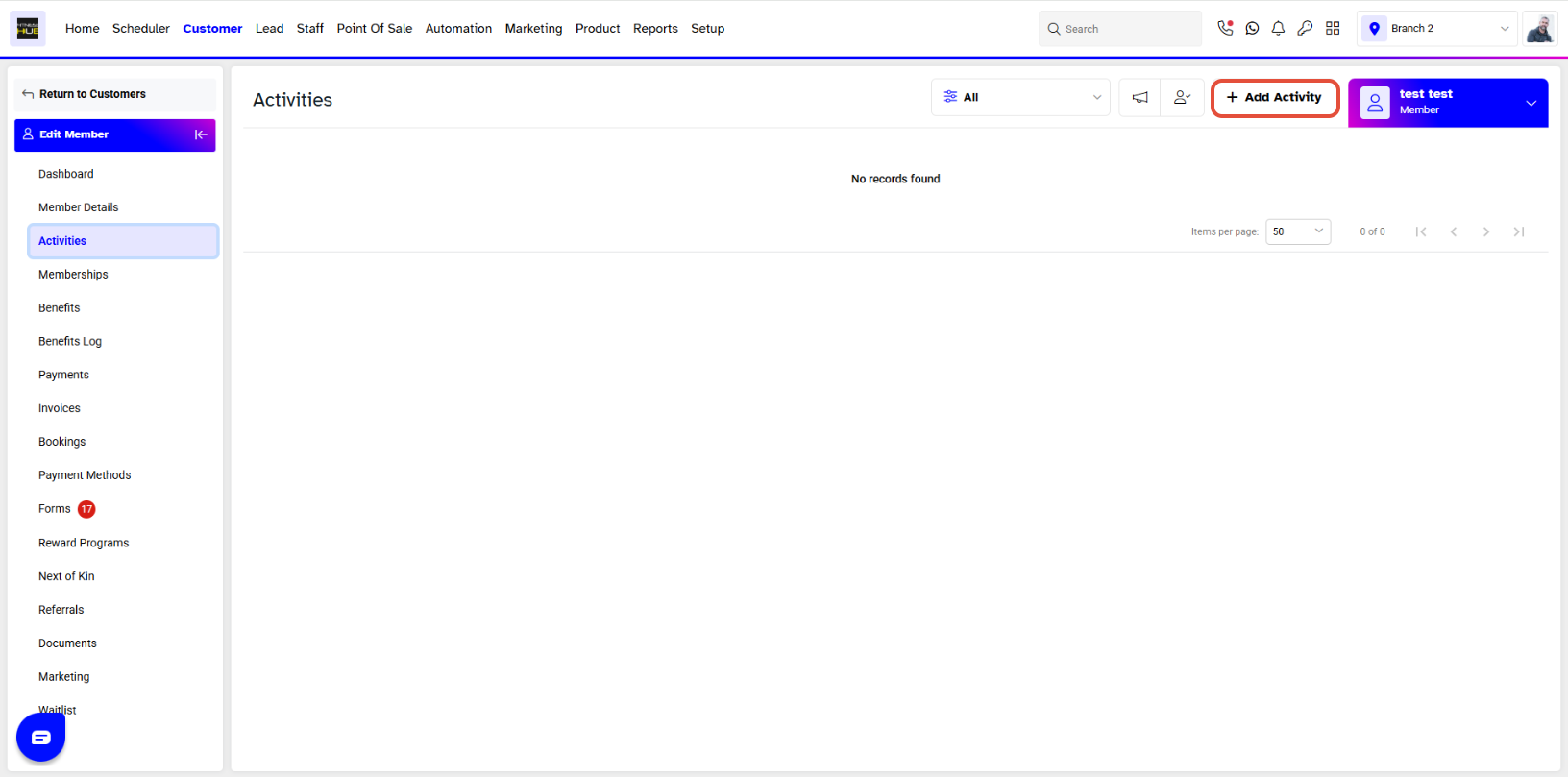
Click on the Add Activity button on the top right corner
The Call screen will pop up. Select Later under When, then select the desired date and time. Enter the title, select the appropriate Contact Reason, and assign the call to the respective staff member. You may also add any relevant notes if needed.
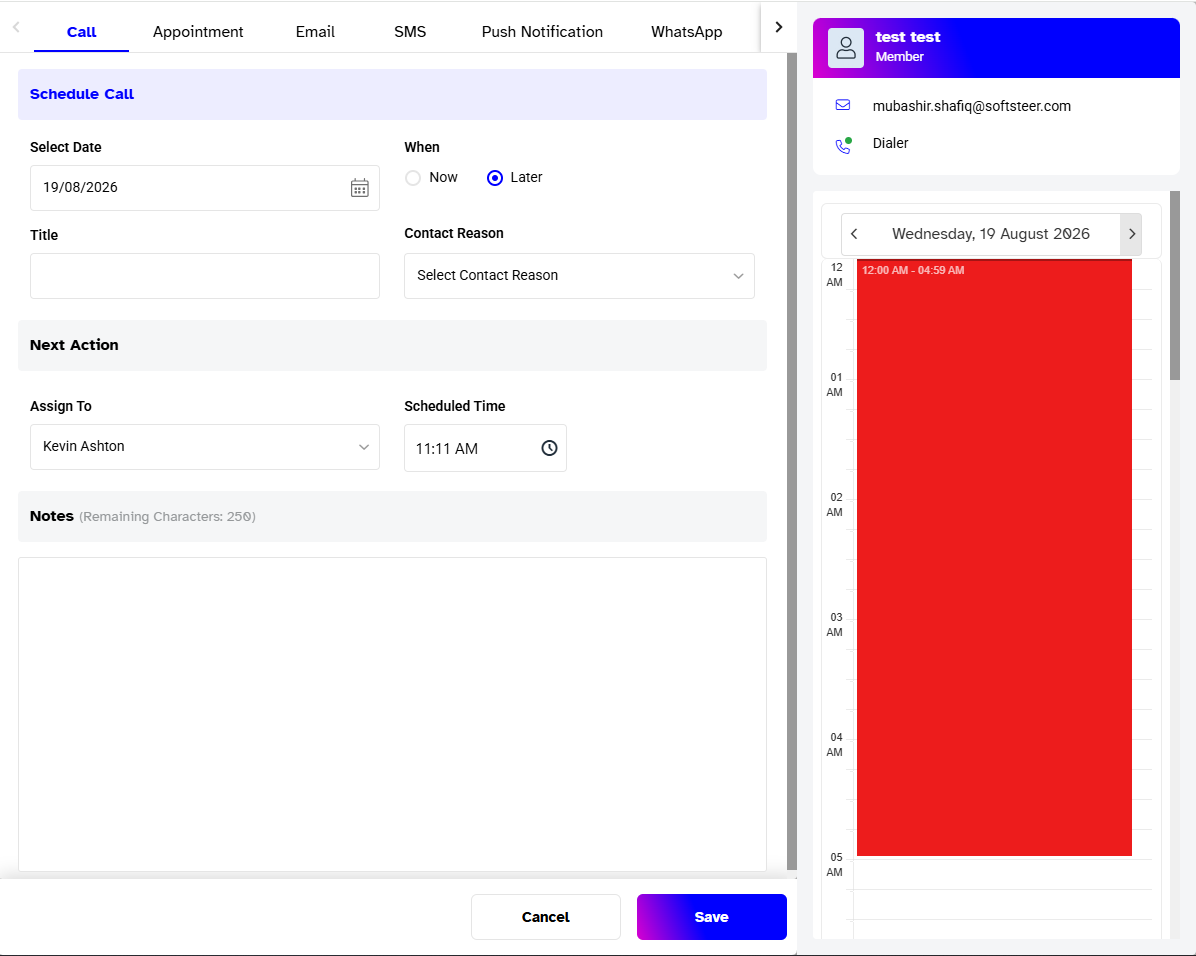
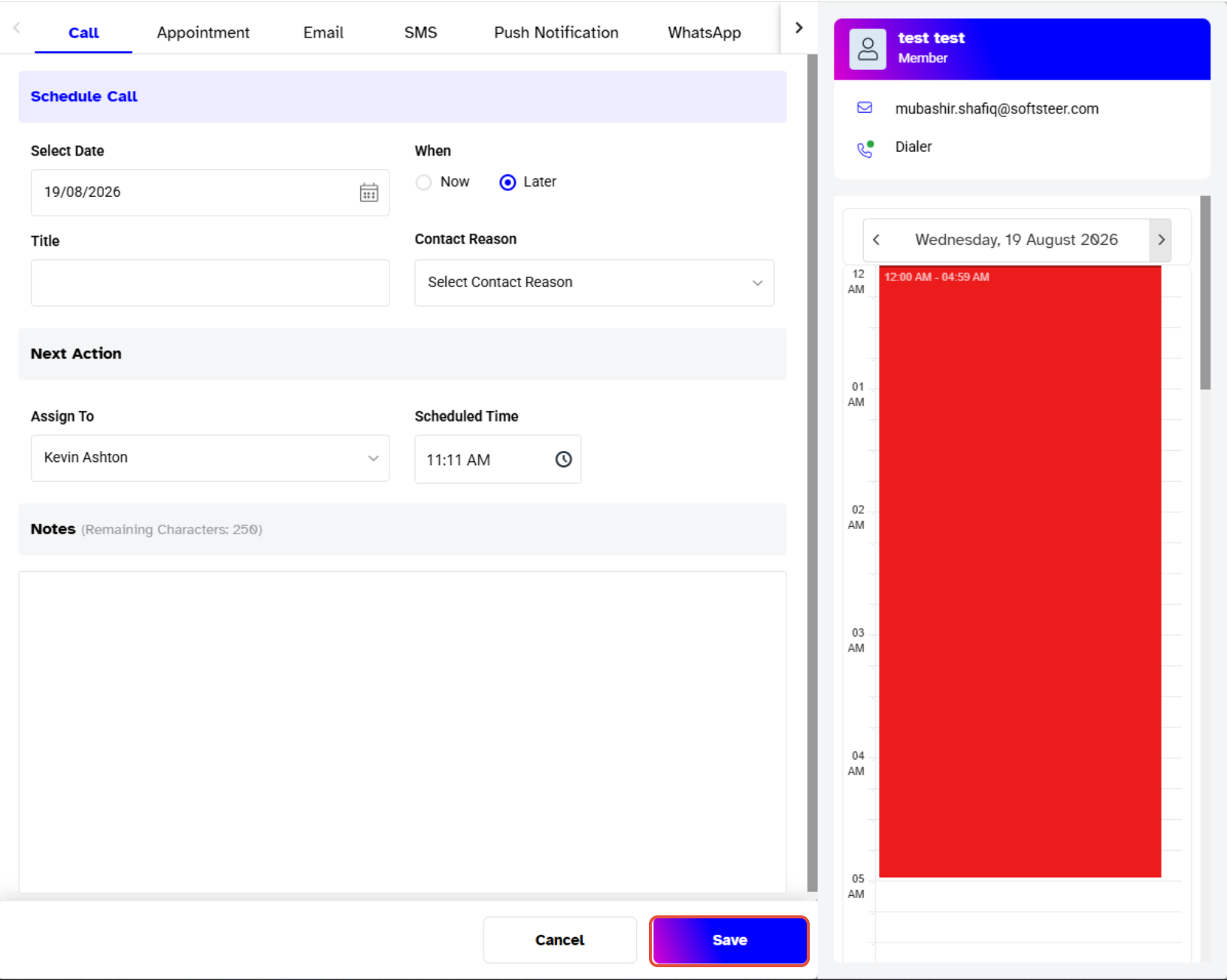
Click on the Save button on the bottom right of the pop-up window, a Call Saved Successfully message will appear on the bottom right of the page confirming the scheduled call.
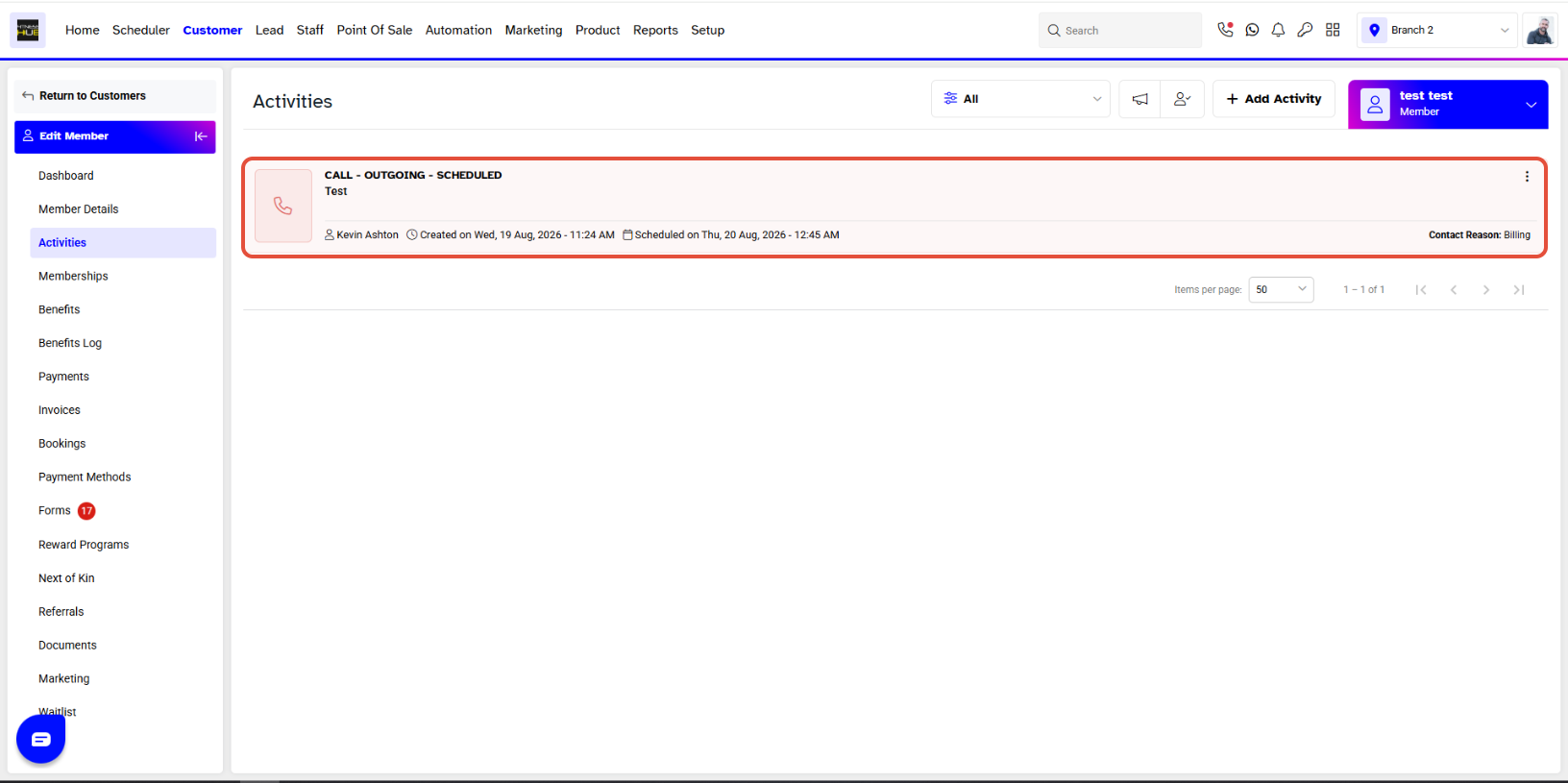
You will now be able to see your Customer Call under the Calls Activity Log.