For a list of terms used in the Wellyx application & across the support website, please consult our Glossary.
To Delete an Appointment on the Scheduler, go to the Scheduler module.
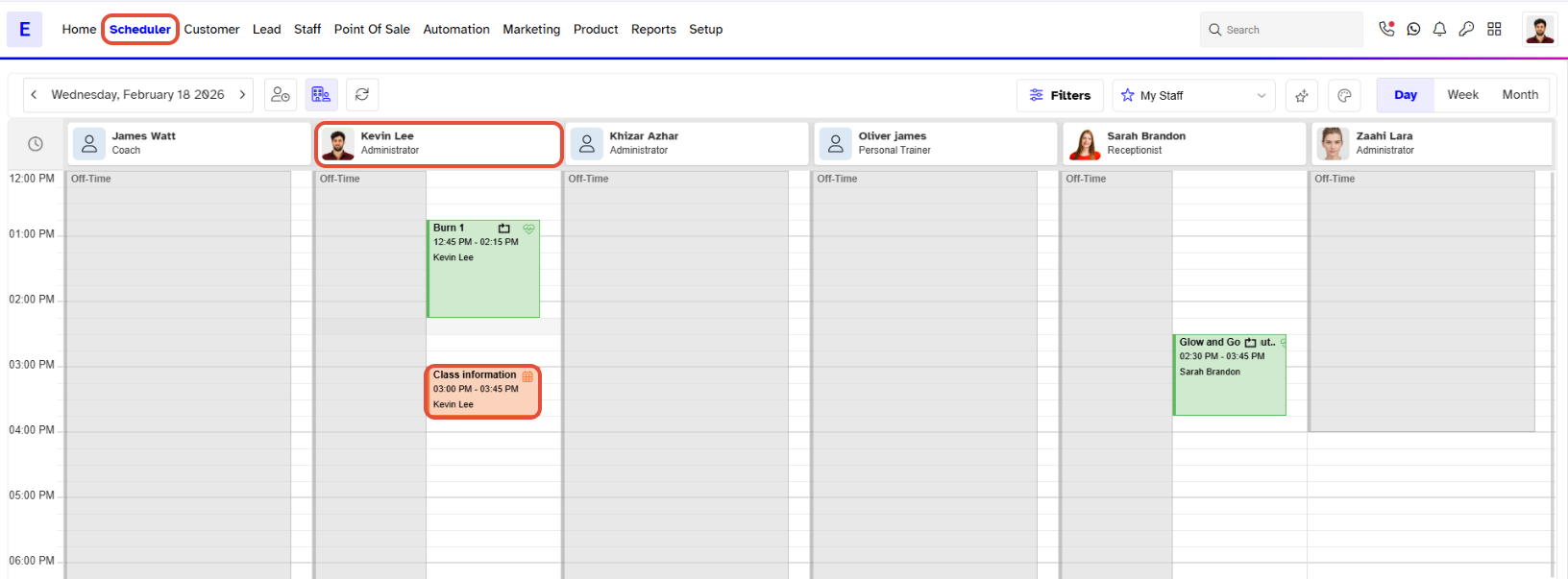
Click on the Appointment you wish to delete, under the Staff you have assigned it to. Click on the Bin icon to delete the Appointment.
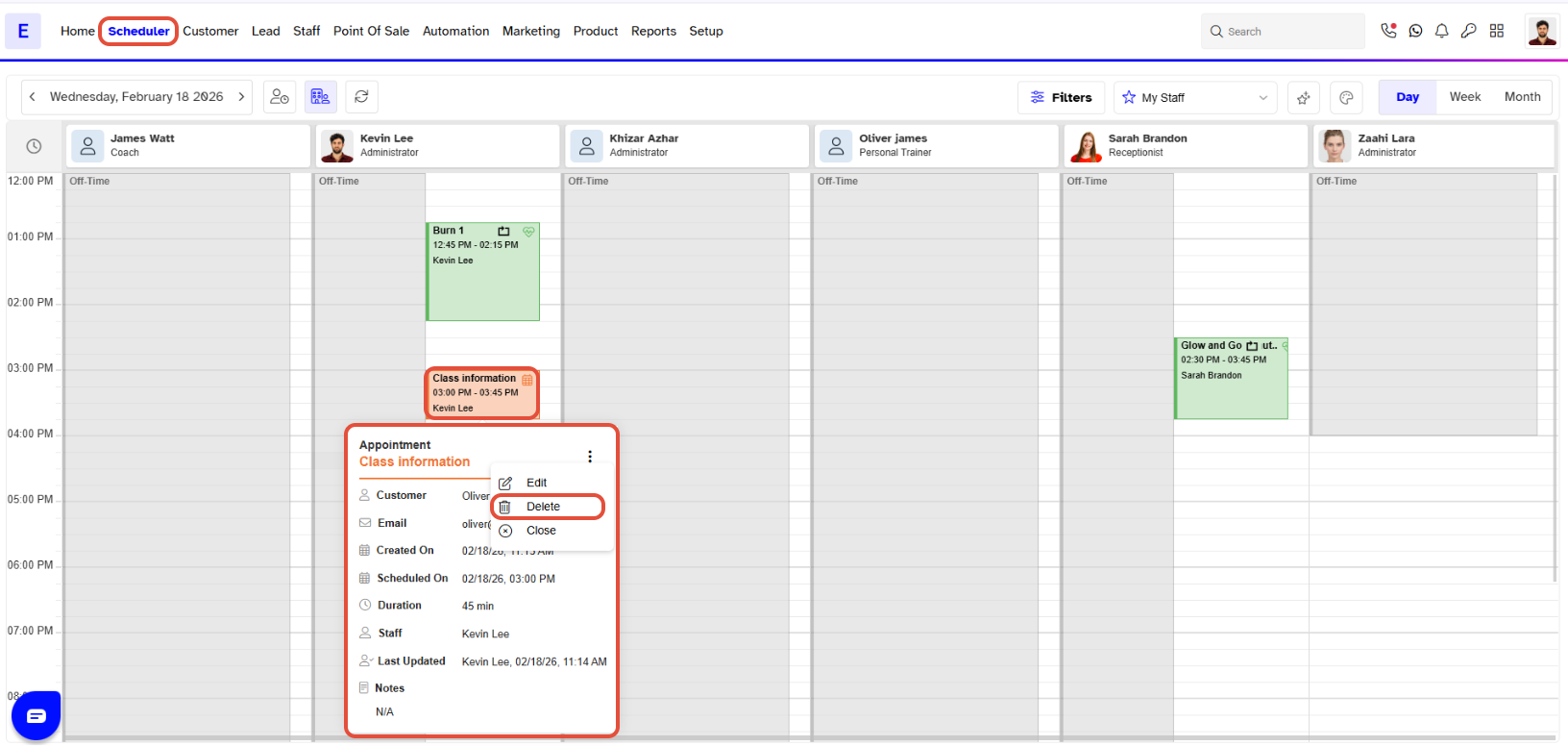
Your appointment will show as a different color, only if you have set the color from the Activities Color within the Setup Module.
A confirmation box will pop up, click on Confirm the Deletion, to allow your Appointment to be deleted.
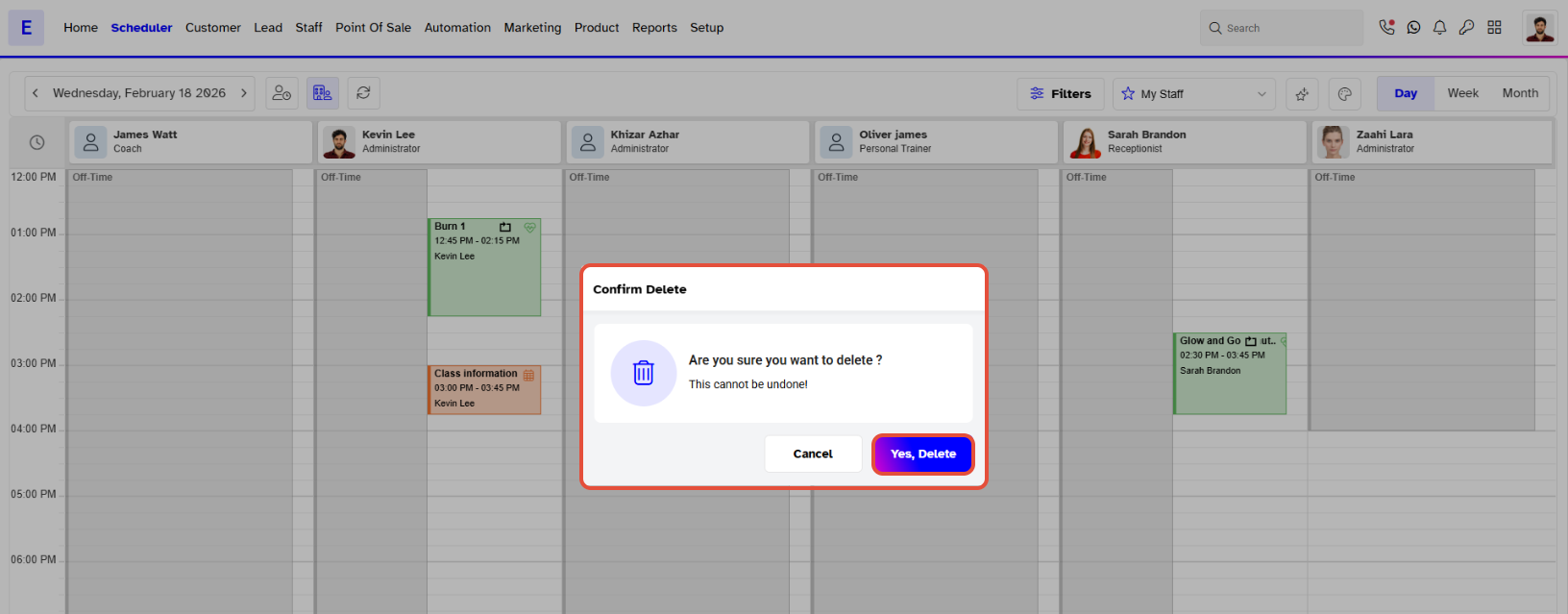
Once you have deleted your appointment, there is no way to retrieve it. You will have to create a new appointment if the need occurs.
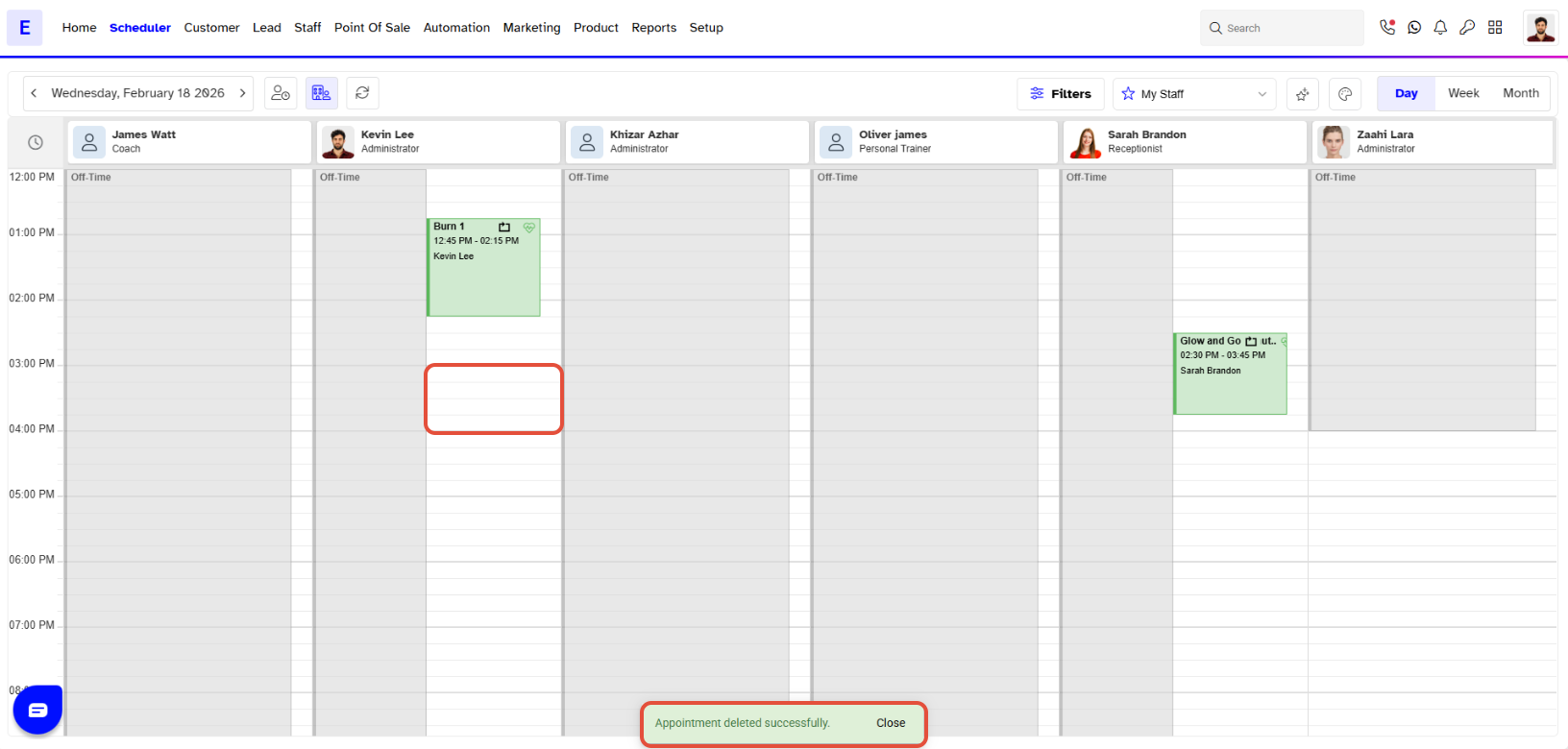
Once you have Deleted your Appointment, it will no longer be visible in the Scheduler module.