


For a list of terms used in the Wellyx application & across the support website, please consult our Glossary .
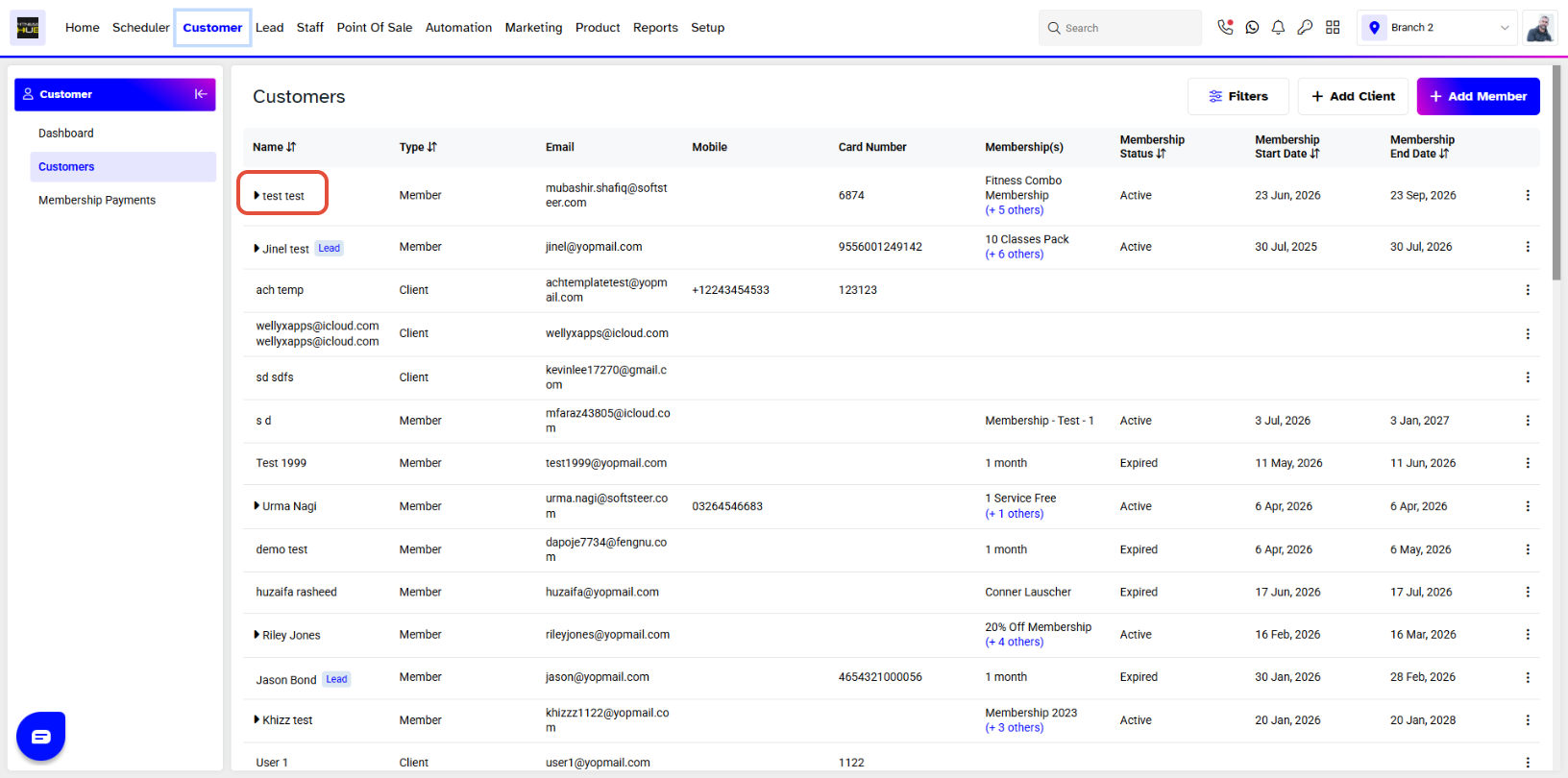
To assign an Appointment to Someone Else, go to the Customer Module. By default you will be taken to the Customers Segment. Click on the name of the Customer for whom you wish to assign an Appointment to Someone Else.
Click on Activities when on the customer profile and over there you will see all the Appointments list.
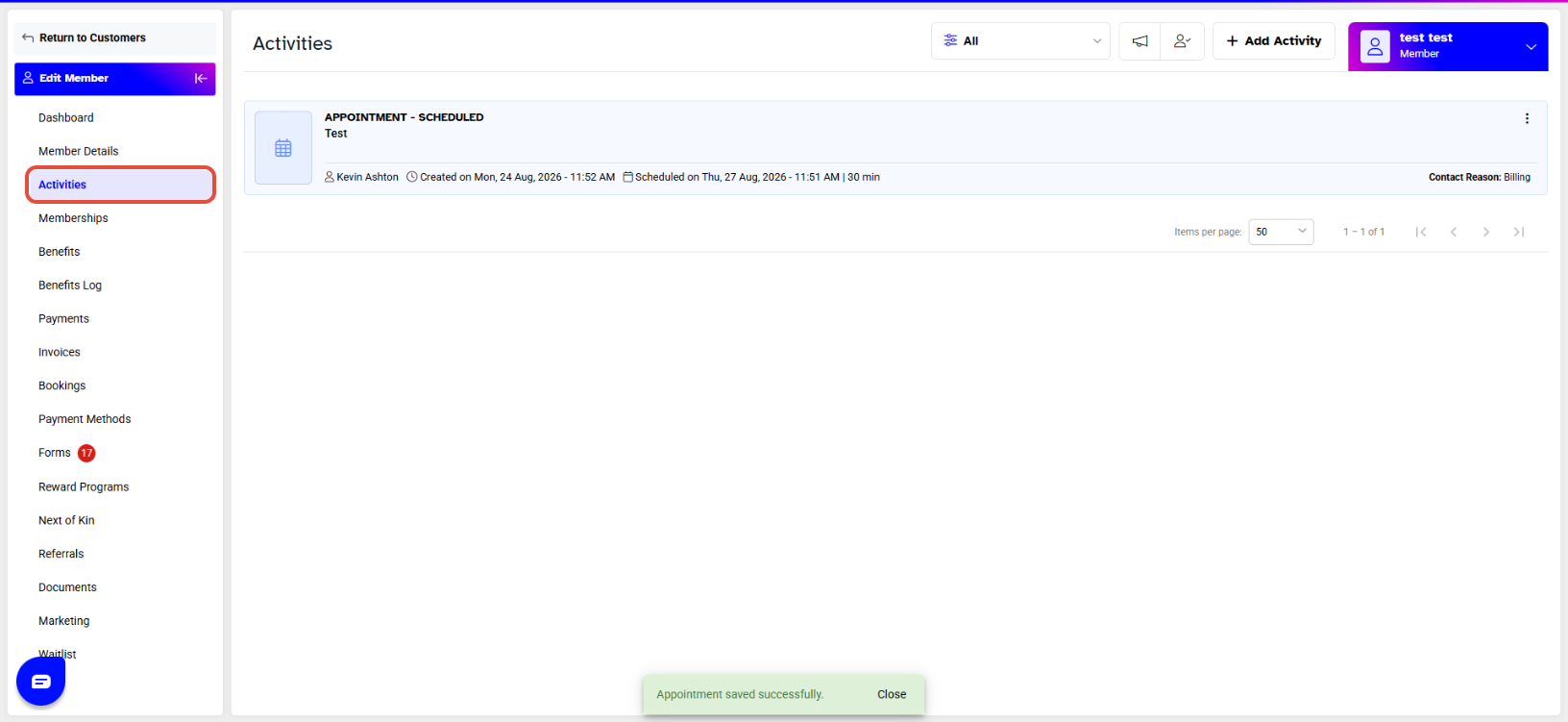
Click on Edit to on the Appointment that you would like to assign to someone else

The Appointment Dialogue box will open, from there click on the Assign To and choose an option from the dropdown menu. Once you have chosen a different staff member, click on Save to confirm the changes.
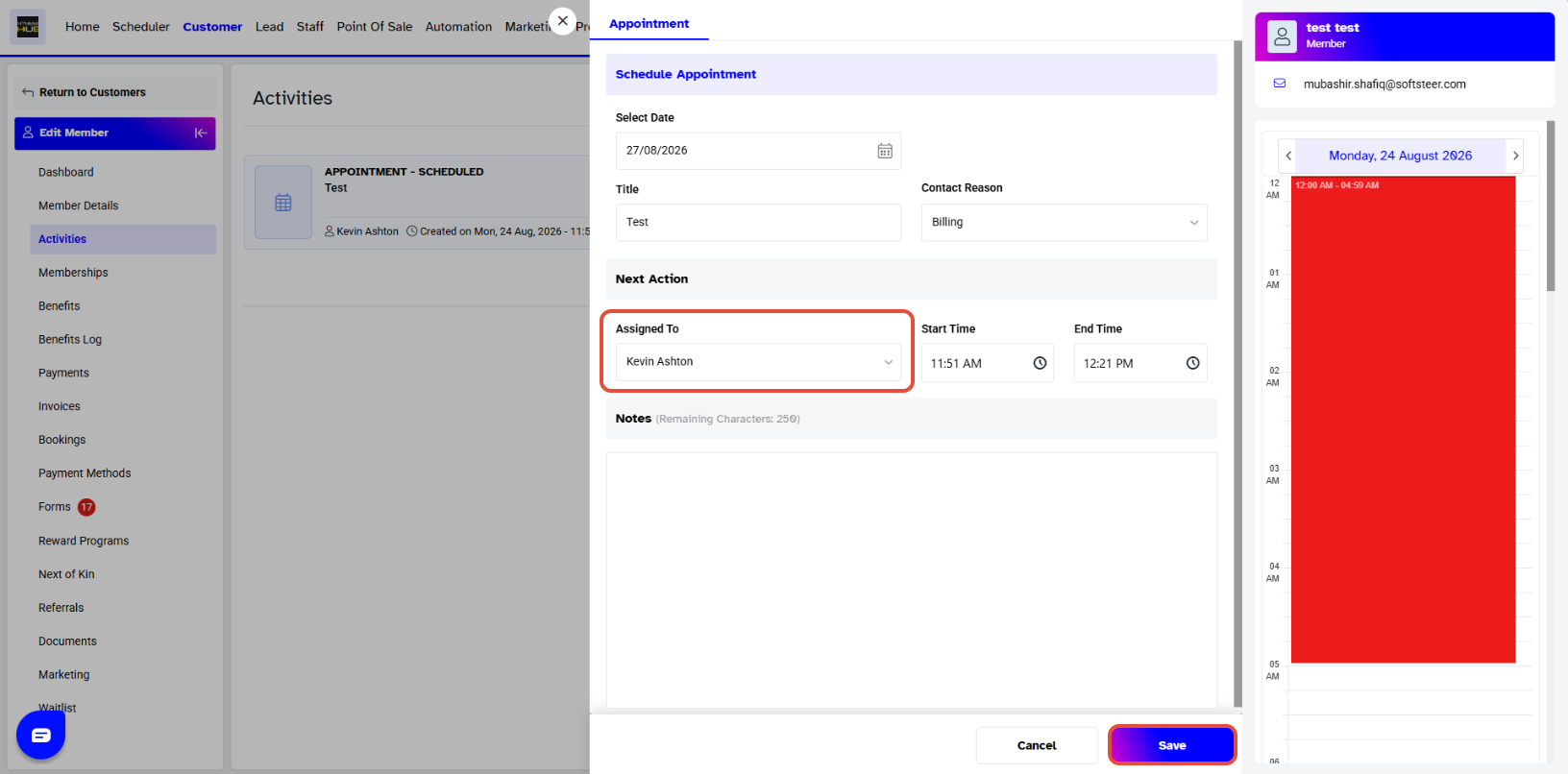
Only your pre-entered staff members will show in the dropdown menu.




