


For a list of terms used in the Wellyx application & across the support website, please consult our Glossary.
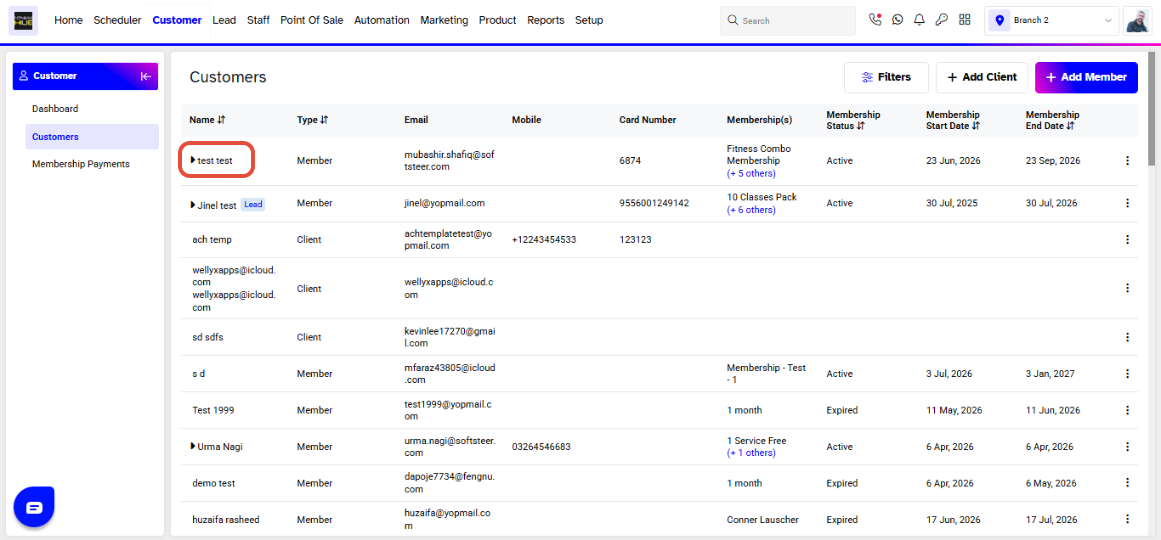
Merchants can schedule an appointment for now either in the Customer or on Scheduler. To do it in the member's profile go to Customer Module. Click on the Customers name for whom you would like to schedule an appointment for.
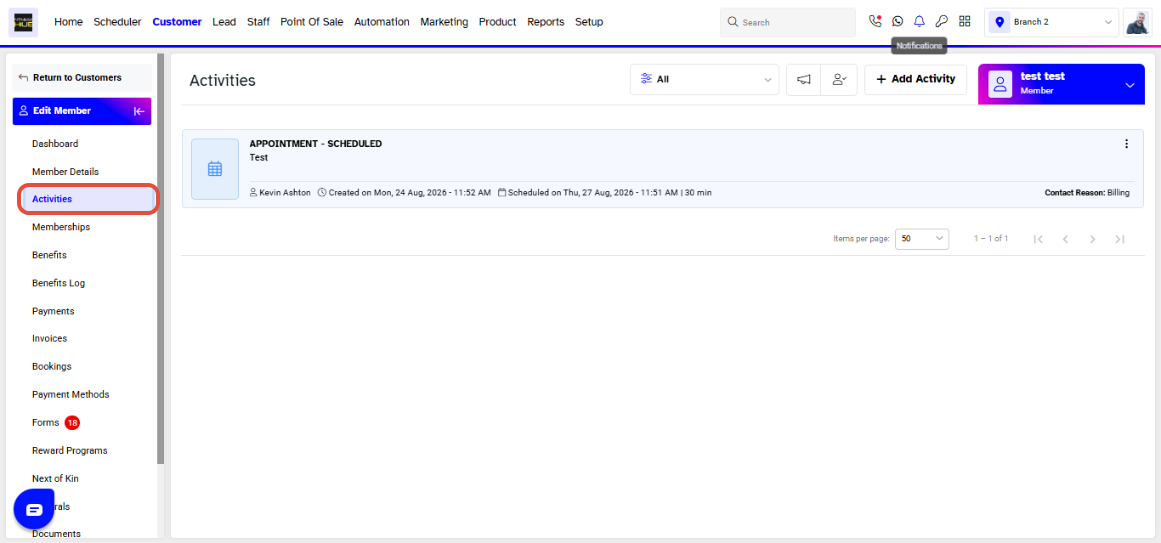
Click on Activities when on the customer's profile. Here you can view and add appointments for the member. Click Add Activity.
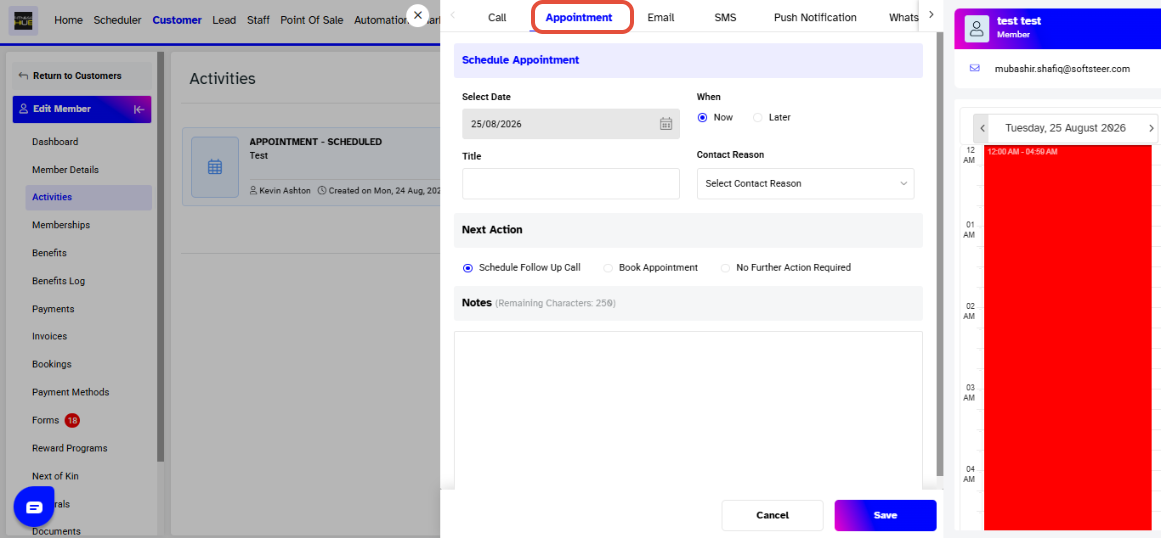
A window will pop up. Select Appointment from the top navigation bar. By default, When will be set to Now.
Enter the following details:
- Title
- Contact Reason
- Next Action
- Notes, if applicable
Once you have entered the required information, click Save to save the appointment.
To schedule the appointment in the Scheduler, click under the name of the staff member you want to assign the appointment to.
A pop-up window will appear. Select Appointment and follow the same steps outlined above to complete the appointment details and save it.




