TABLE OF CONTENTS
To view or add a customer's activity using the shared inbox, follow the steps below:
How To View The Shared Inbox In The Core
Go to the Home Module in the Core.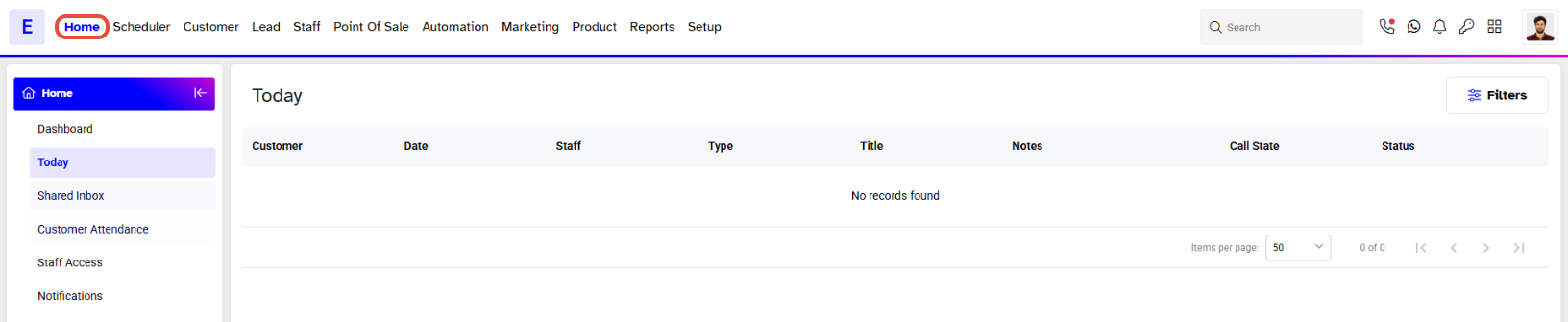
Click on the Shared Inbox.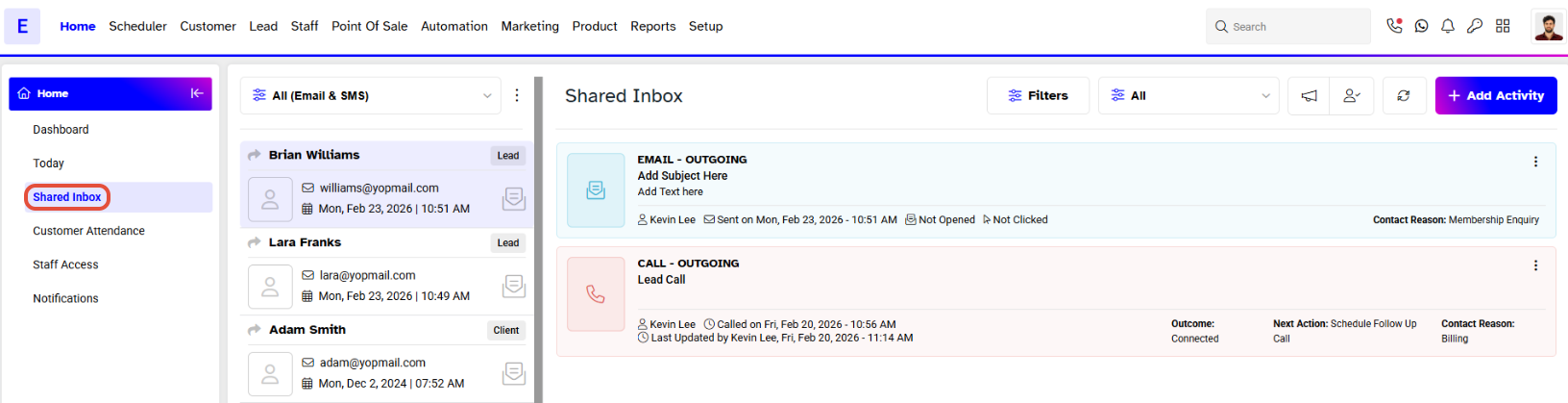
Once clicked, the Shared Inbox will open.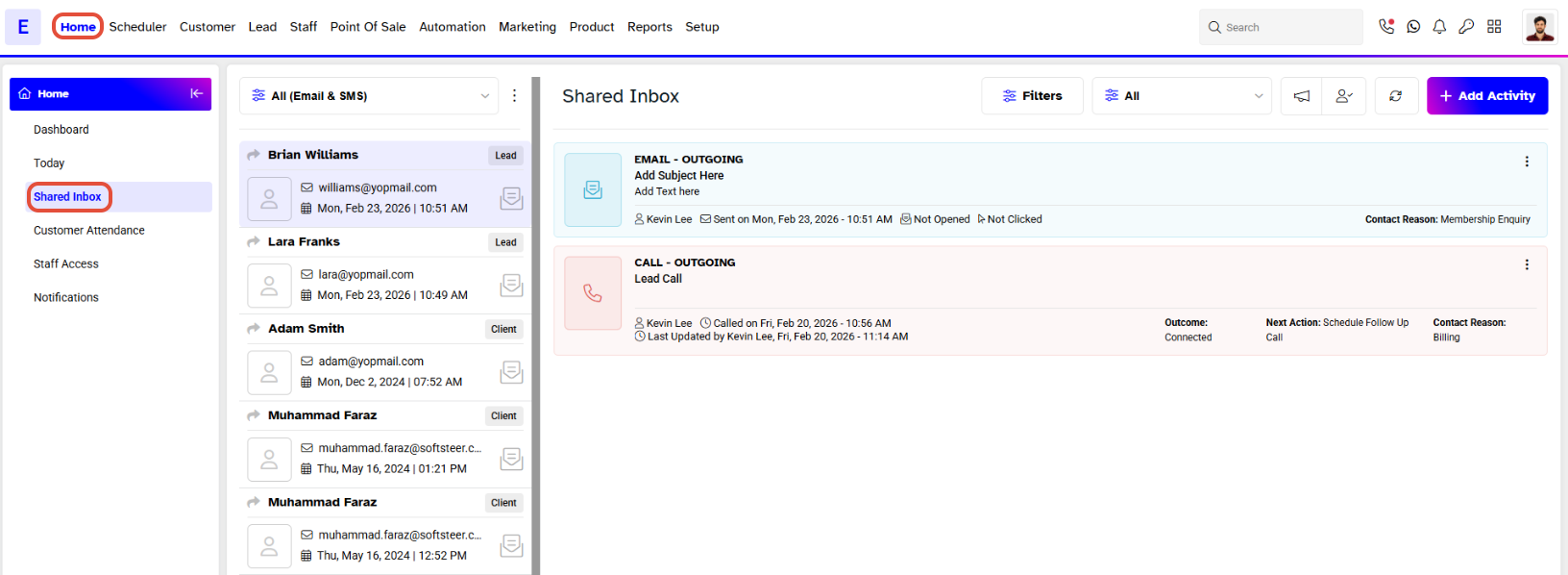
On the side of the Shared Inbox, the Activities Tabs will appear, including:
- All
- Unread
- WhatsApp Unread
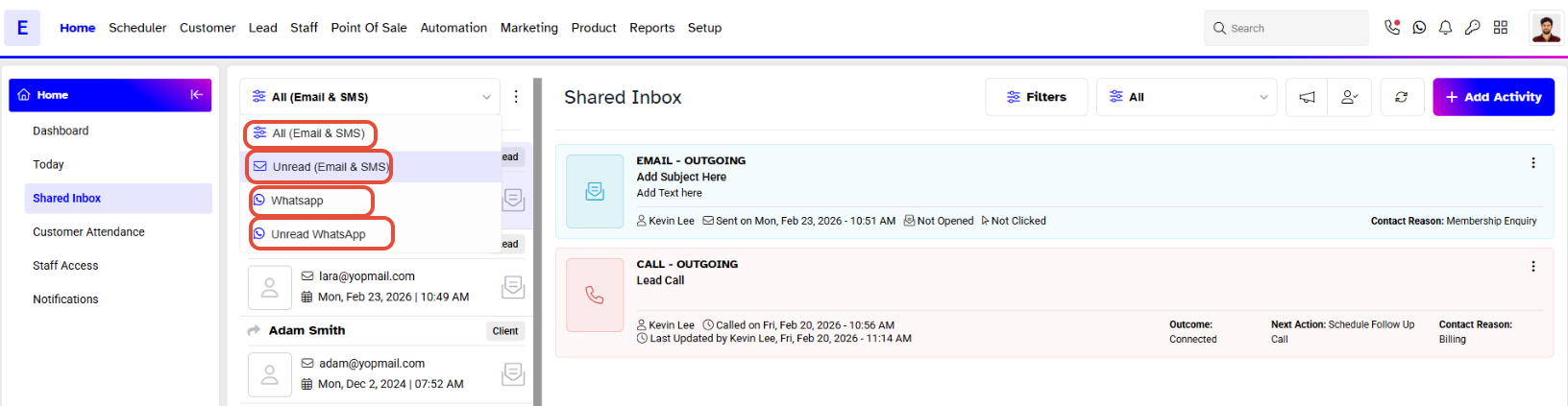
Under the Activities Tab, customers will be listed along with activity details such as:
Activity Type
Phone Number
Activity Performed Date
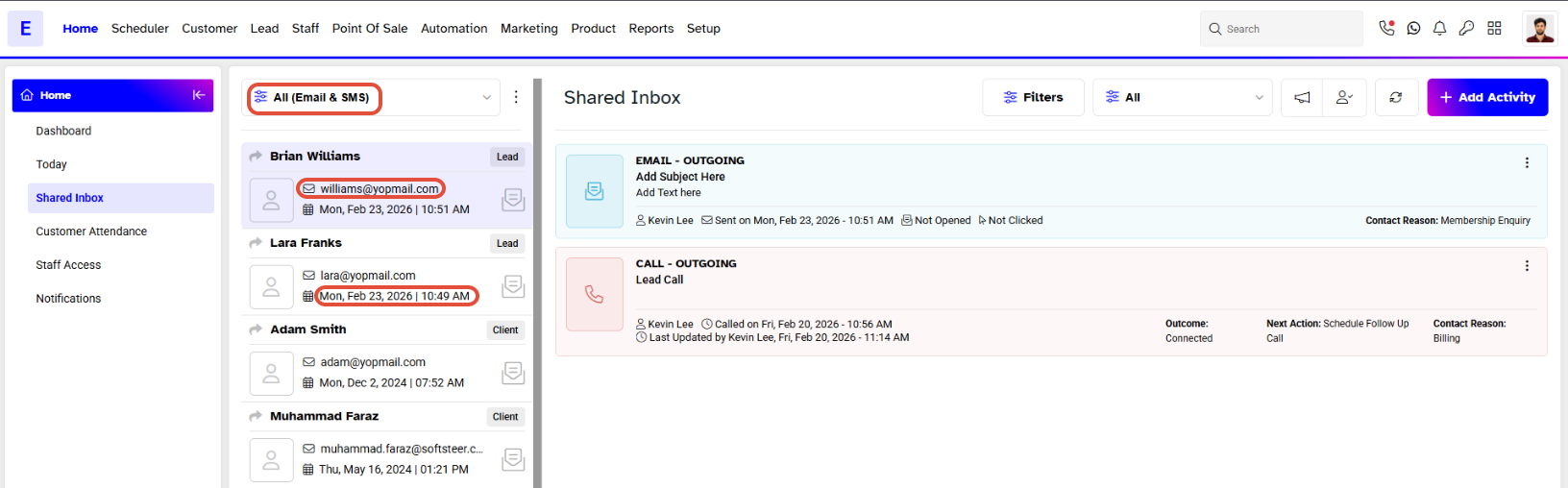
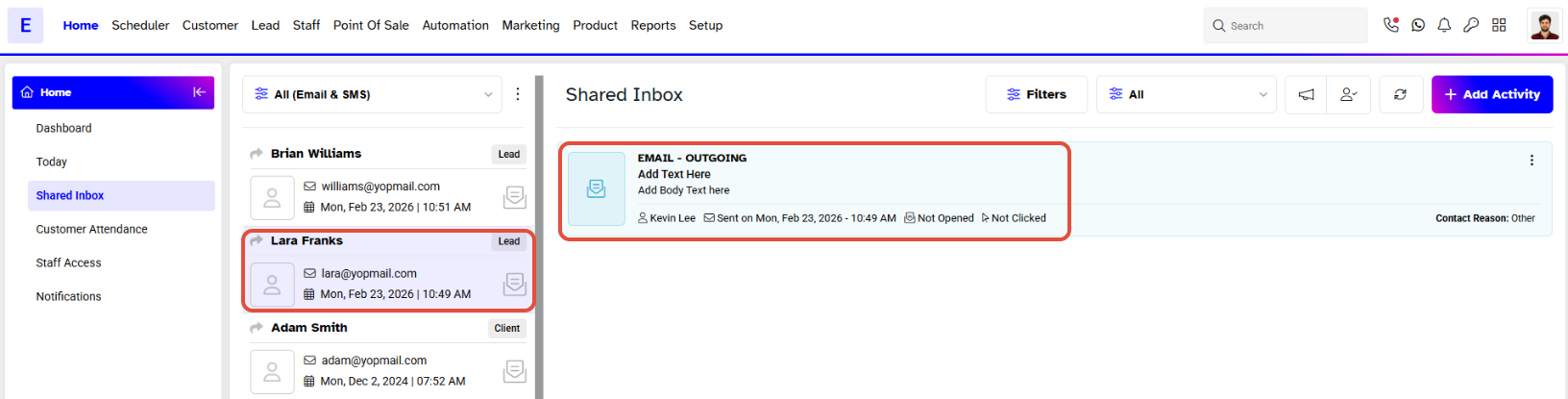
When you select a customer, all activity details will be displayed against their name.