TABLE OF CONTENTS
To View the Call Log in Core, follow the steps below:
How To View The Incoming And Outgoing Calls Log In Core
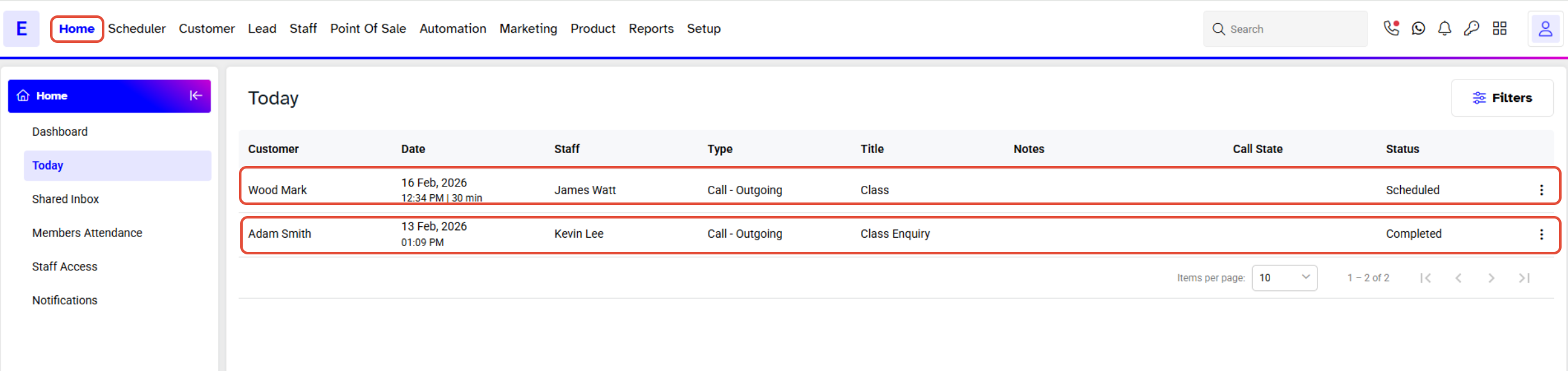
Go to the Home Module in Core.

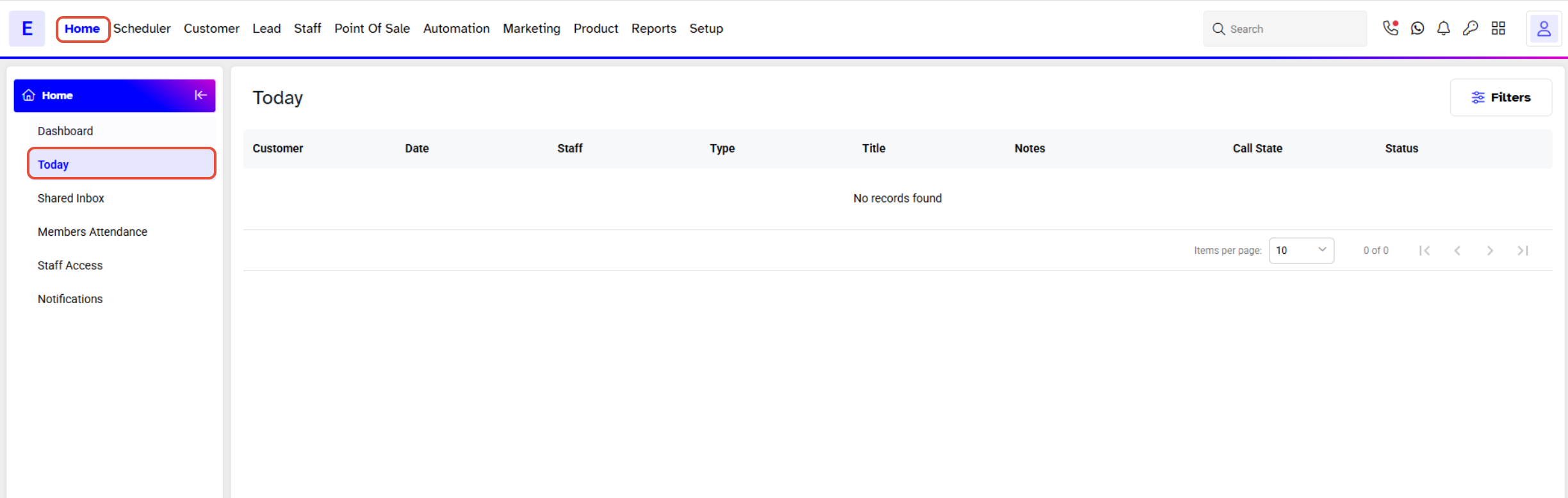
By default, Today Tab will Open.
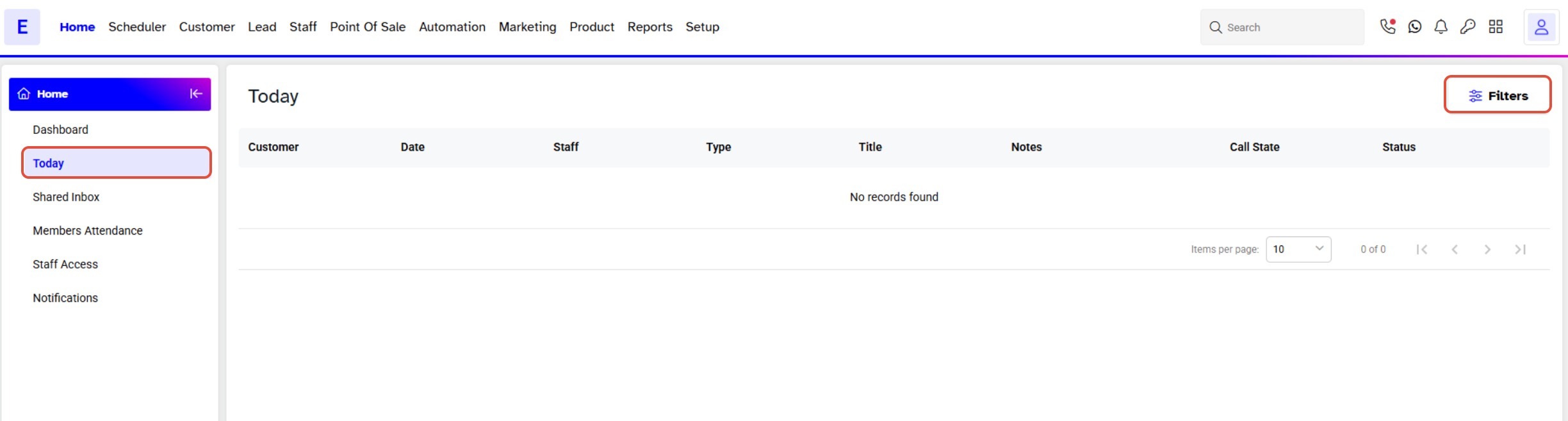
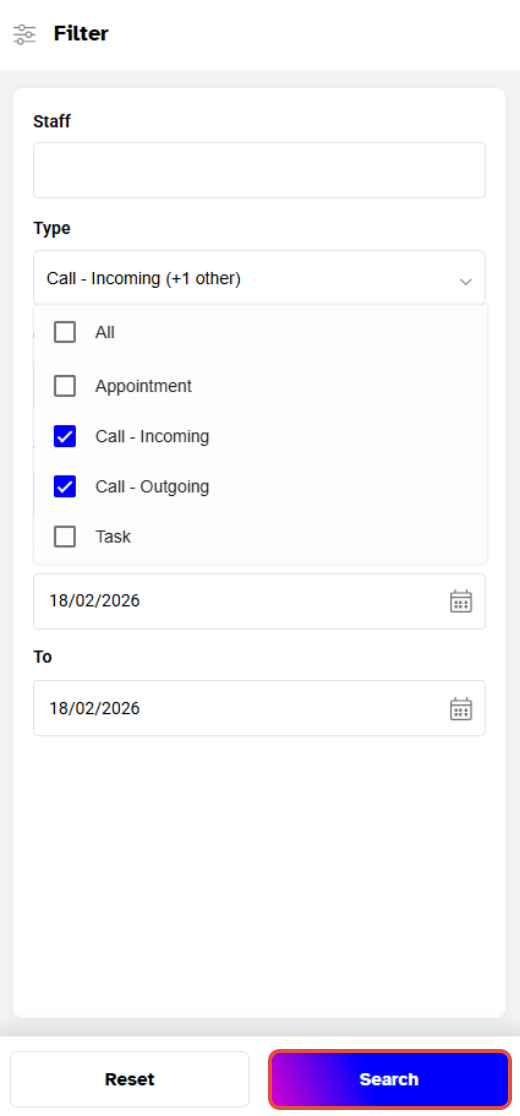
Now, click on the + Button to expand the Search Filter.
Check the Incoming and Outgoing Calls from the Type dropdown.
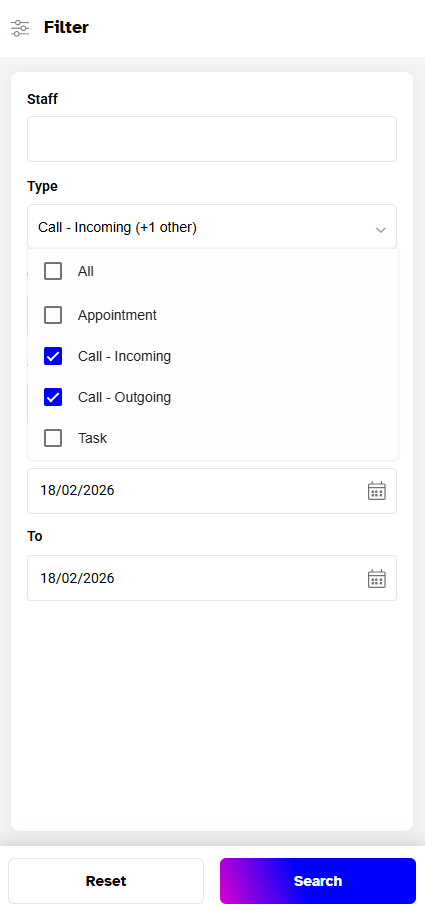
Once done, click on the Search Button.
Now, all the Incoming and Outgoing Calls Log will display on the Screen.