TABLE OF CONTENTS
- Overview
- Step 1: Navigate to the Setup Module
- Step 2: Access Tags
- Step 3: Enter Tag Details
- Step 4: Save the Tag
Overview
This guide explains how to add a new tag in Core step by step.
Step 1: Navigate to the Setup Module
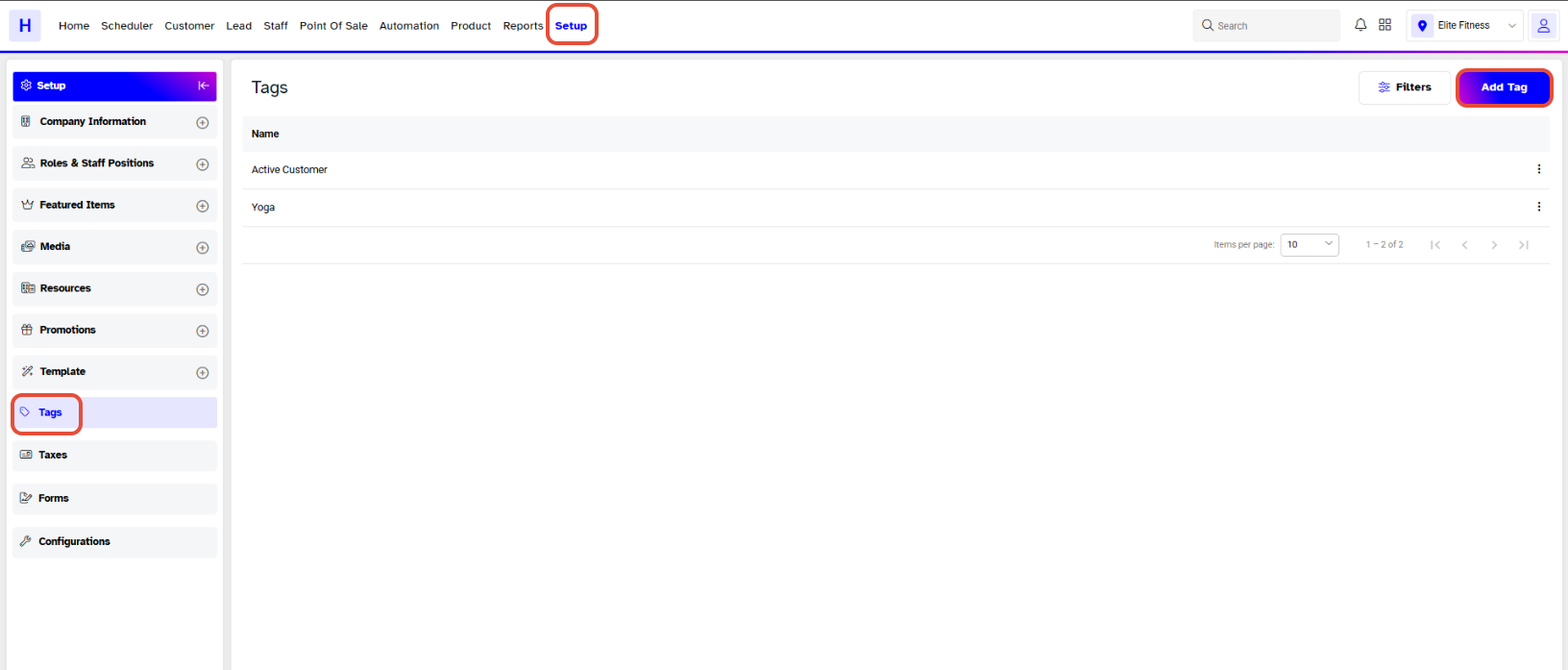
- Go to the Setup module.

Step 2: Access Tags
- Click on the Tags Tab.
- Click on the Add Tag button.
Step 3: Enter Tag Details
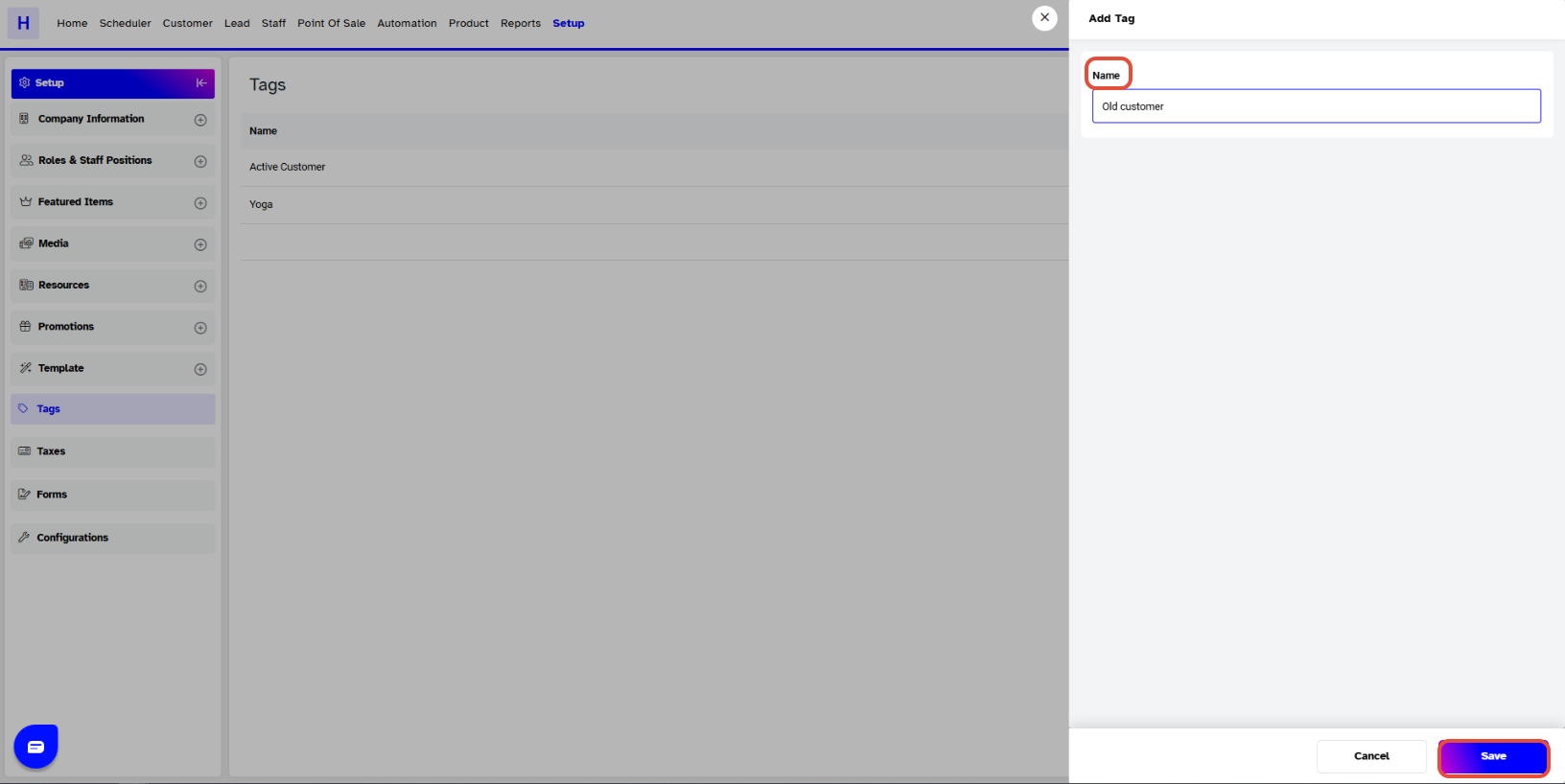
- The Add Tag popup will appear. Enter the following details:
- Name: Type the name of the tag.
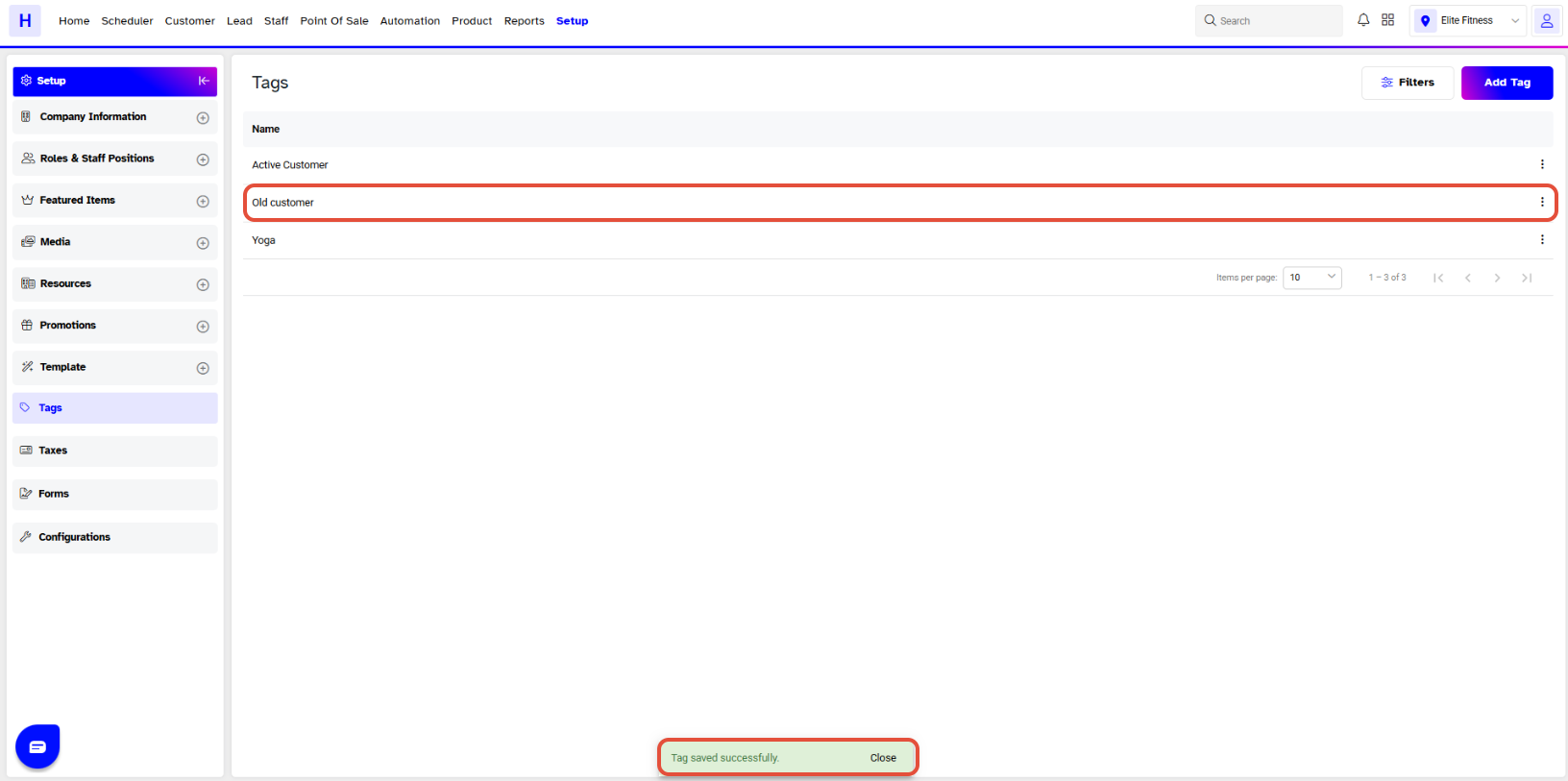
Step 4: Save the Tag
- Click on the Save button
- The Tag will be successfully saved.