TABLE OF CONTENTS
Overview
This guide explains how to delete a Staff Task in Core. It covers all essential steps — from navigating to the task list to confirming the deletion. By following this guide, you can efficiently remove unwanted tasks associated with staff members.Step 1: Navigate to Staff Tasks
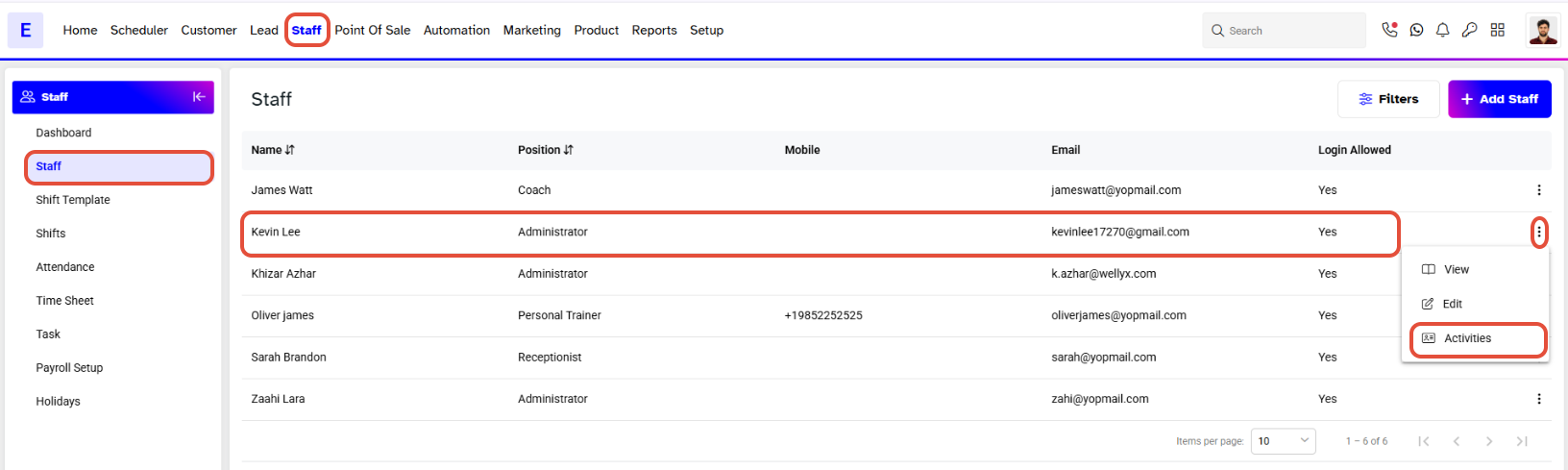
- Click on the Staff Module in Core.
- Click on the Activities Icon against the Staff Member Name.
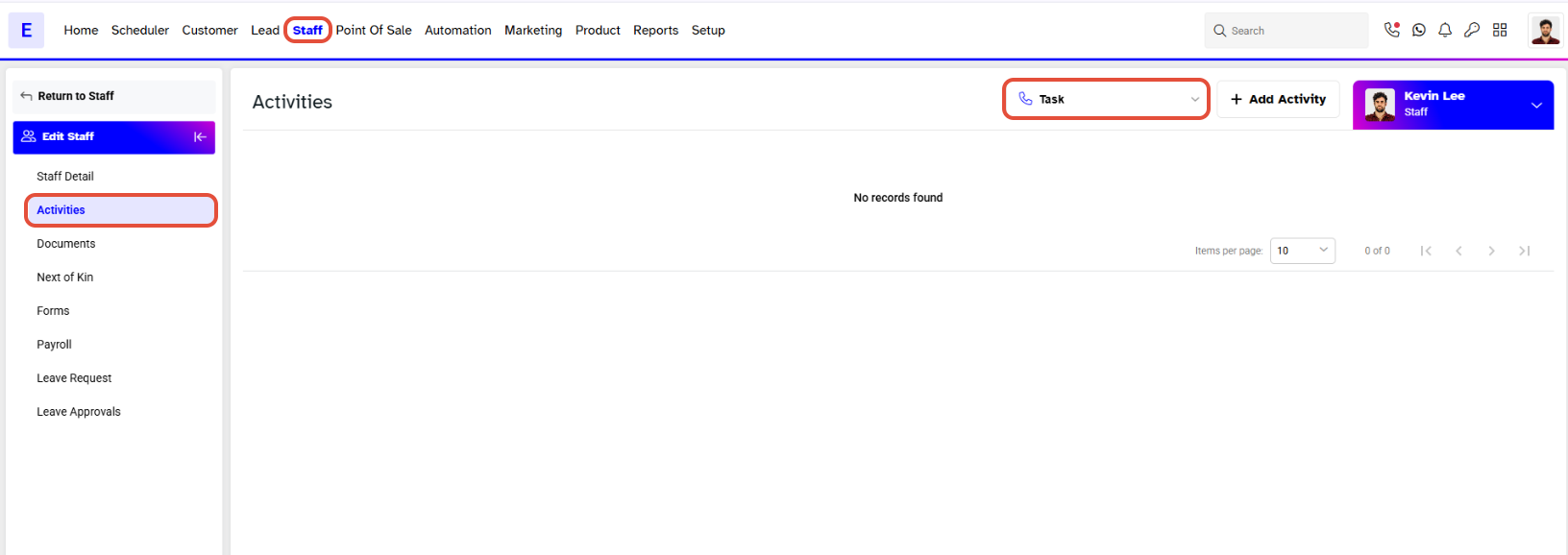
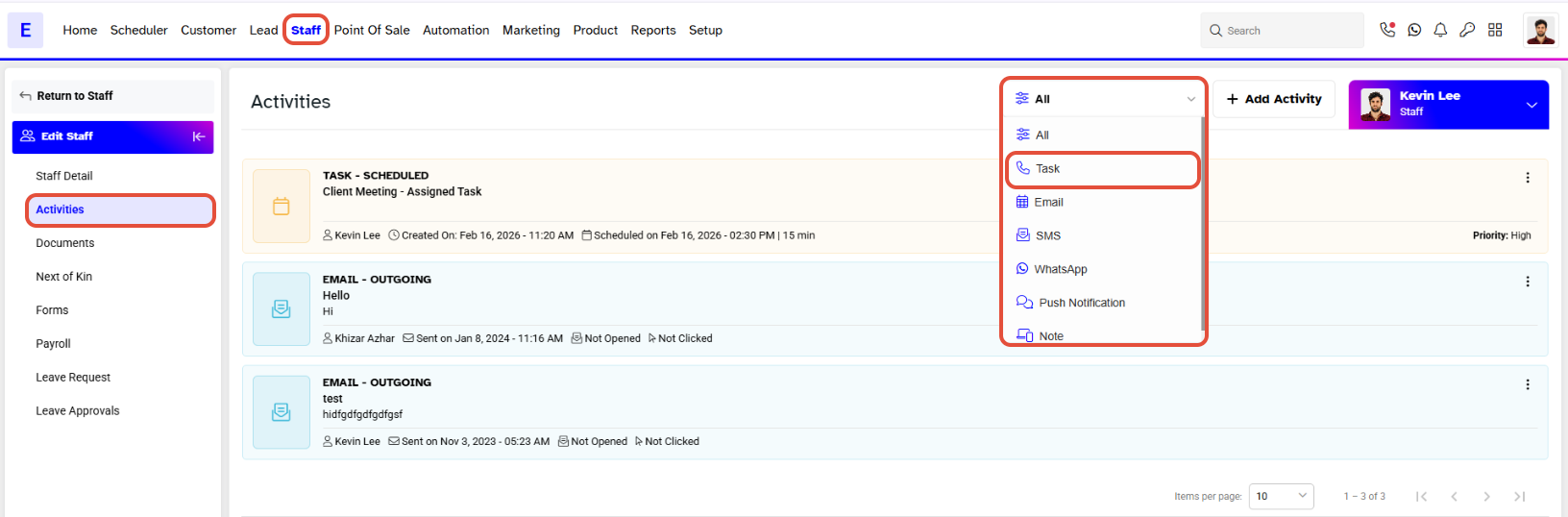
- Click on the Tasks Tab.
Step 2: Delete a Task
- Click on the Bin Icon against a Task
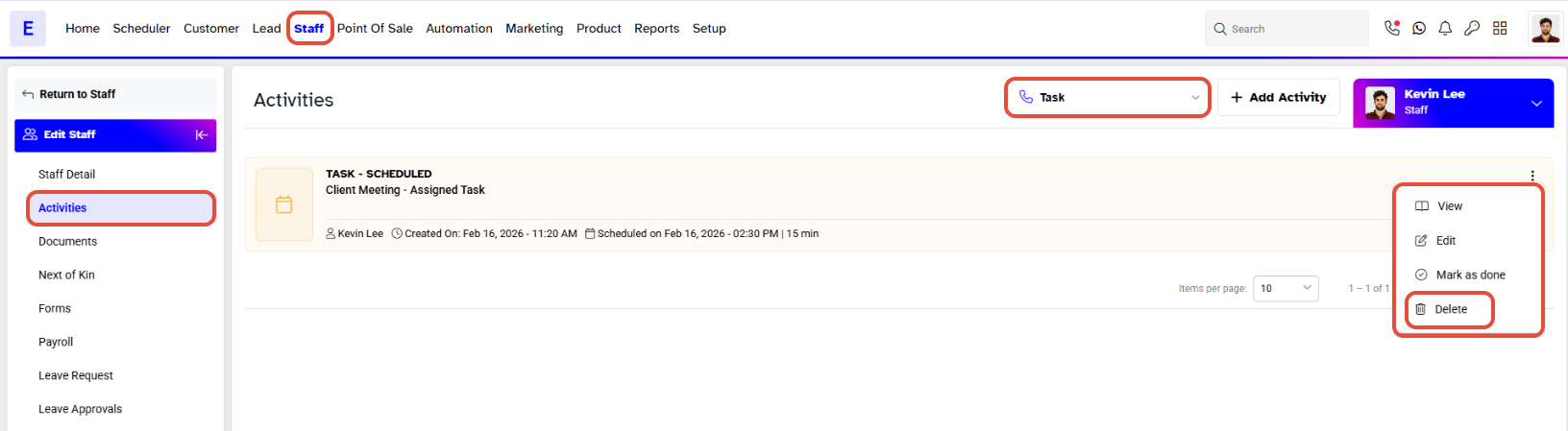
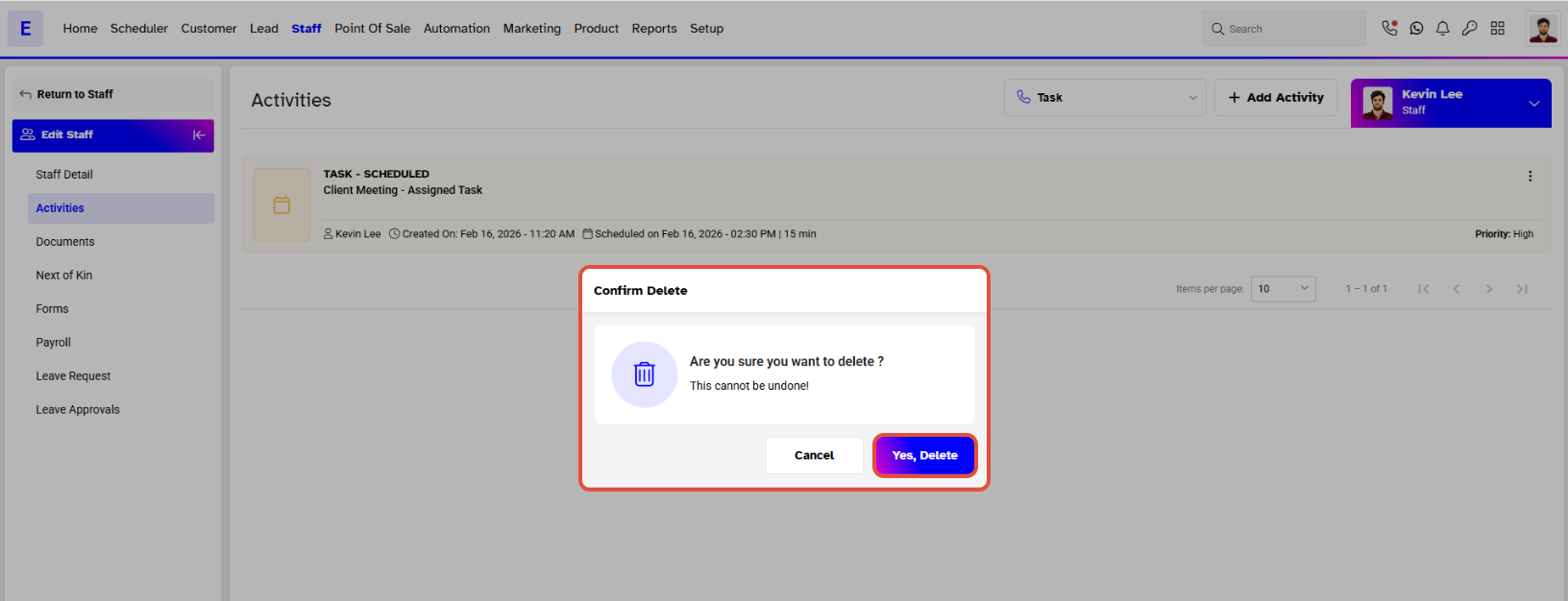
- Click on the Yes, Delete Button.
Step 3: Confirm Deletion
- A "Task Deleted successfully" message will appear on the bottom right of the screen.
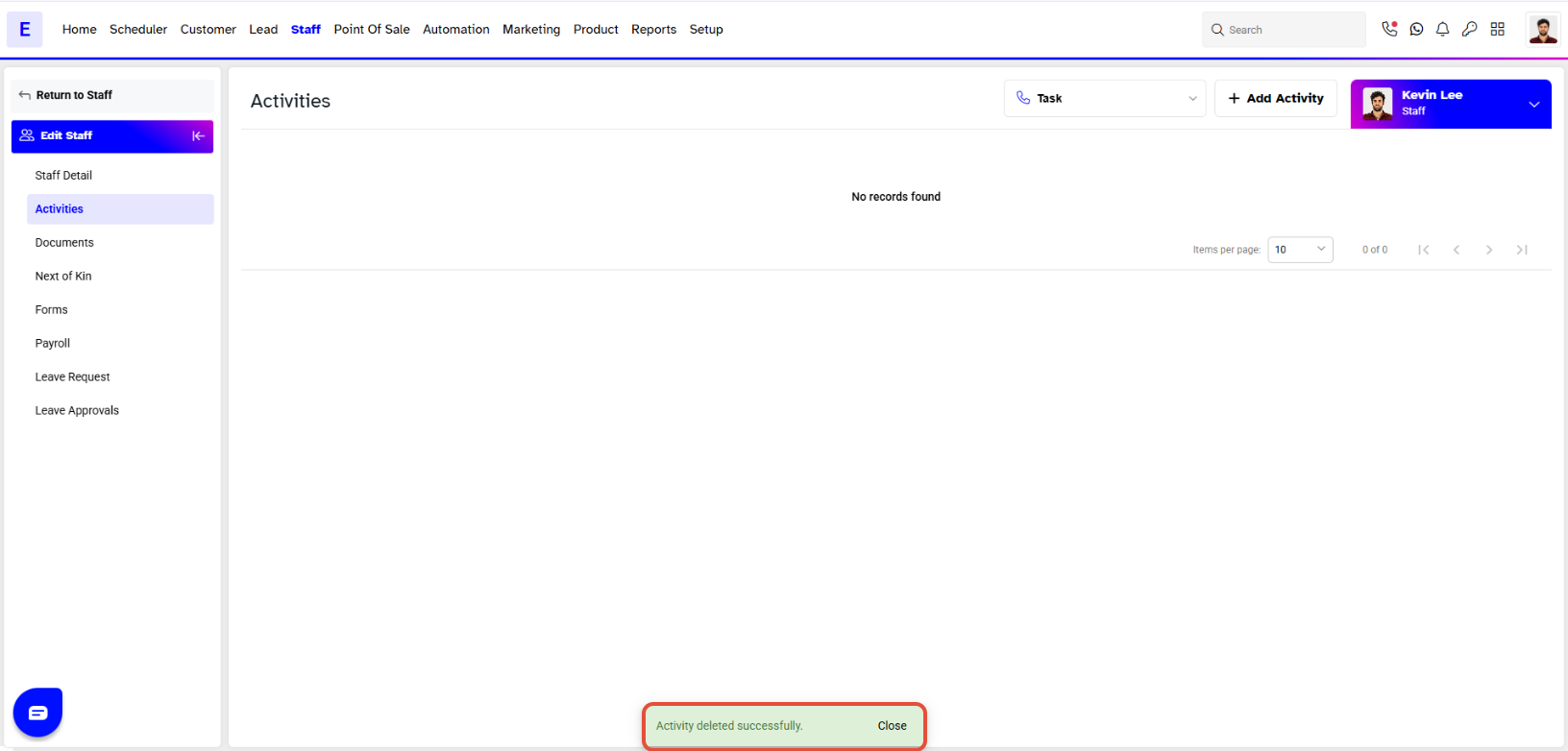
- The Task will no Longer Be Visible under the Tasks Tab.