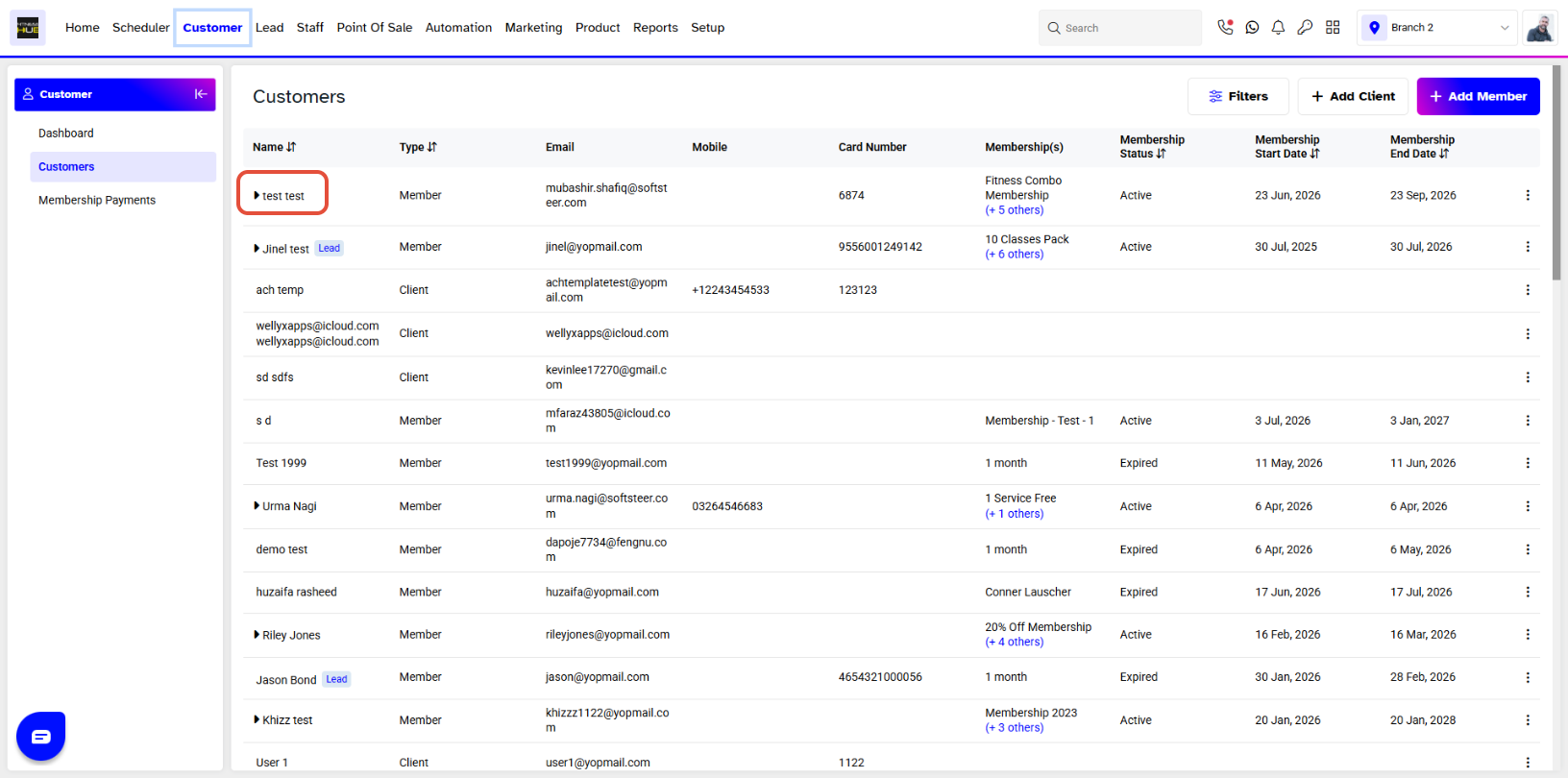
To re-schedule an appointment, merchants have to go to the Customer Module. By default you will be taken to the Customers Segment. Click on the name of the Customer for whom to wish to re-schedule the Appointment.
Click on Activities when on the customer profile and over there you will see all the Appointments list.
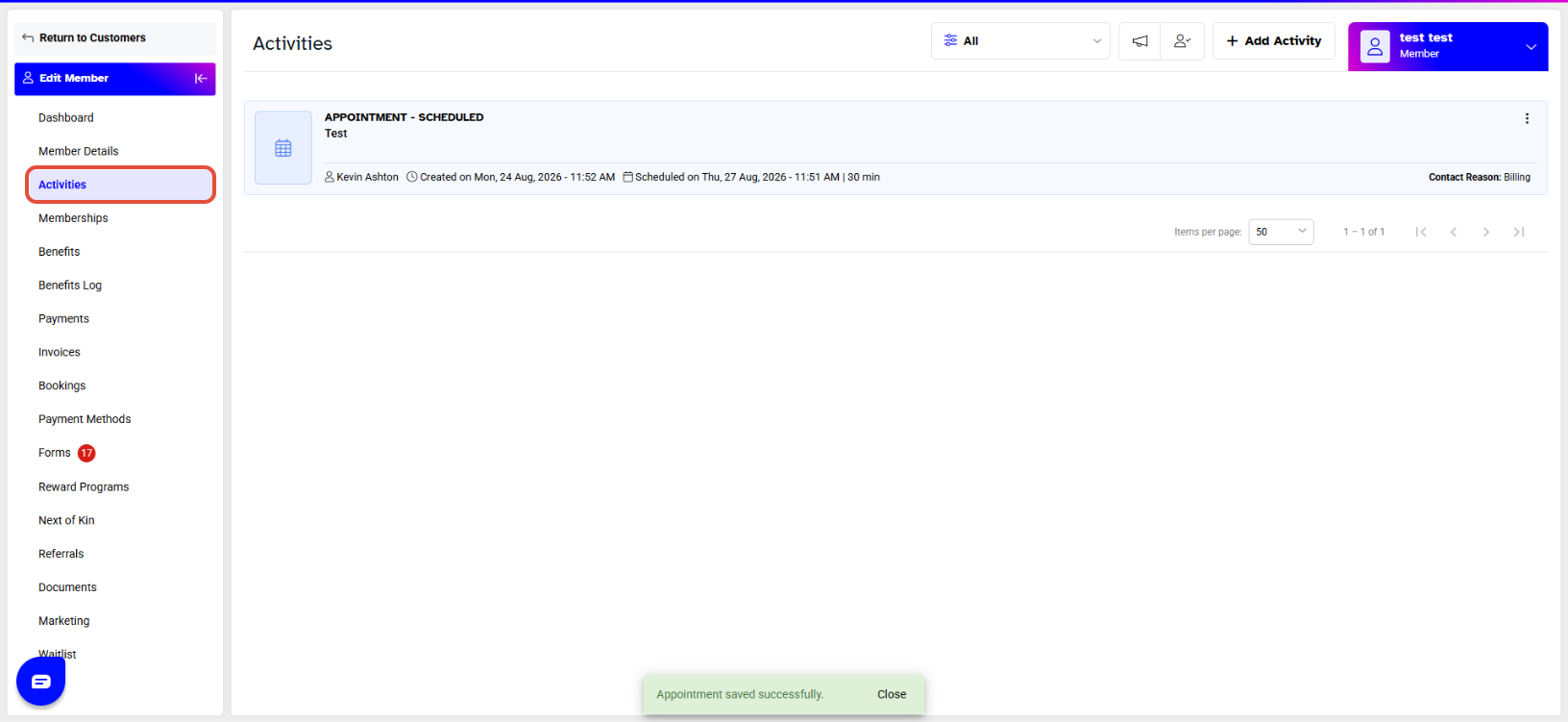
Click on Edit to on the Appointment that you would like to reschedule.

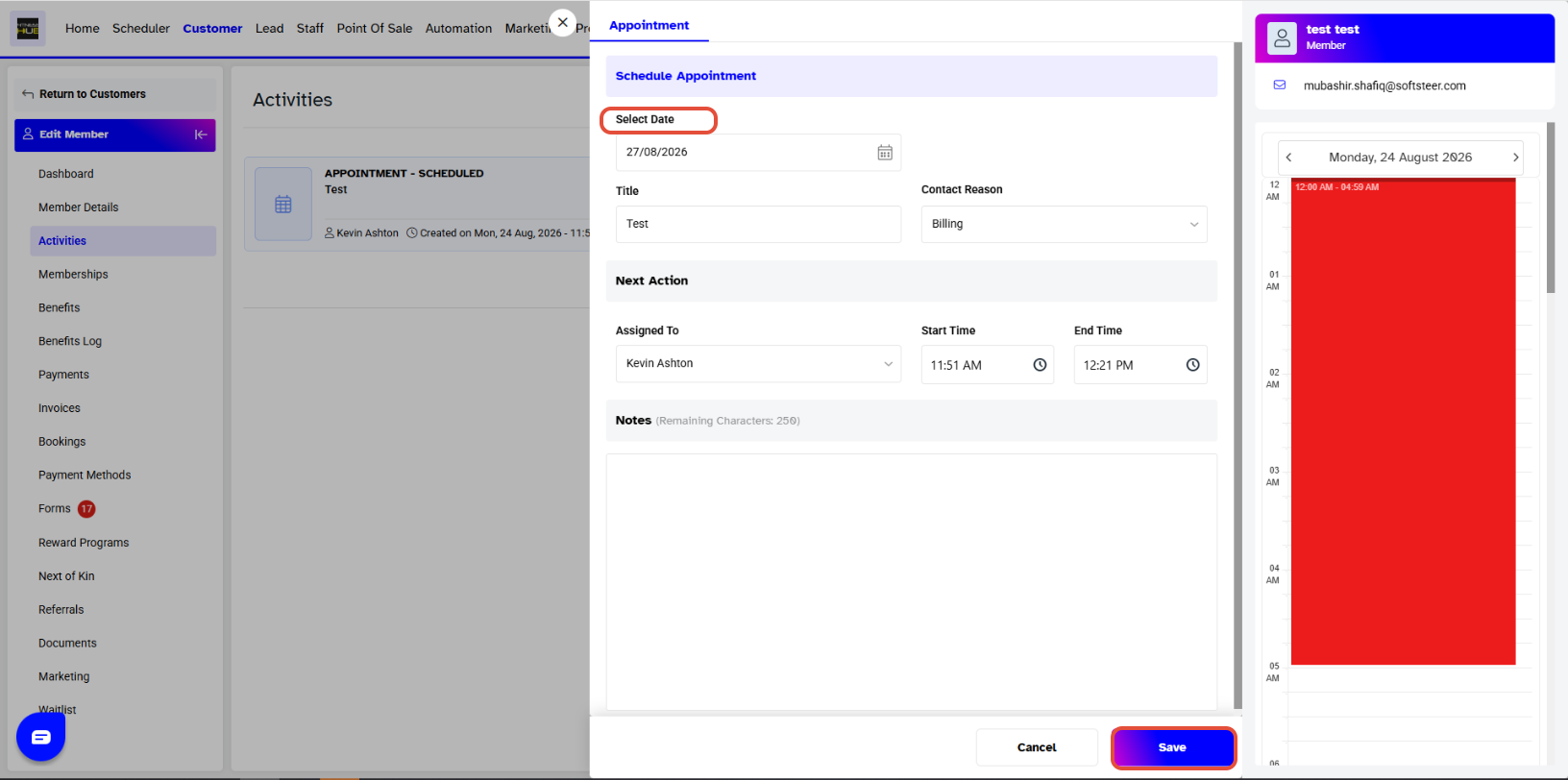
When you click on Edit , an Appointment window will pop up. Click on the Date and select your desired date, which you want to re-schedule the appointment on also you edit any other information as well and click Save.