For a list of terms used in the Wellyx application & across the support website, please consult our Glossary.
TABLE OF CONTENTS
Overview
Merchants can create and schedule tasks to get efficient day-to-day functionalities. A scheduled task can be monitored and tracked.
From the Staff Profile
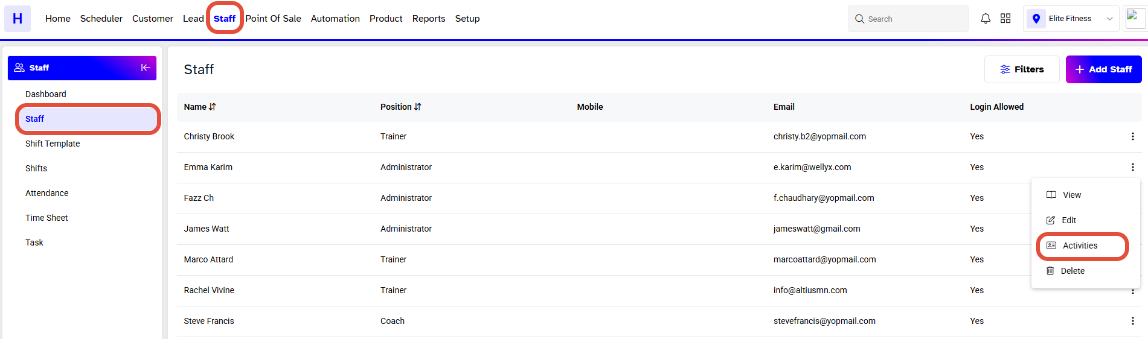
- Go to Staff → Staffs.
- Click on the Activities bar that appears before the staff’s name.
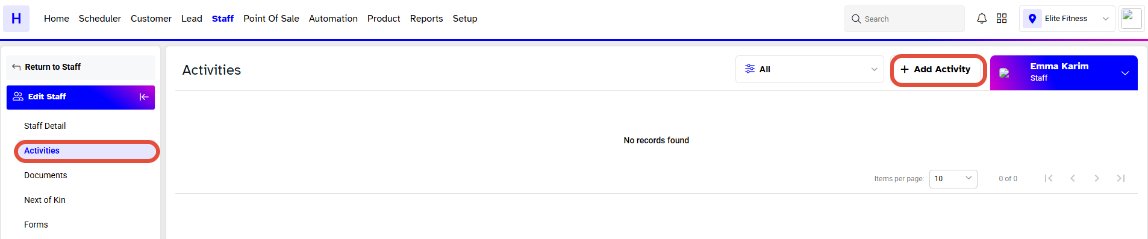
- Click on Add Activity.
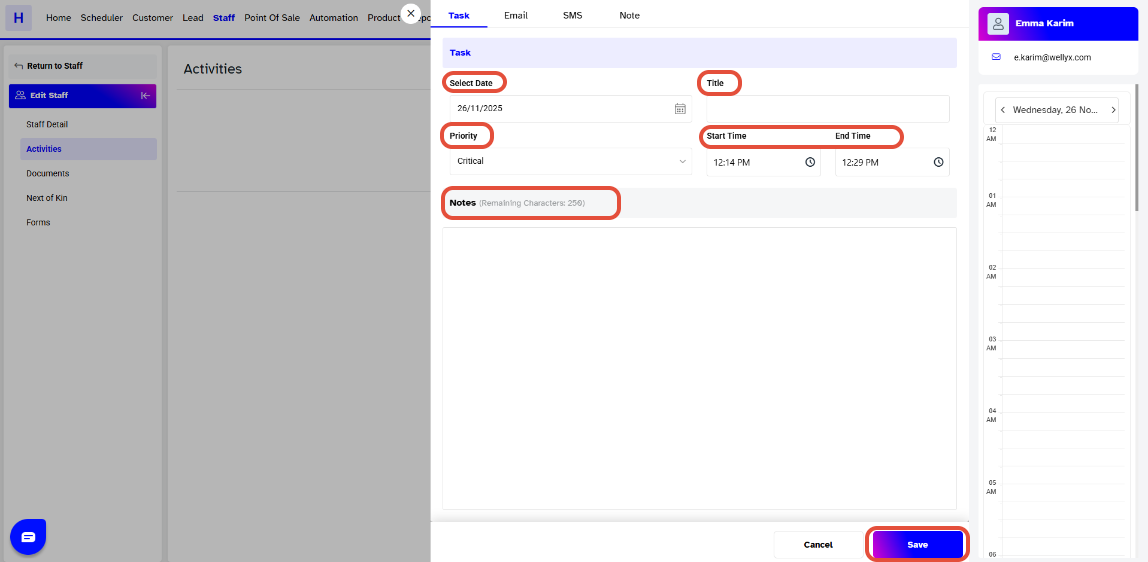
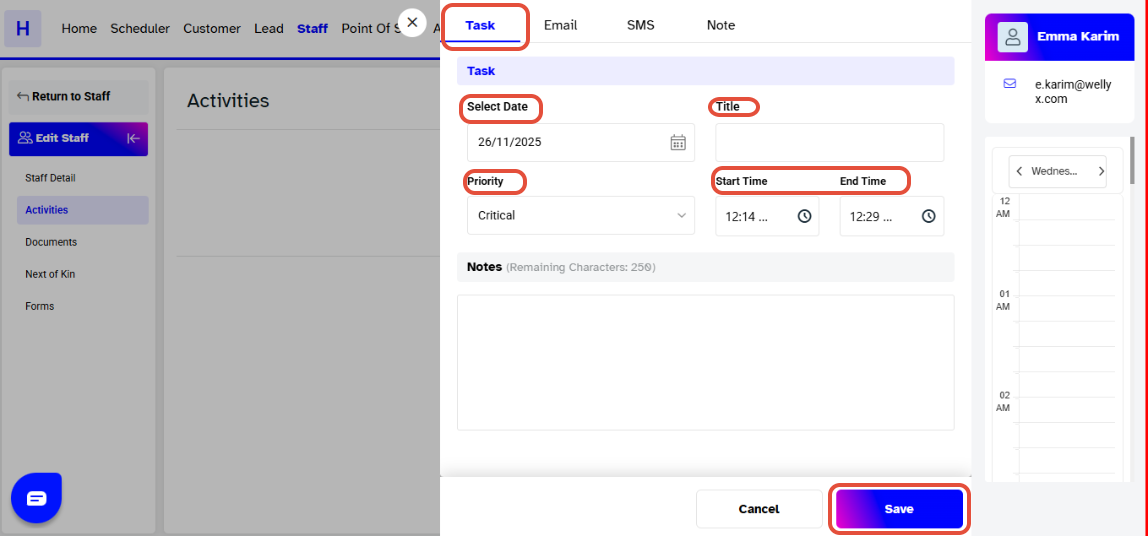
- A window will pop up and select Tasks.
- The task details segment contains the following fields.
From Scheduler
- Go to Scheduler.
- Click under the name of staff you want to assign for the task.
- A window will pop up and select Tasks.
- The task details segment contains the following fields.
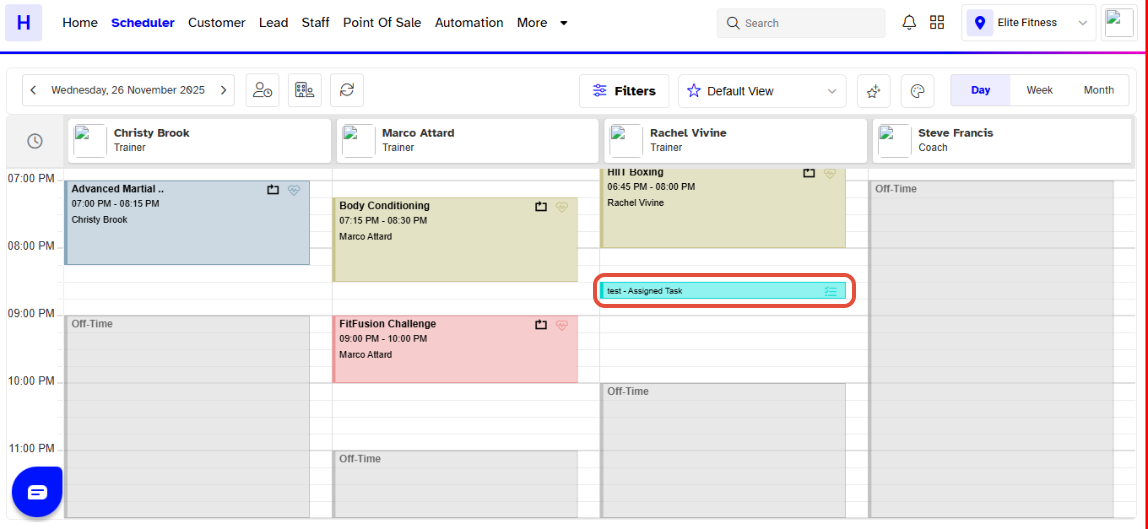
- Once done you can view this task under the Assignee name.