TABLE OF CONTENTS
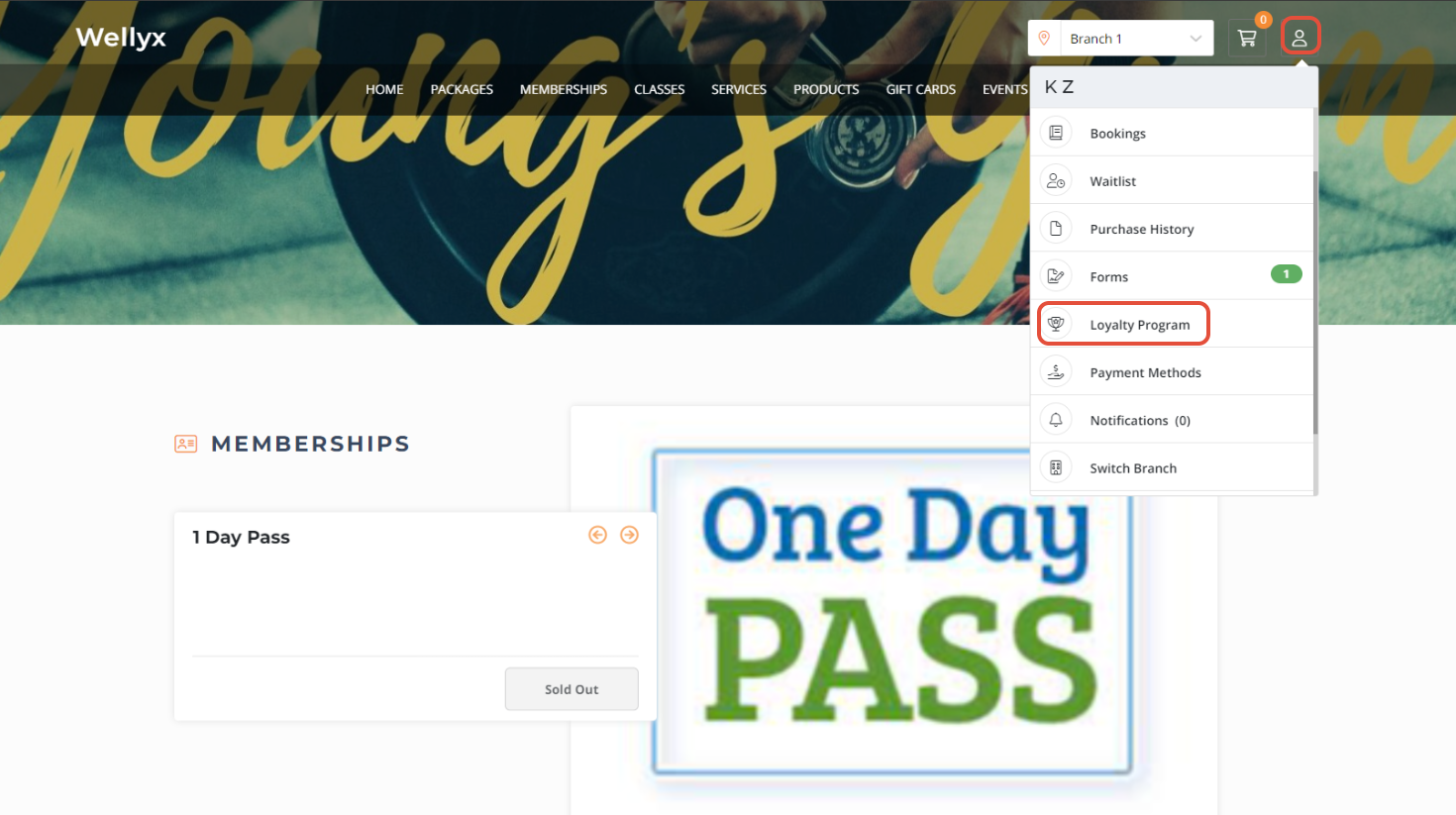
To rename the Reward Program Name for the Widget & Customer App in Core, follow the steps below:
How To Set A Customized Name Of Reward Program In Core
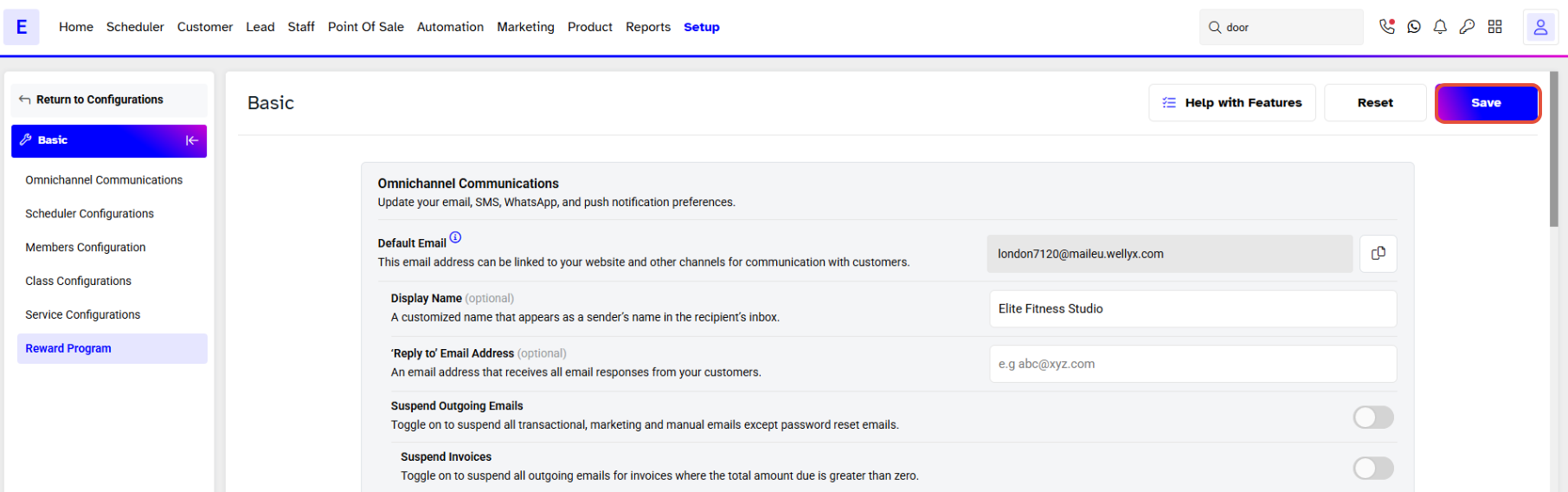
Go to the Setup Module.

Click on the Configurations Tab.
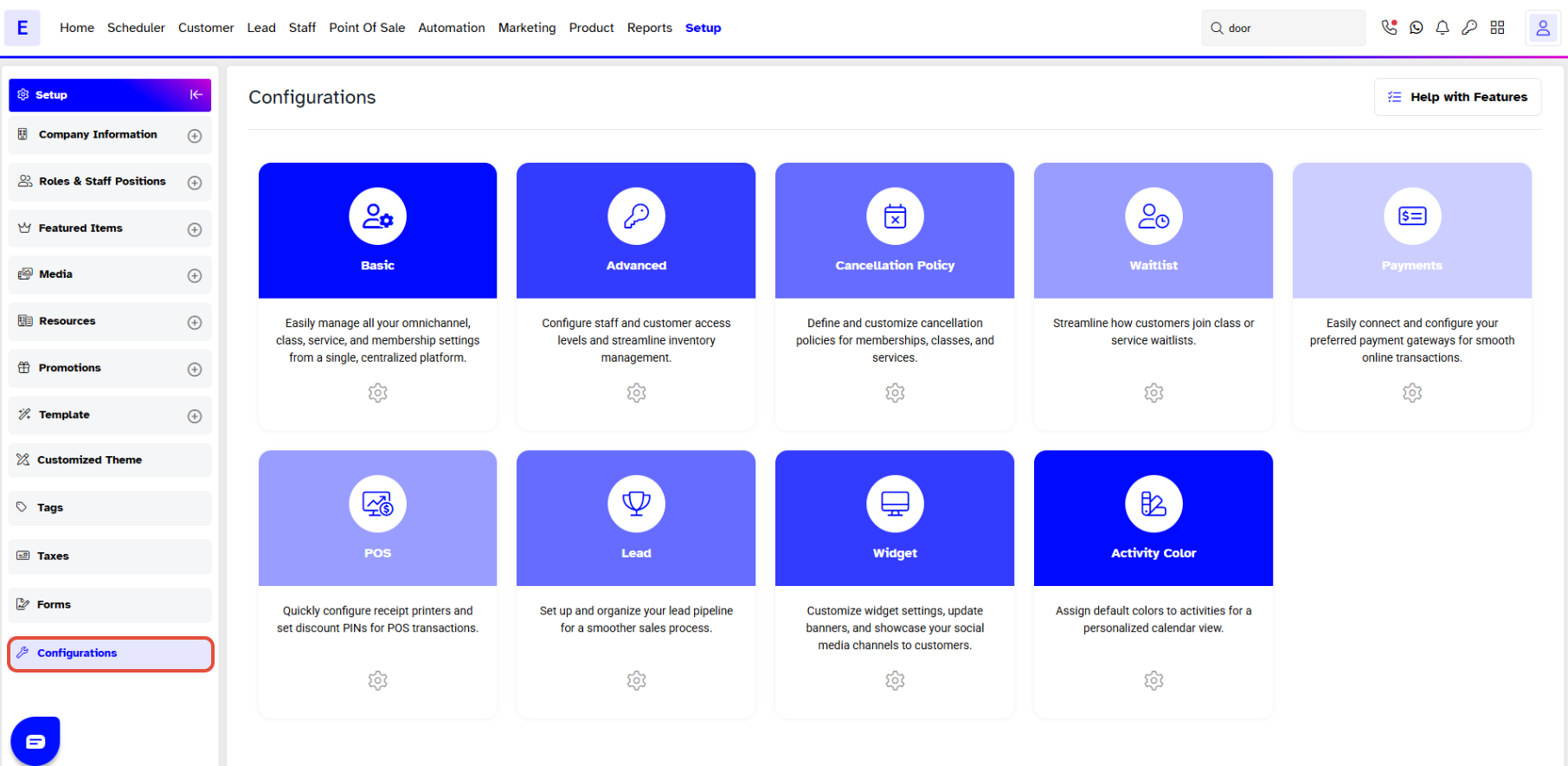
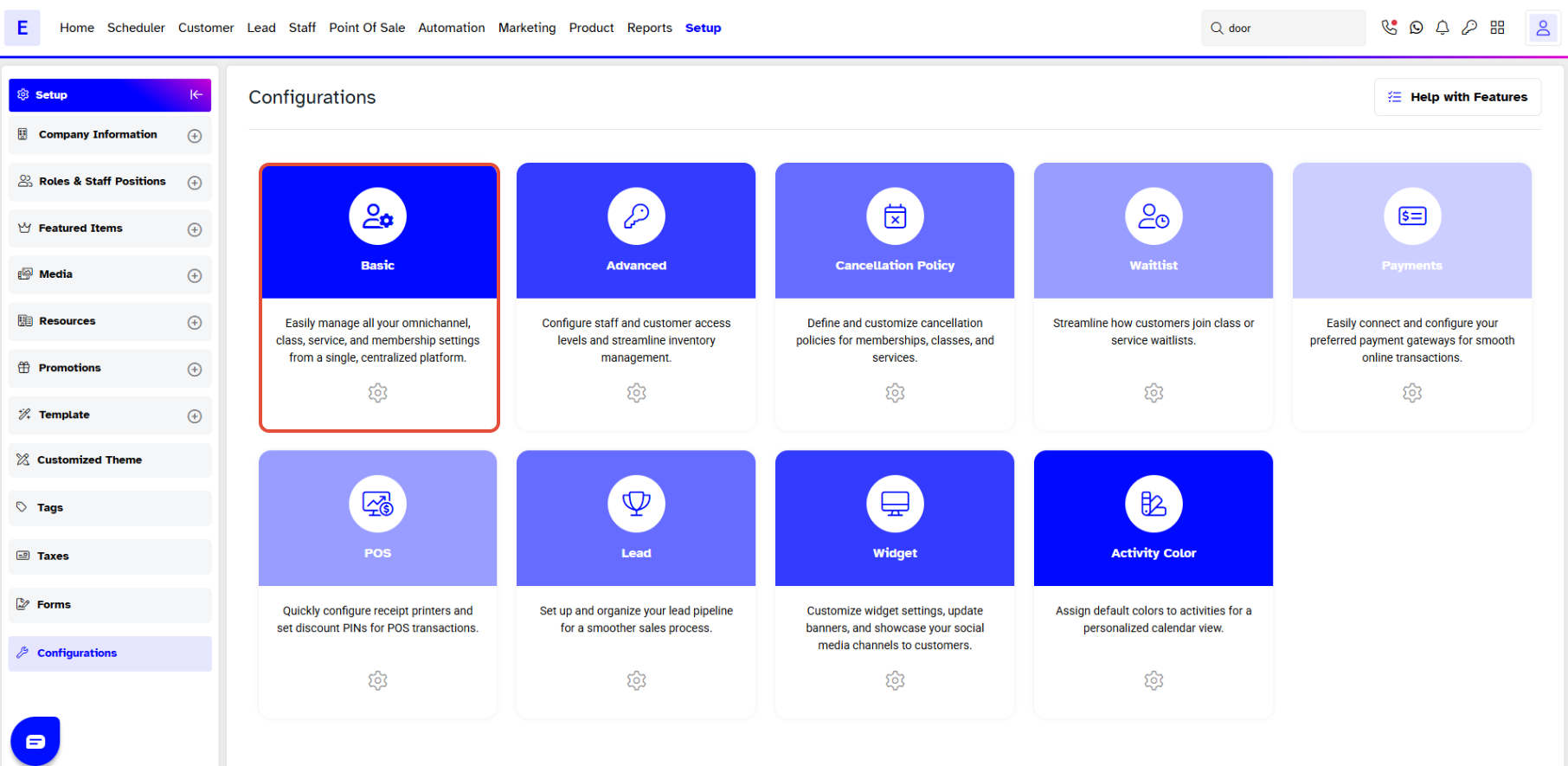
By default, the Basic Section will open.
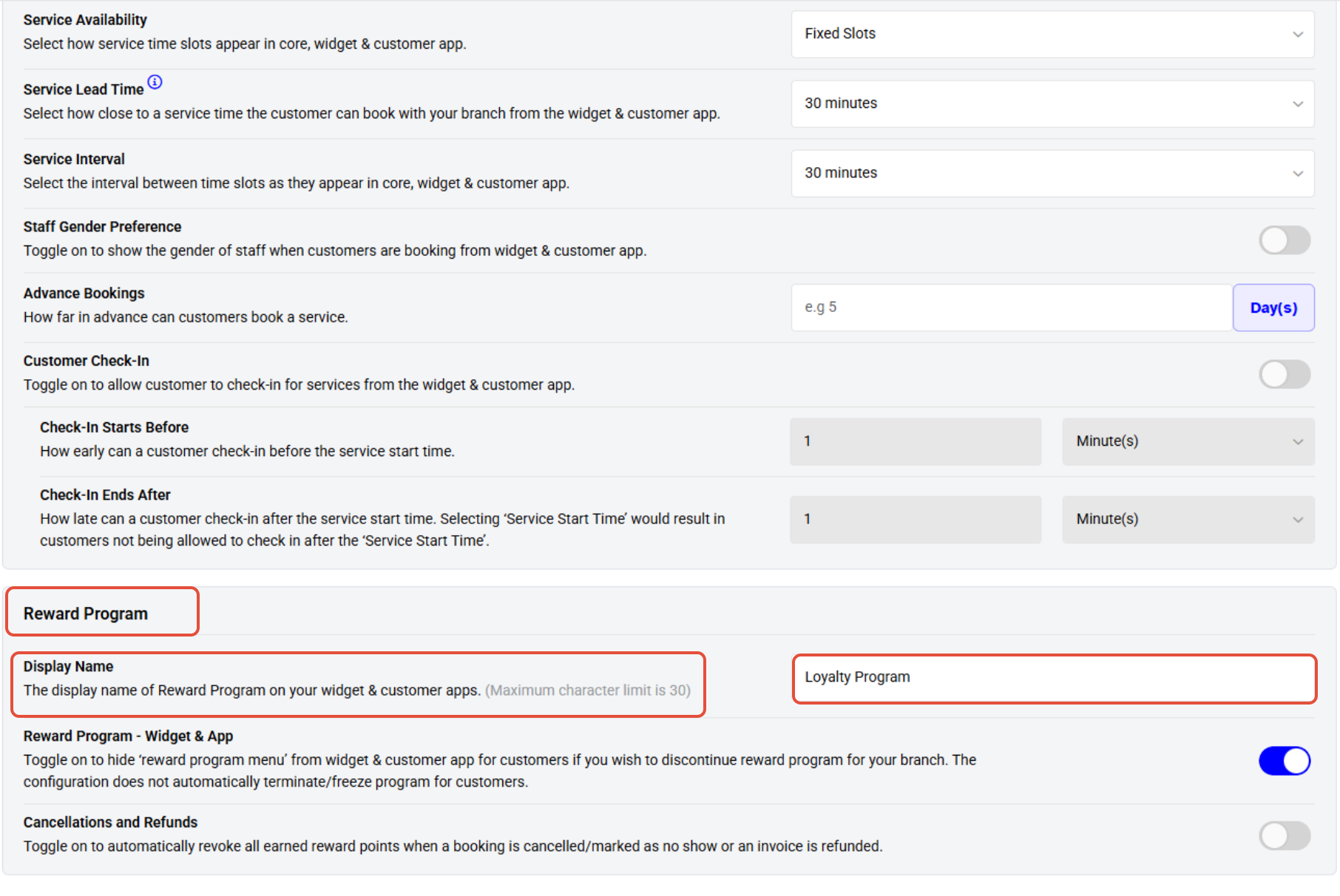
Scroll down to the Reward Program section at the bottom of the page.
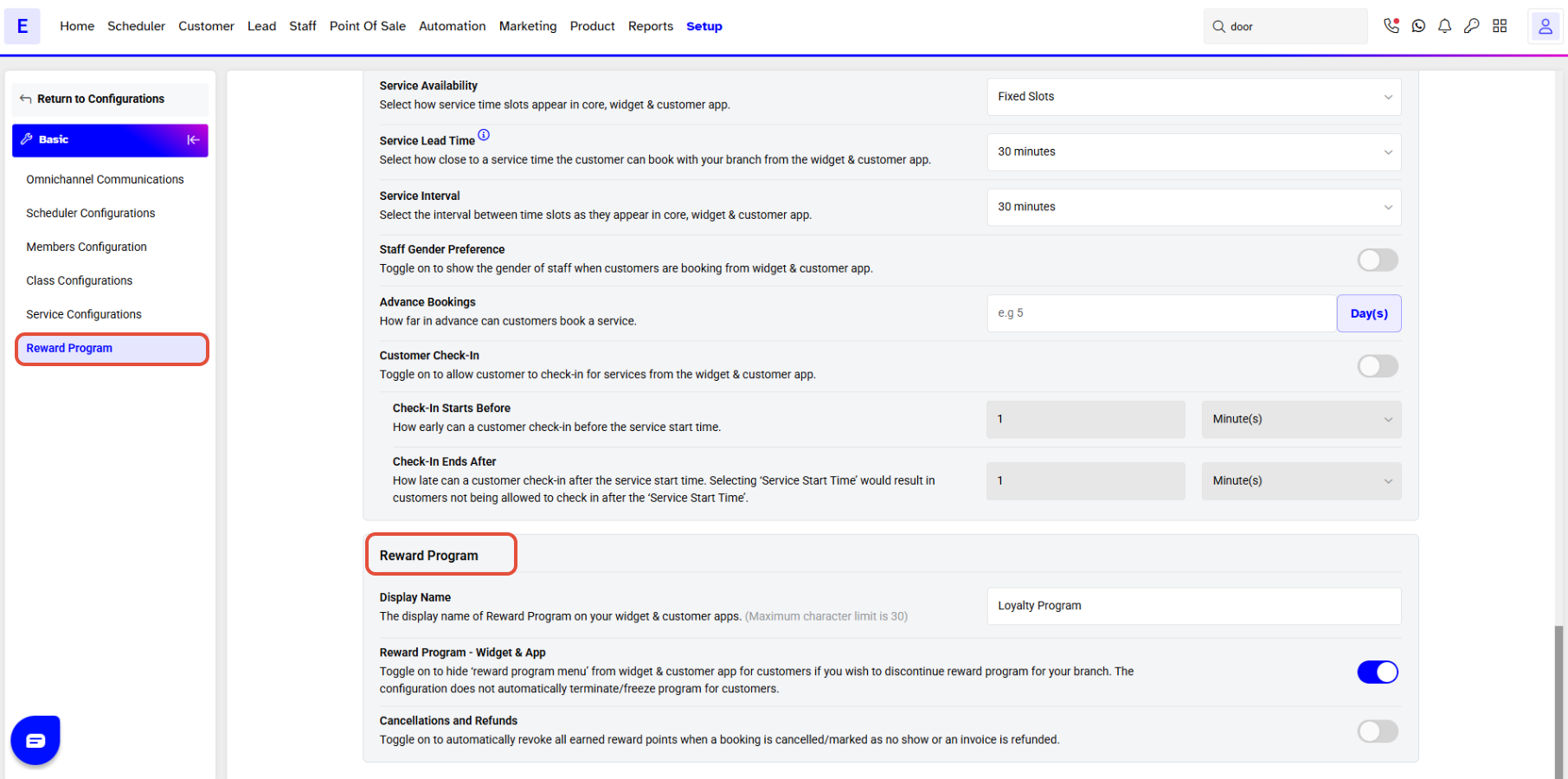
The Reward Program Name is by default for Reward Program in the Configurations.
Enter the new name for the Reward Program in the Display Name field.
Once done, click on the Save Button.
The name will be applied successfully on the Widget & Customer App.