TABLE OF CONTENTS
To Apply the BOGO Promo Code in the Widget, follow the steps below:
How To Apply The BOGO Promo Code In The Widget
Go To the revelent Tab on the Widget, according to the Setup of the BOGO Promo Code in Core.
To learn how to create a BOGO Promo Code, click here.
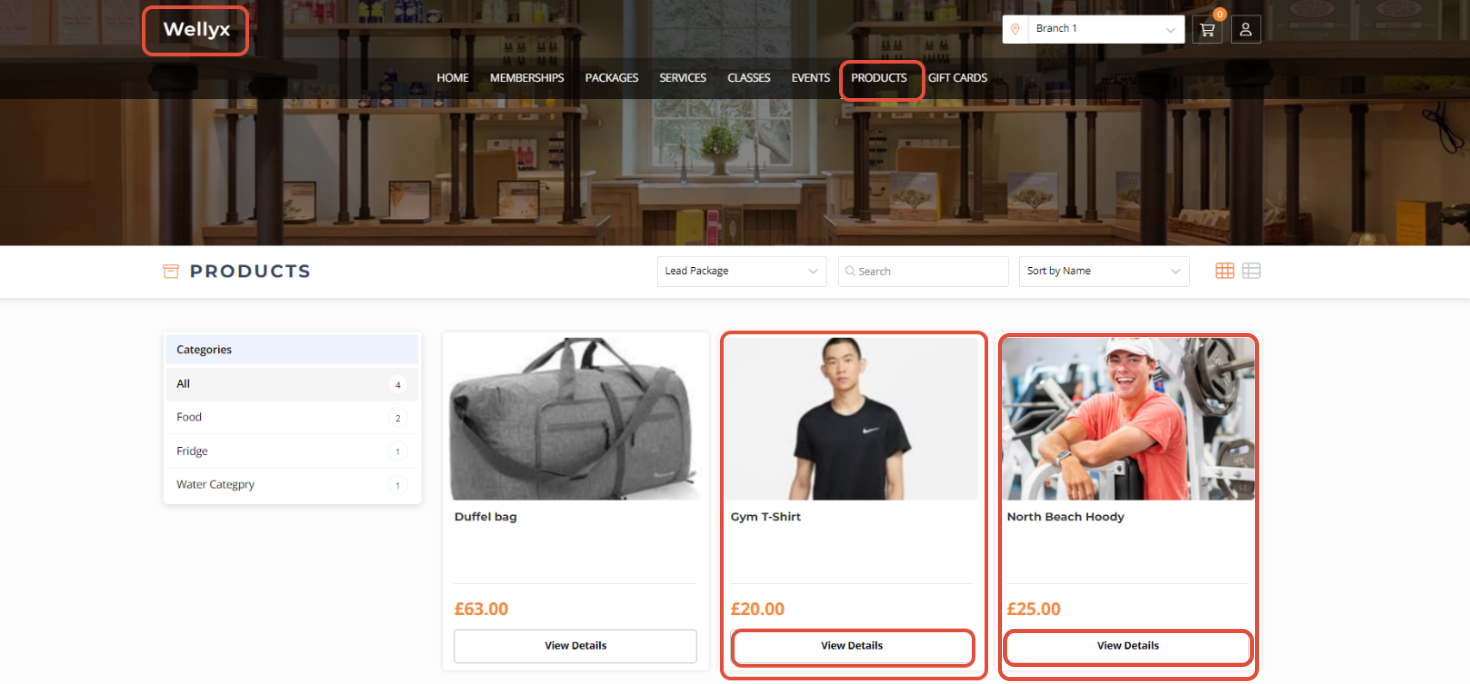
Go to any Tab from the Widget.

Click on the View Details Button against Products.
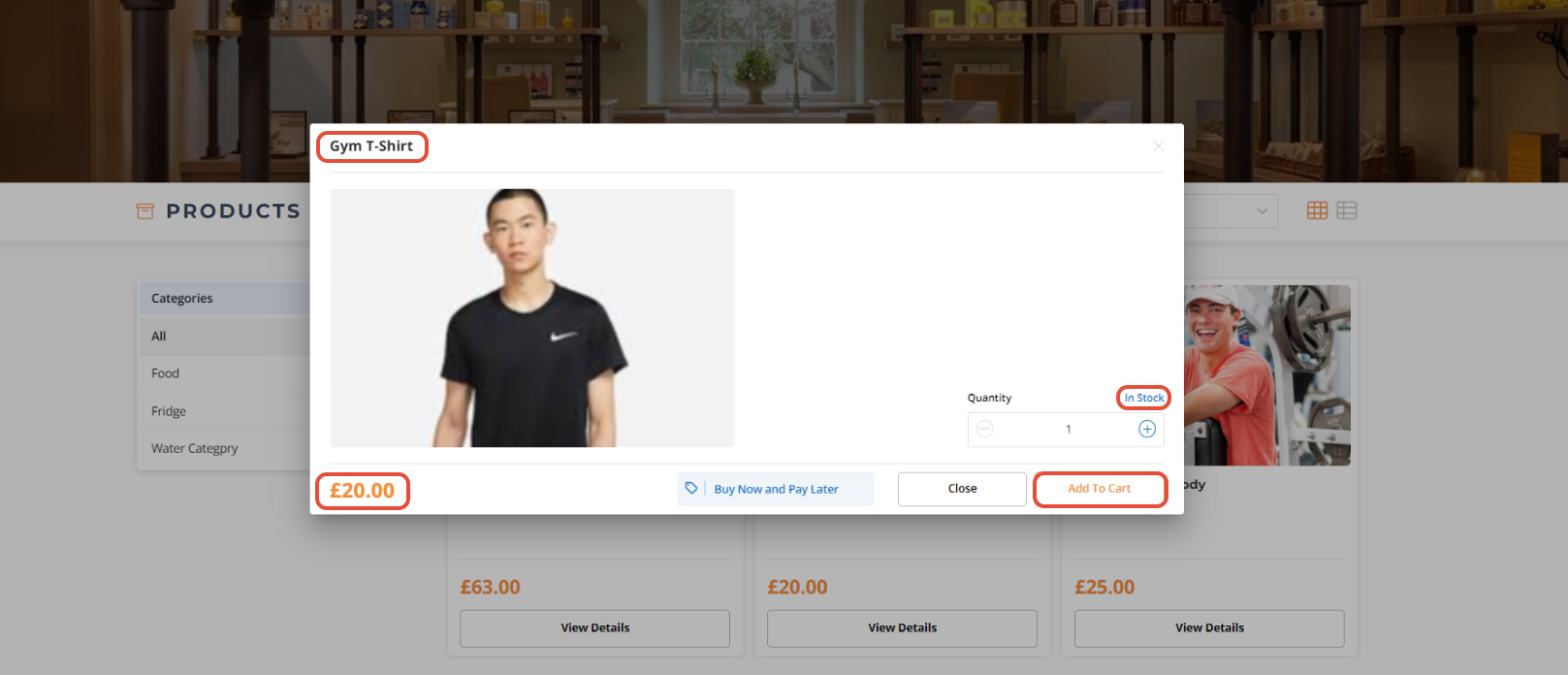
Now, click on the Add To Cart Button.
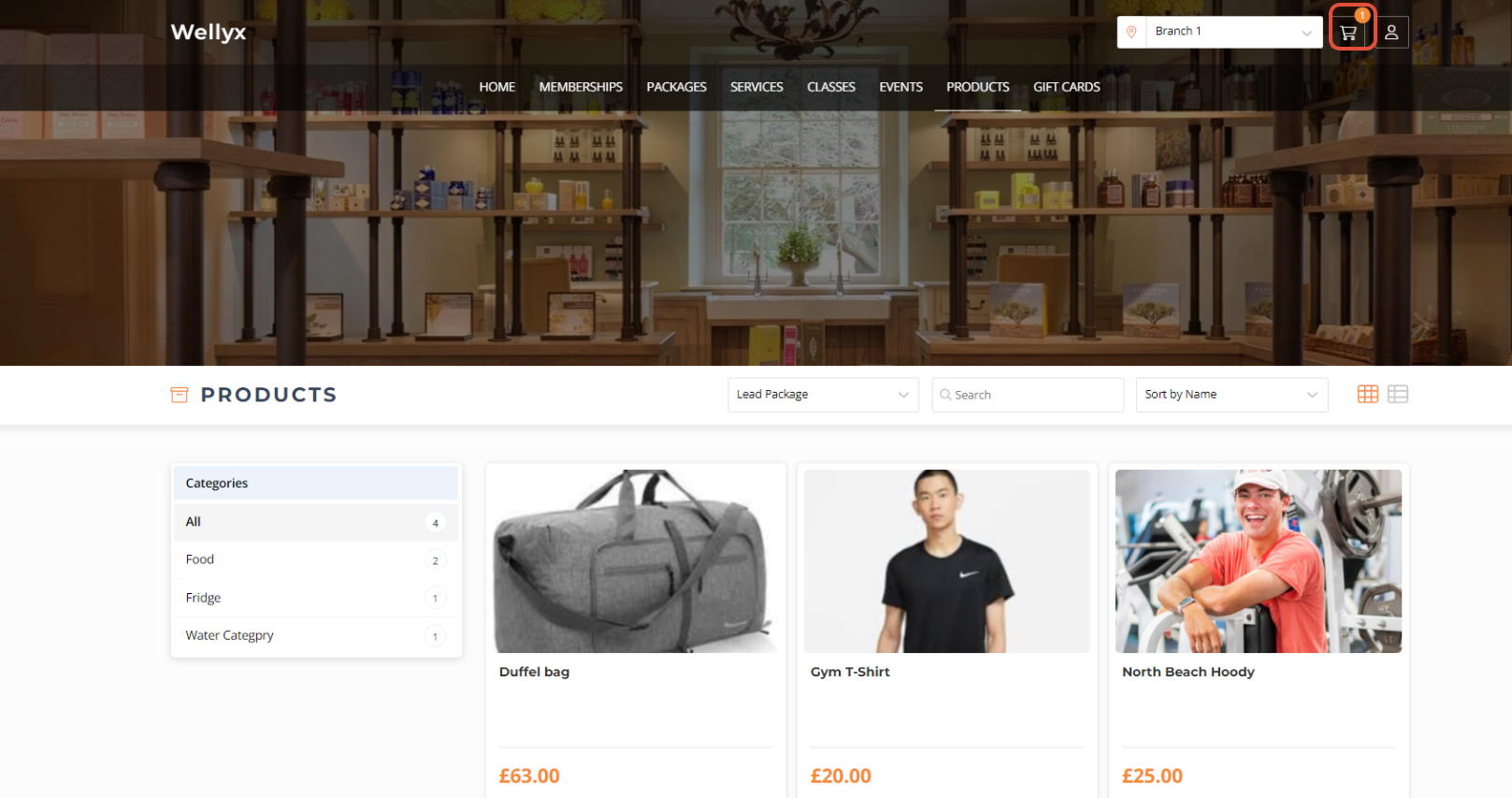
Click on the Cart Icon to go to the Checkout Page.
Whilst in the Cart, go to the Promo Code field.
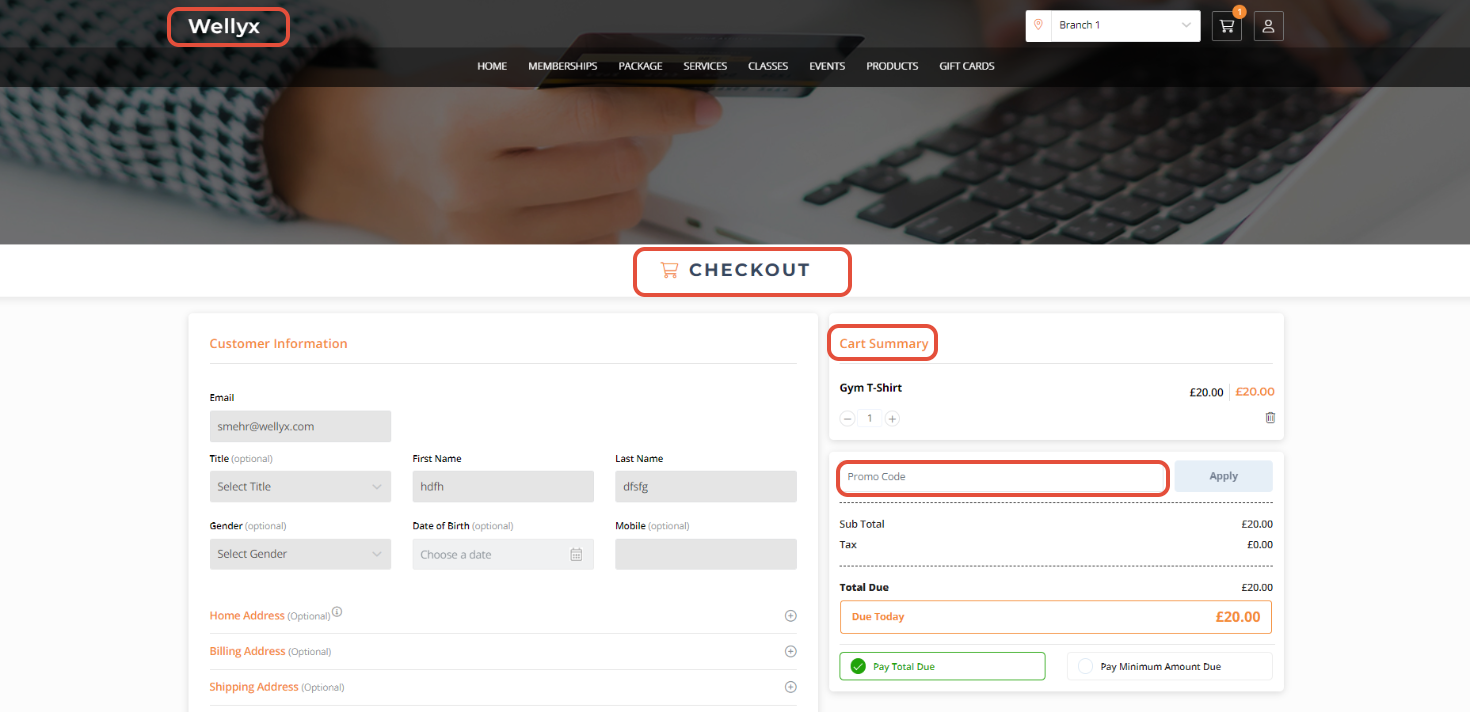
Add the BOGO Promo Code in the given field.
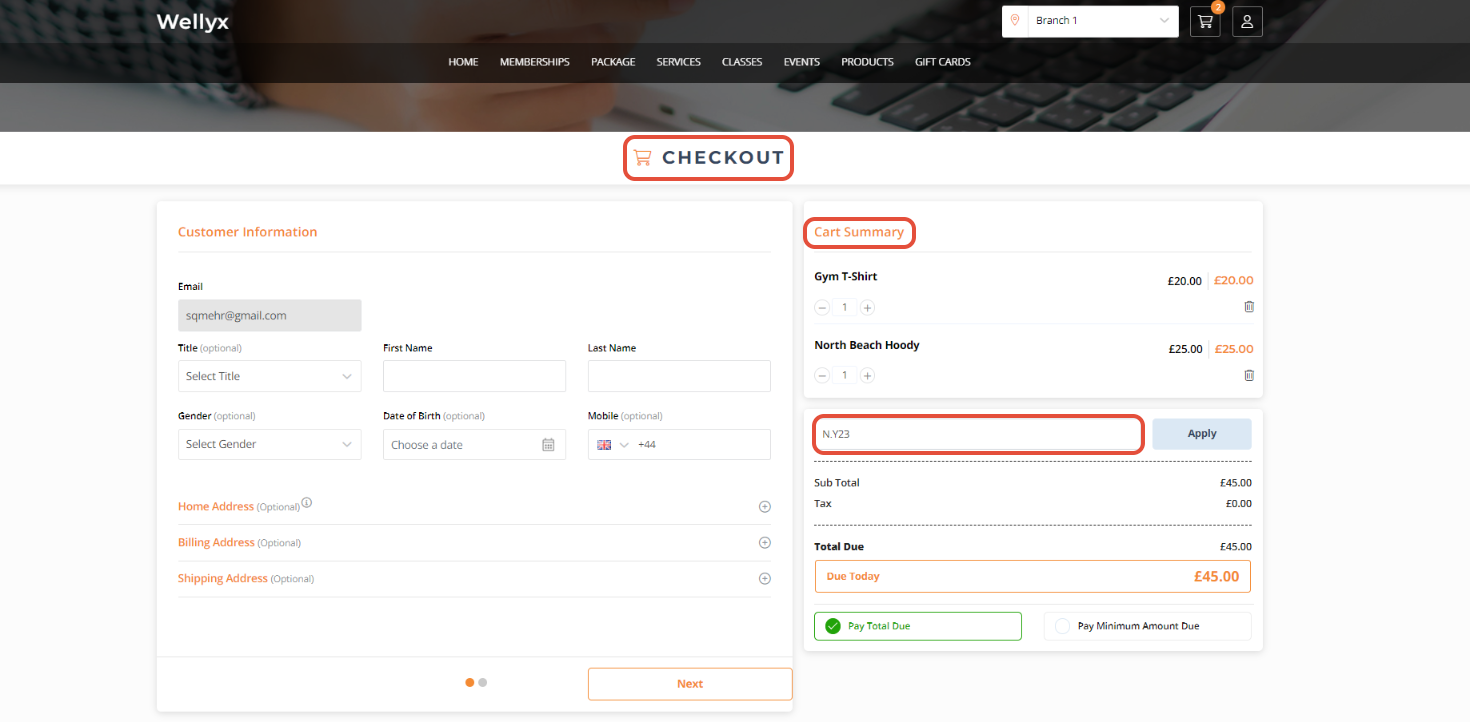
Now, click on the Apply Button.
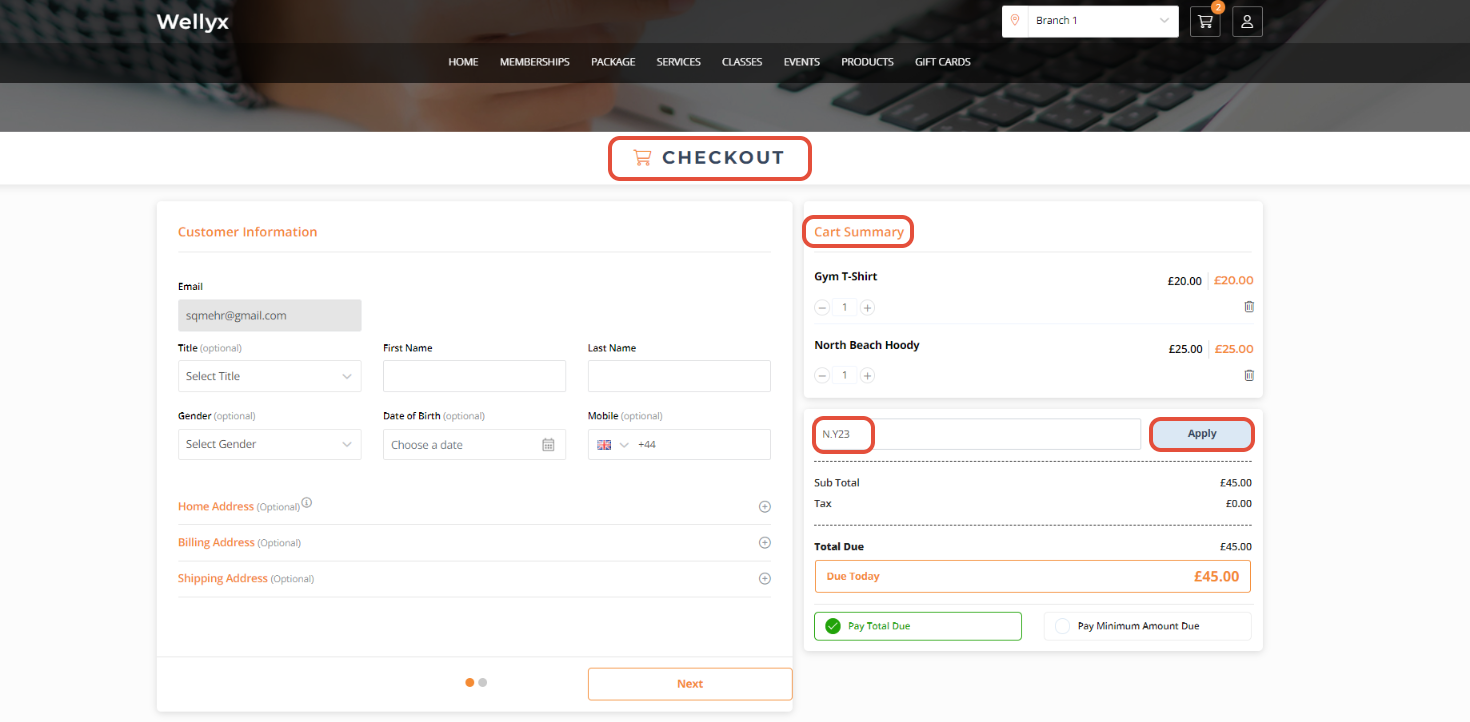
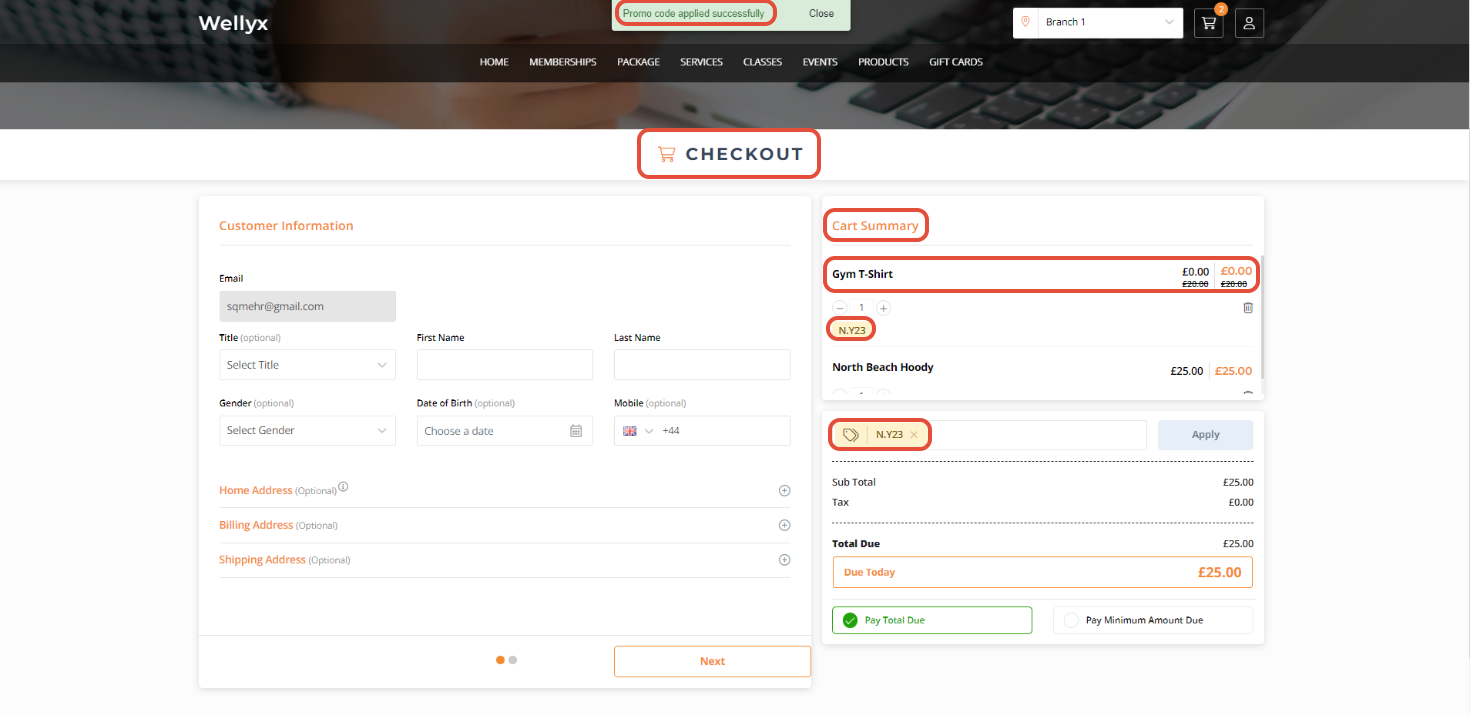
The BOGO Promo Code has been applied successfully.