TABLE OF CONTENTS
To Add a Customer Payment Method through the Widget, follow the steps below:
How To Add A Customer Payment Method Through The Widget
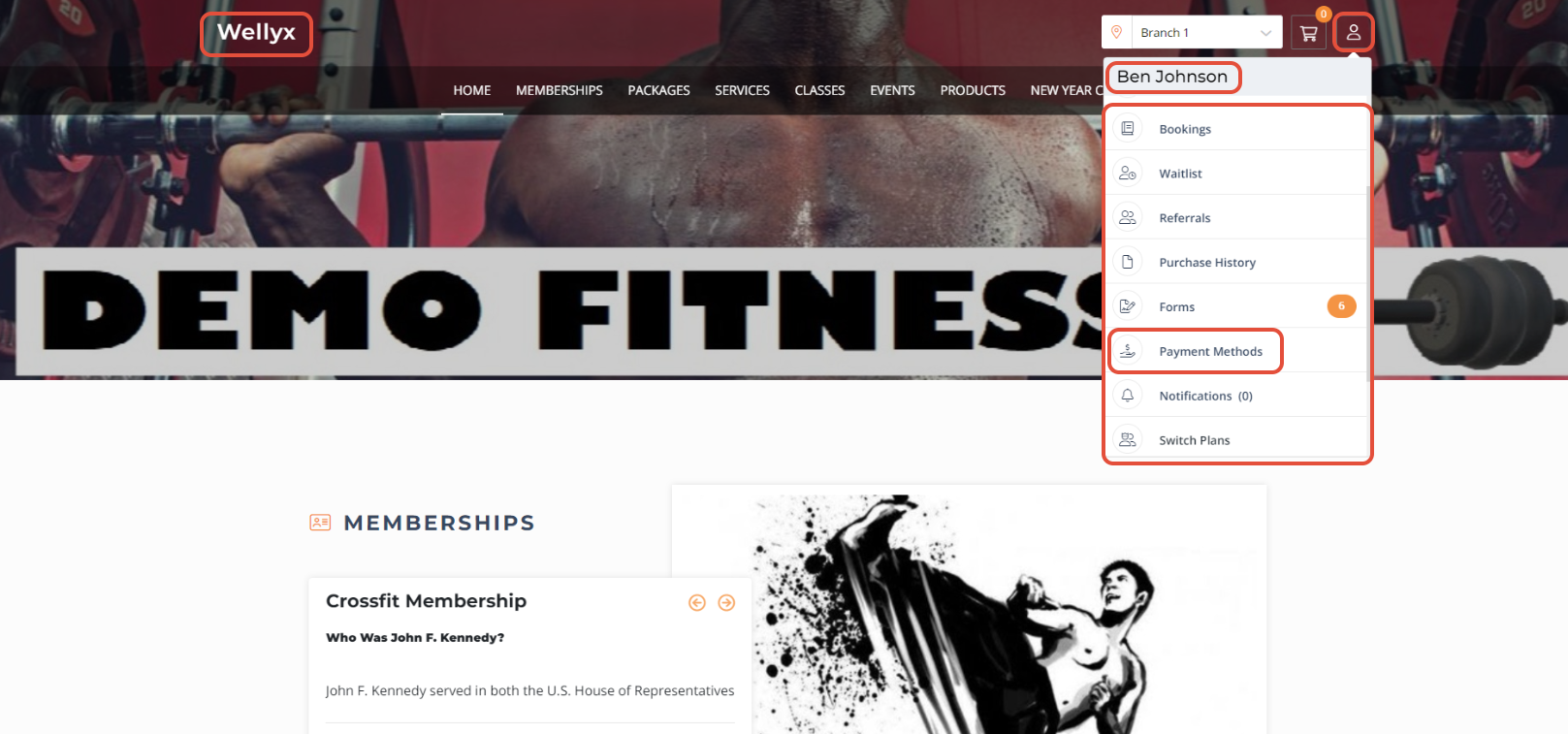
Click on the Customer Profile Icon.

Select the Payment Methods option from the dropdown menu.
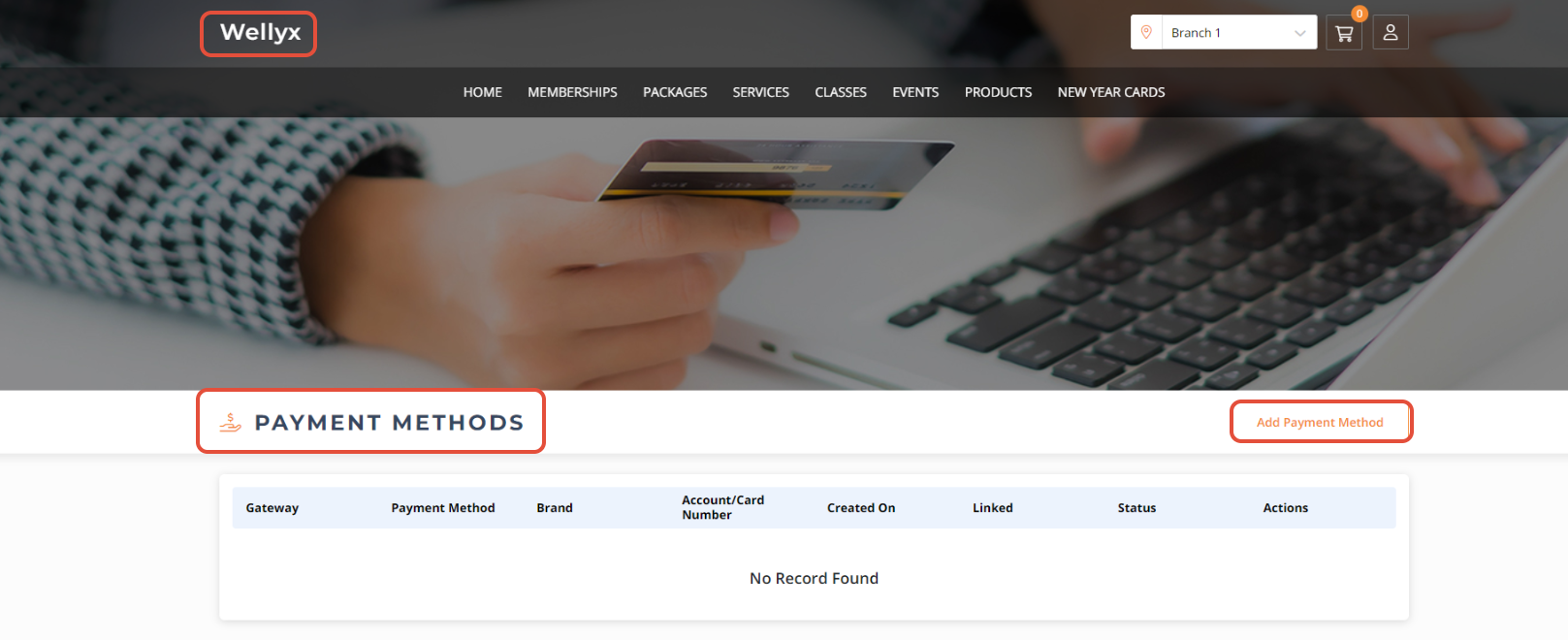
Click on the Add Payment Method Button.
Now, checkmark the Direct Debit or Card.
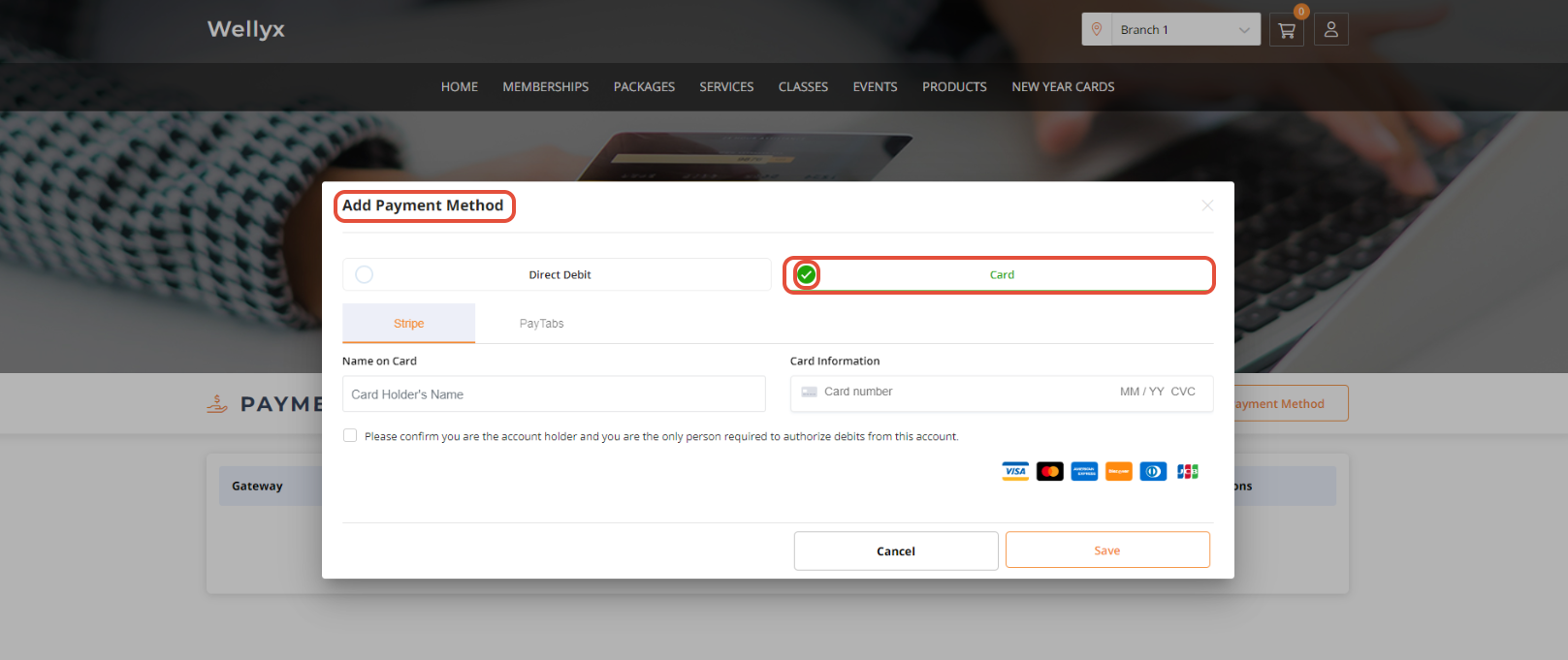
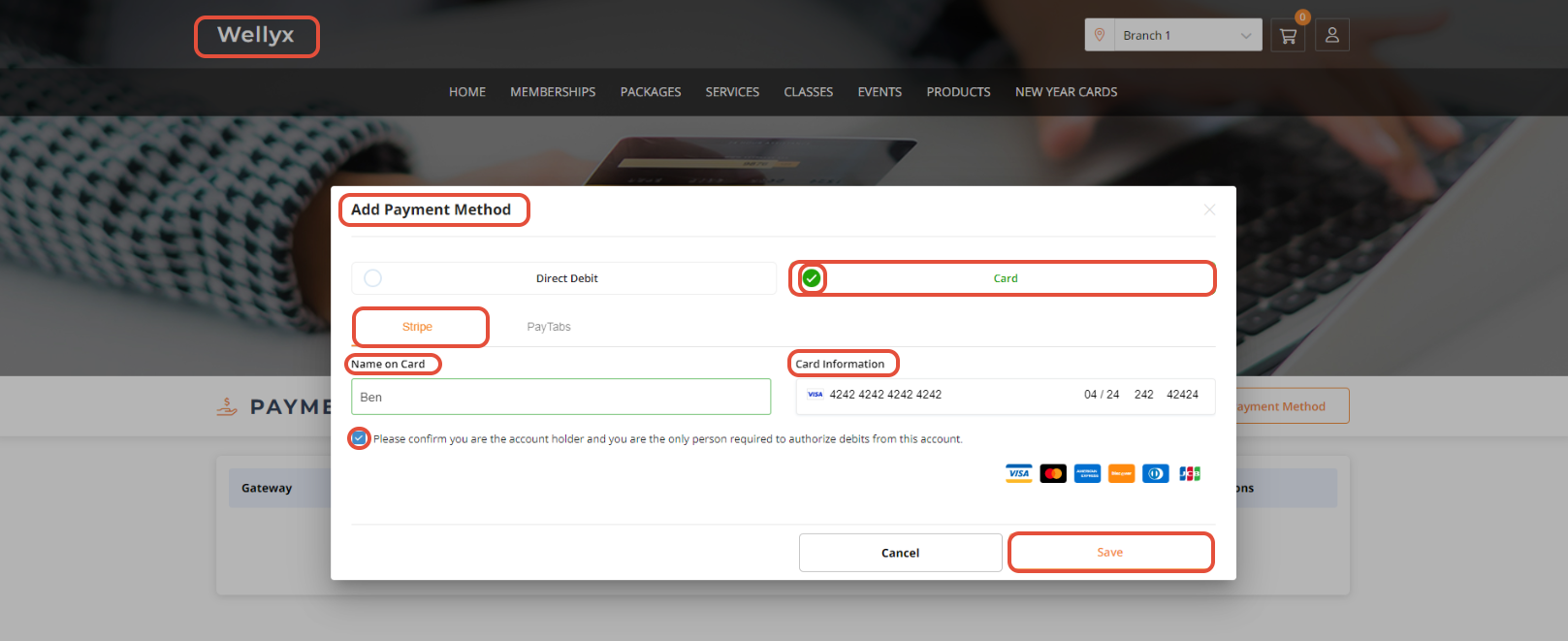
Choose Stripe, Paytabs or GoCardless option accordingly.
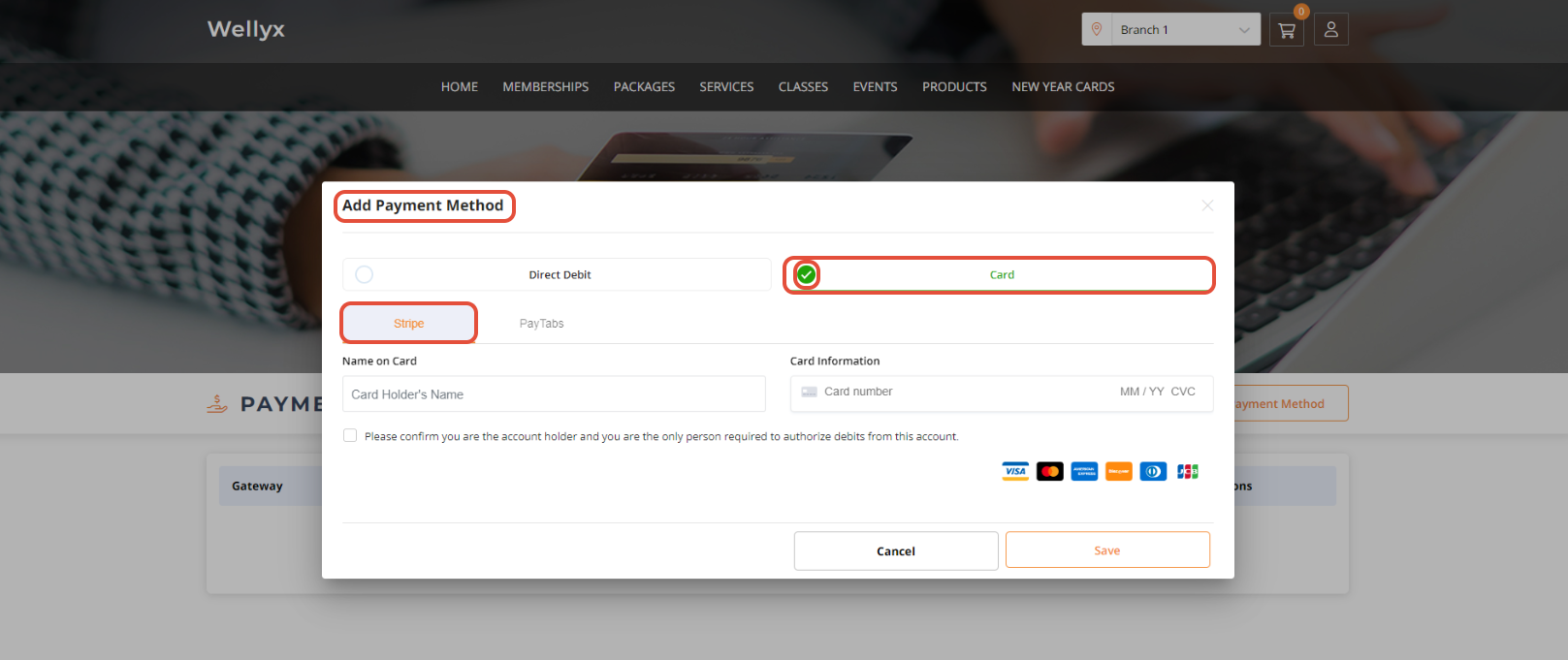
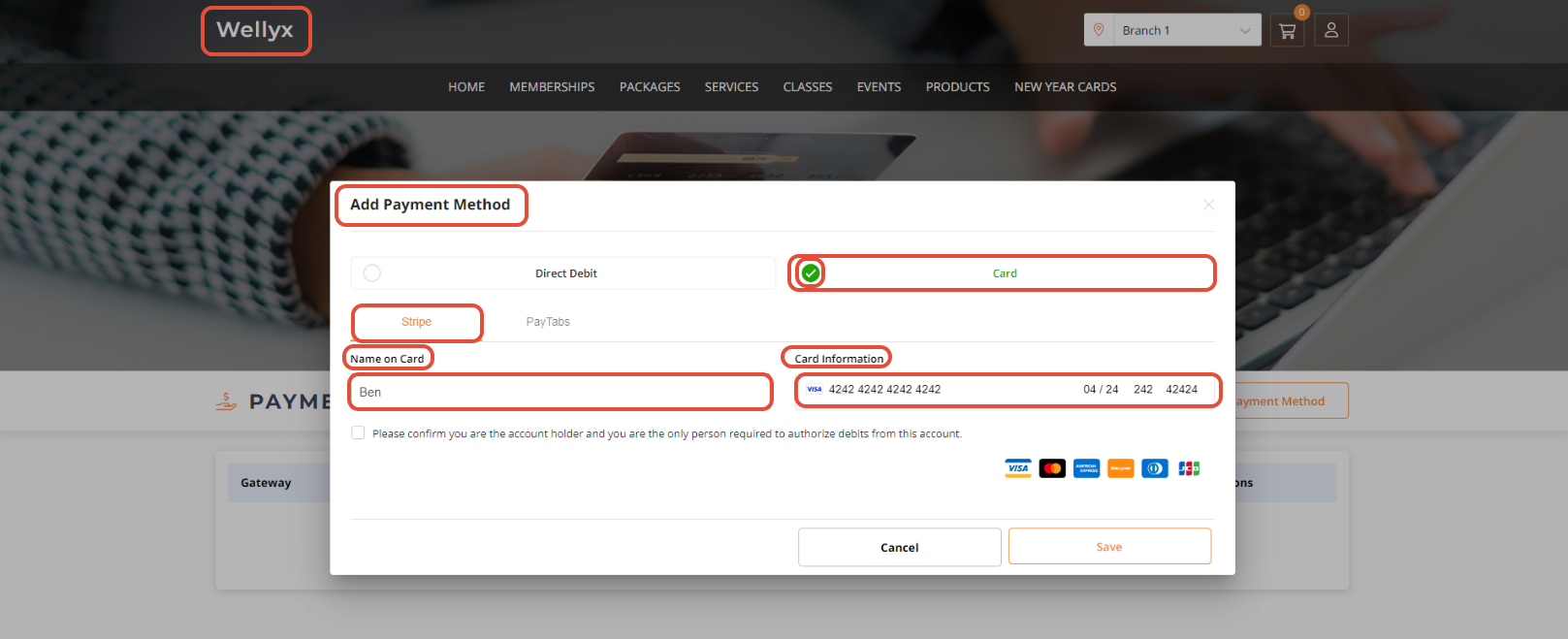
By default, the checkmark will be on the Card Payment Method.Type the Card Holder's Name in the Name on Card field and Type the Card Number in the Card Information field.
Checkmark the Card Agreement checkbox.
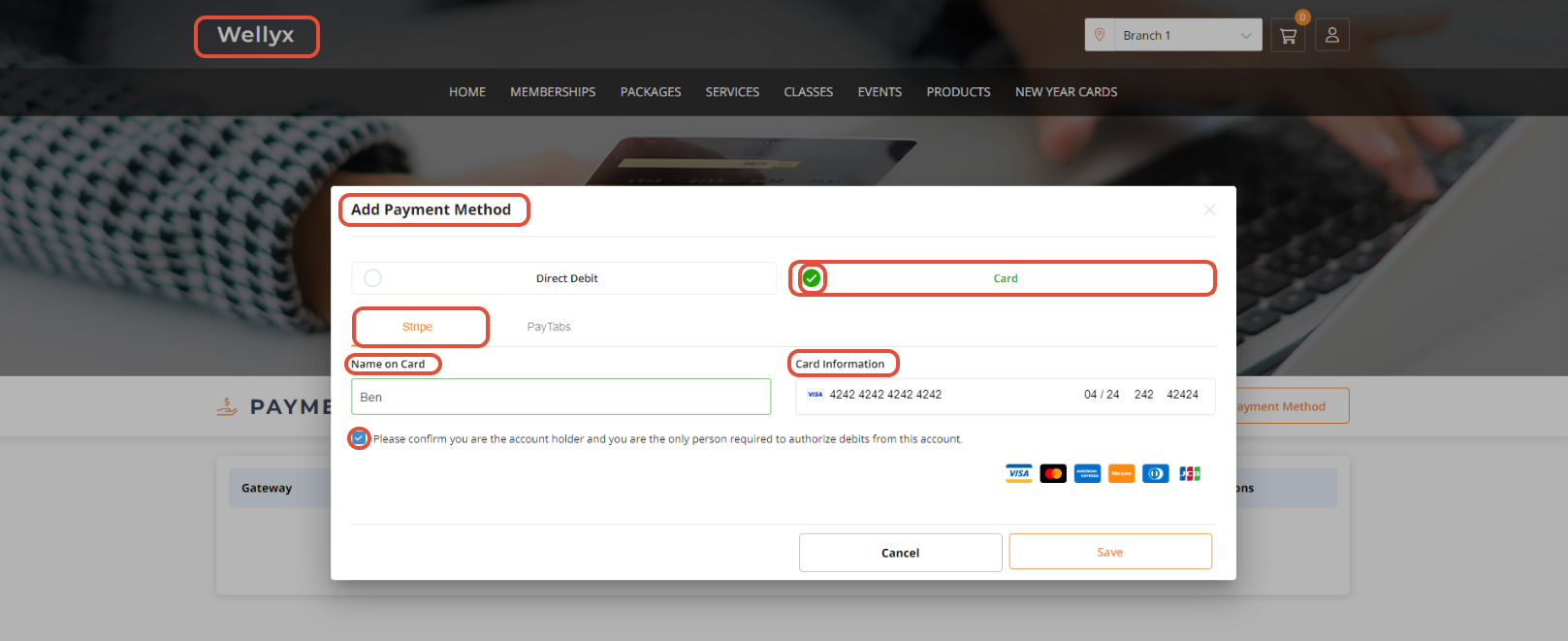
Once done, click on the Save Button to confirm the changes.